





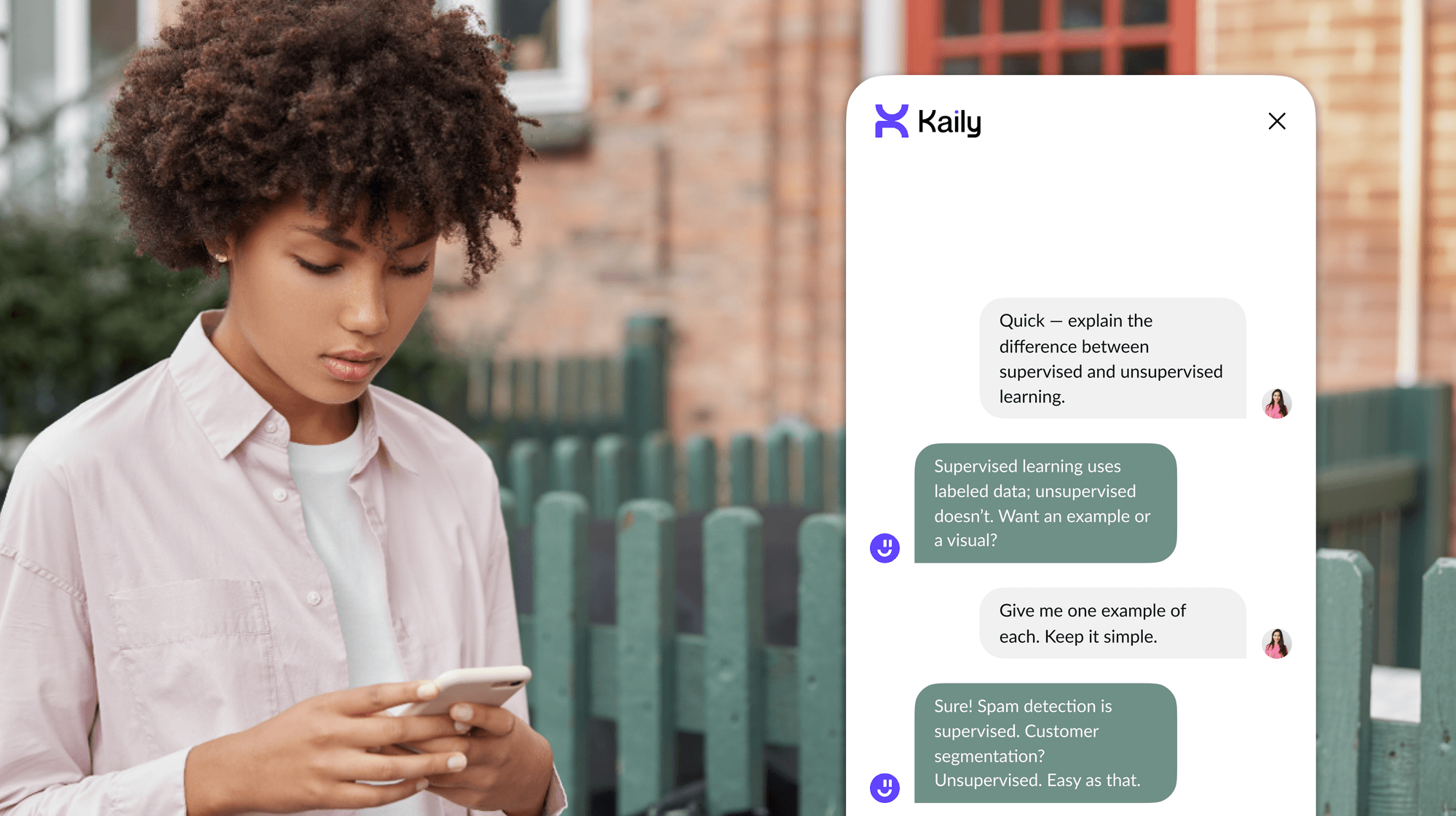


If a chatbot wants your email before you can even say “Hello”, it is not your chatbot. It is a newsletter in disguise. The good news is that the AI assistants have grown up, and thankfully, some of them do not need your phone number, email ID, or blood type to help you out. And, people love that.
About 35% of users now turn to chatbots over search engines (as of 2024) for quick answers because typing a question and getting an instant response without pop-ups or logins is the dream. 40% of millennials chat with bots daily, according to Mobile Marketer. Further, for businesses, chatbots are not just cute helpers. They are productive powerhouses. 90% of companies say they resolve complaints faster thanks to AI chat.
Whether you are rewriting a sentence or summarizing a PDF, you can now do it without ever logging in. This blog rounds up the best free AI chatbots you can use without signing up. So, let’s get into it.
Glance Table: Best Free AI Chatbots
Note: Latest Updates (December 2025):
- ChatGPT Free now includes limited GPT-4o access
- Microsoft Copilot upgraded to GPT-4o/GPT-5
- Claude 4.5 series released (Sonnet 4.5, Haiku 4.5, Opus 4.5)
- Major improvements in AI coding and autonomous task capabilities
List Of Top 14 Best Free AI Chatbots With No Sign-Up Required
Now that you have scanned the table, let us break things down a bit more. Each of these chatbots brings something different to the table. What unites them is that you do not have to sign up, log in, or prove you are not a robot. Just click, chat, and move on. So here I’ve tested all these 9 top no-login AI chatbots that respect your time, your privacy, and your hatred for password fatigue. I’ve shared my experience of using each chatbot platform and what I’ve liked about each one. Let’s dive in.
1. ChatGPT
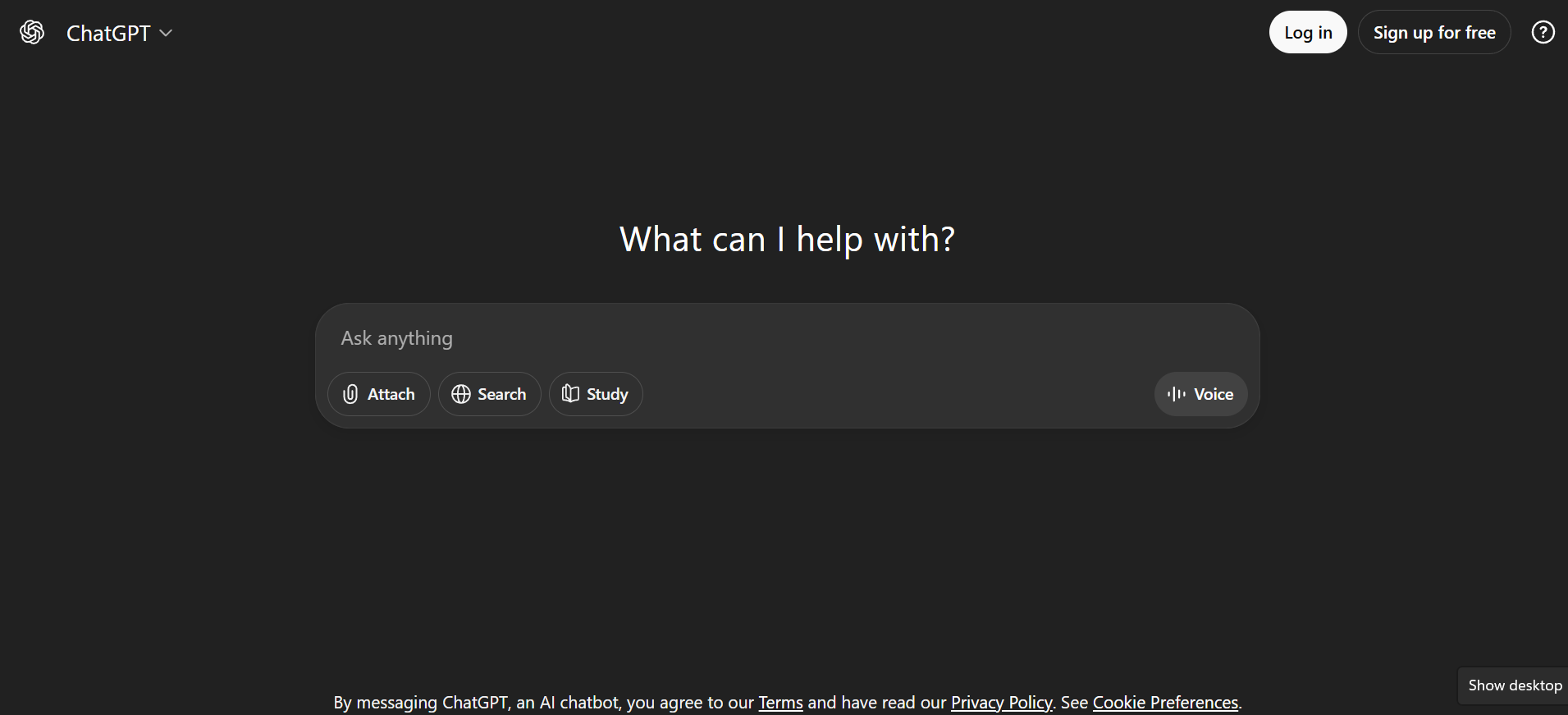
If you are new to AI chatbots and want something reliable without too many frills, ChatGPT Free is still one of the easiest places to start. The free version now provides limited access to GPT-4o (approximately 10-60 messages per 5-hour window), after which it falls back to GPT-4o mini or GPT-3.5 and is excellent for simple use cases, like when you want to rewrite a paragraph, ask random questions, or just vent to a very agreeable robot. You will not need to sign in on chat.openai.com. Perfect if you are feeling lazy or just do not want to share your email again.
As I was using the free version of ChatGPT, I wanted to see what it was capable of without having to upgrade. I used it to clean up a messy email, brainstorm blog titles, and even explain the difference between a croissant and a cronut. The interface is clean, it responds fast, and while it will not remember anything from your last conversation, if you are looking for a dependable chatbot that has out-of-the-box functionality without too many settings or plugins, this is a good option. However, for certain complex queries, especially those involving reading documents, you ought to sign in.
Note: As of 2025, free ChatGPT users can experience significantly more powerful responses compared to the legacy GPT-3.5-only access.
Here are the things I liked:
- The typing animation feels super smooth and interactive.
- It remembers recent context in your session, so follow-ups work.
- It can generate and fix code, even on the free plan.
- You get writing help, jokes, summaries, all in one window.
- Works just as well on mobile without any setup drama.
- You can talk to it too, with voice mode feature.
- Generate an original image or upload one to analyze.
2. Kaily - Chat with PDF
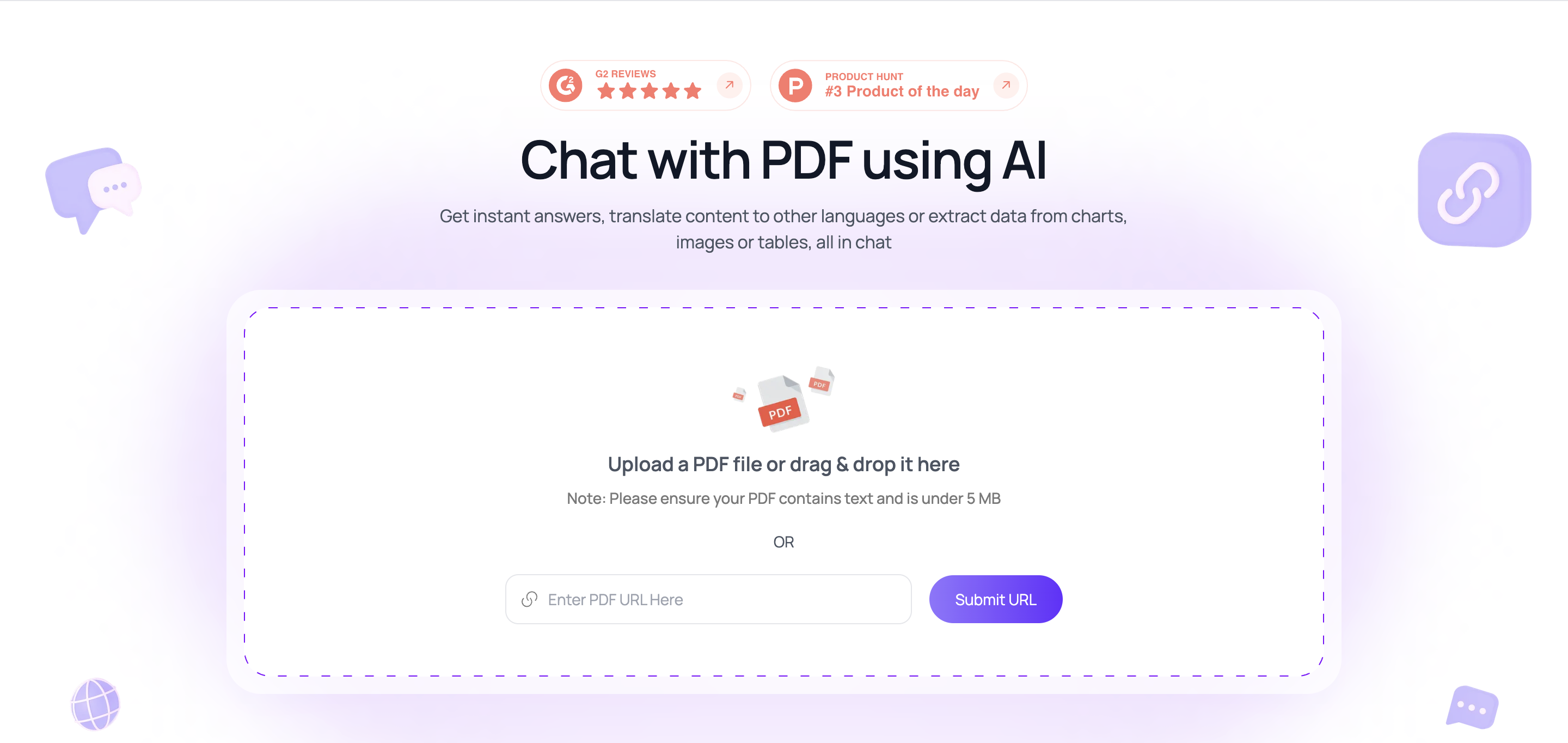
Keeping in line with simple, clean chatbots, my second pick is Kaily.ai's Chat with PDF chatbot. This is the perfect chatbot users who aren't looking to confuse themselves with too many buttons and are looking for help with one simple thing: A PDF. This can be a homework assignment, a data dump, a book in a different language or a long terms and conditions sheet you don't want to read. Simply drop the PDF here and ask anything! You will not need to sign up initially to use the chatbot.
I tried dropping multiple PDFs, including some in different languages to see what Kaily's chat with PDF chatbot can do. It did a great job at explaining complex terms and conditions doc to me as well as translating a Korean book and helping me make quick summary notes from it. The overall experience was quite rich and smooth, especially from a free tool. While I did hit a paywall after a while, I could simply pay $1 and continue chatting. The chatbot feels smoother than a generic bot like ChatGPT given that I can specially train it on my own PDFs.
Here are the things I liked:
- I could talk in different languages irrespective of the language of the PDF.
- It smartly decodes PDF data and makes calculations based on it, including remembering and extrapolating context.
- You get help with a specific document instead of a wide spread bot that can give wrong answers.
- I could ask it to add more content to my PDF in the same exact tone
- You can ask questions, summarize data, and translate information, all in one window.
- Works very well on the mobile site too without hiccups.
- Responses include citations to the exact page and section number
- You can invite your entire team to the chat and ask questions about the documents
- Integrate the live PDF chat with Chrome, Slack, and Google Drive
3. Kaily - Chat with Website
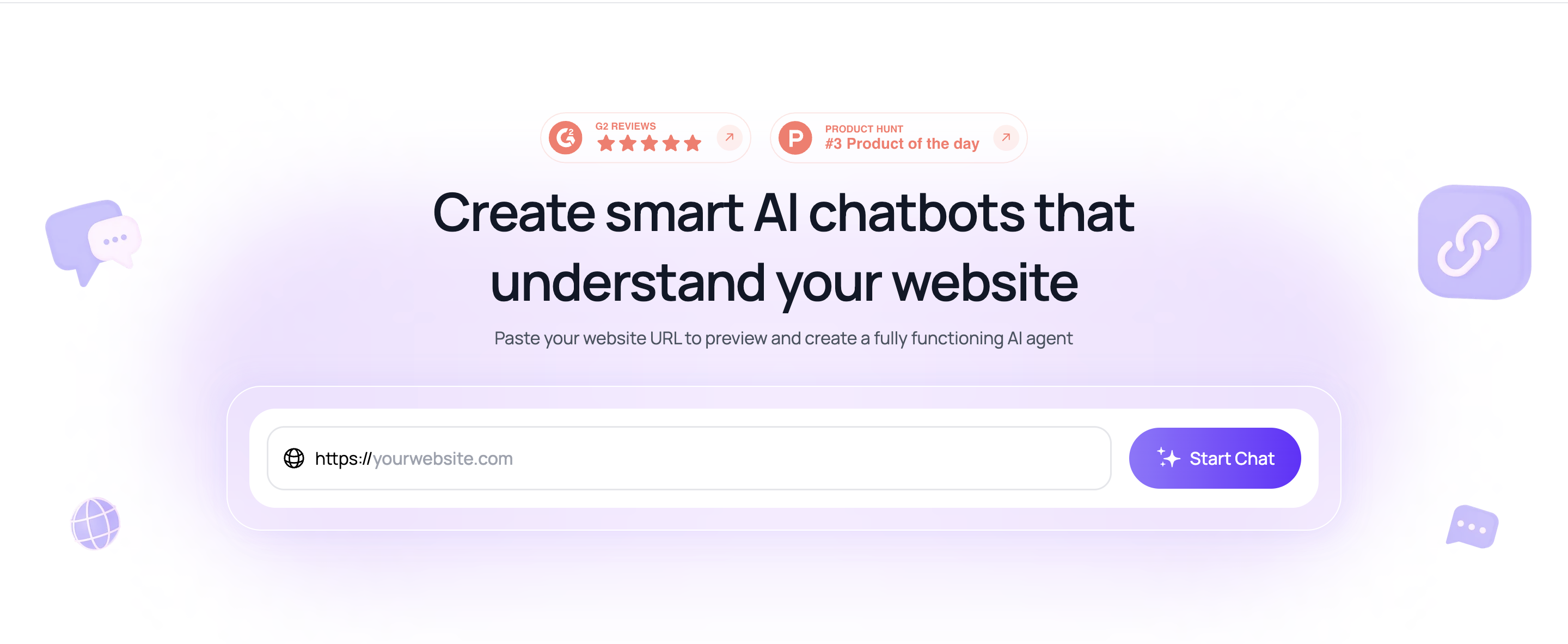
My next pick is Kaily.ai's Website Chatbot, the perfect companion for anyone who wants instant, intelligent support on their own website without the hassle of coding, integrations, or complex UI. This chatbot is built for one thing: turning any webpage into an interactive, conversational experience. Whether you want visitors to explore your products, understand policies, or get answers without scrolling endlessly, just plug in your website and start chatting. No sign-up needed to try it. Simply drop the URL and watch it decode your entire site with surprising accuracy.
I tested it across multiple websites: ecommerce stores, long-form blogs, and even dense documentation — to see how well it understands different structures and content types. It handled everything smoothly: answering product questions, breaking down complex FAQ pages, and summarizing long guides as if it were specially trained on each site. The overall experience was fast, intuitive, and noticeably more conversational than generic chatbots. It also helps that you can deploy it instantly, without any engineering work.
Here are the things I liked:
- Understands your entire website in seconds and gives accurate, context-aware answers.
- Works in 70+ languages, making it great for global visitors.
- Lets users shop from chat, recommending products and comparing items on the go.
- Instant summaries of long blogs, guides, or policy pages, no need to scroll.
- Gives document-level clarity, not generic AI guesses, because it reads your actual site.
- Runs smoothly on mobile, keeping the experience fast and reliable.
- No coding required, so anyone can launch it in minutes
- AI agent deployable across various channels
- Seamless transition of conversation to a live human agent for complex issues
- Real-time updates on visitor details
- Integrated with popular business tools
4. Gemini
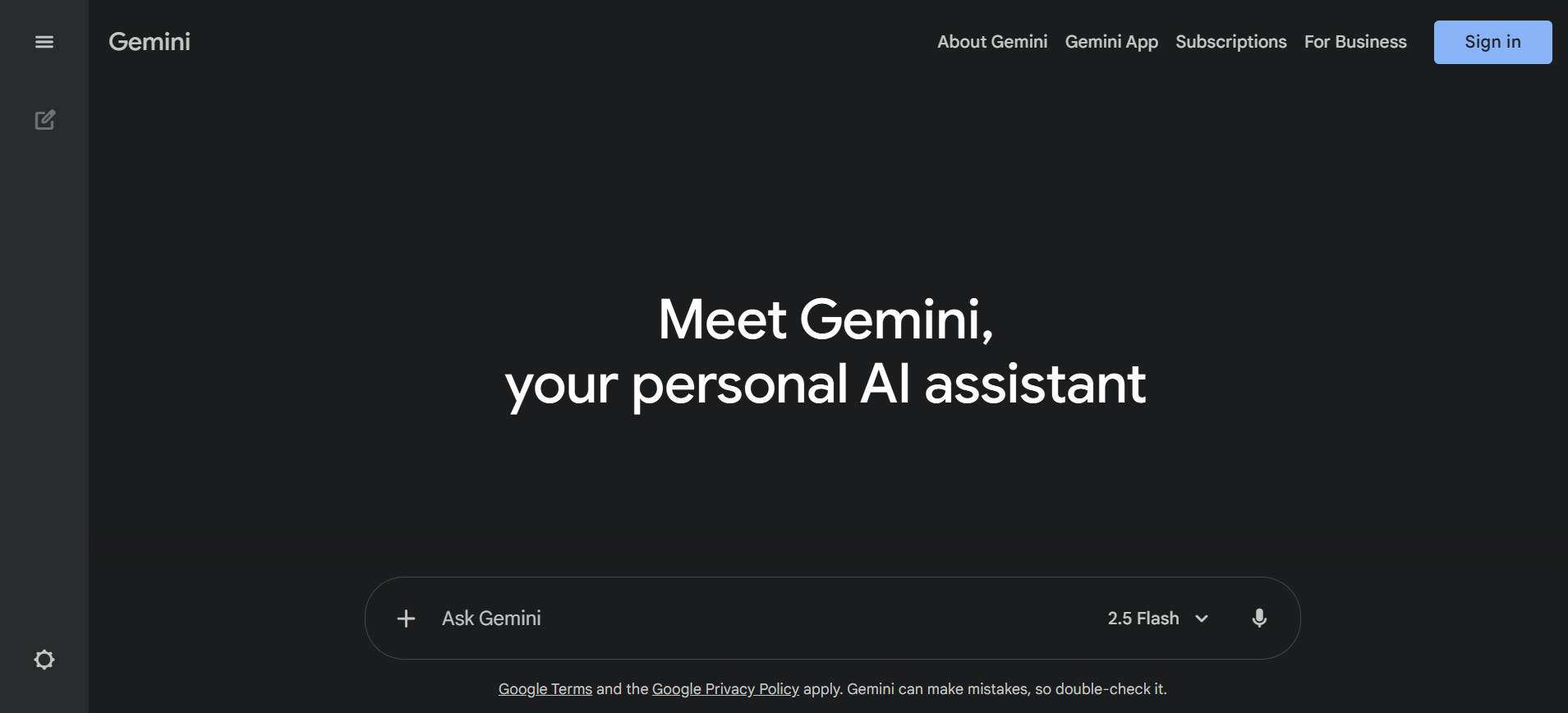
Gemini is Google’s version of an AI chatbot. Built on Gemini 1.5, it is bright, fast, and surprisingly versatile. You can throw text, images, or even documents at it and get pretty thoughtful responses in return. The design is clean, and if you are already inside the Google ecosystem, it just feels natural. While the leading site usually wants you to log in, I have seen shared links floating around that let you skip the sign-up process. So, if you are just exploring, there are ways in.
I spent a good hour poking around inside gemini.google.com, testing its range, its snappiness, and whether it can handle more than just “Write a recipe on ItAlia Sonin pizza.” Well, Gemini can juggle tasks efficiently. I uploaded images and asked them to explain them. I fed it snippets of code, and it fixed my formatting. It even summarized an extended press release and nailed the tone. It is simple and soothing, with no ads or distractions, allowing you the space to think. If you value simplicity and are not willing to sacrifice power, you will love it.
Things I liked the most:
- Handles both casual and technical prompts like a pro.
- Uploading images is seamless and practical.
- The interface feels distraction-free and calm.
- Native integration with your Google Drive and Gmail
- Does not freeze or lag, even with significant inputs
- ‘Canvas’ workspace for converting ideas into visual templates or outlines
- Allows creating custom versions of the AI called ‘Gems.’
- Generate new code, translate, and even explain existing one
5. EaseMate AI
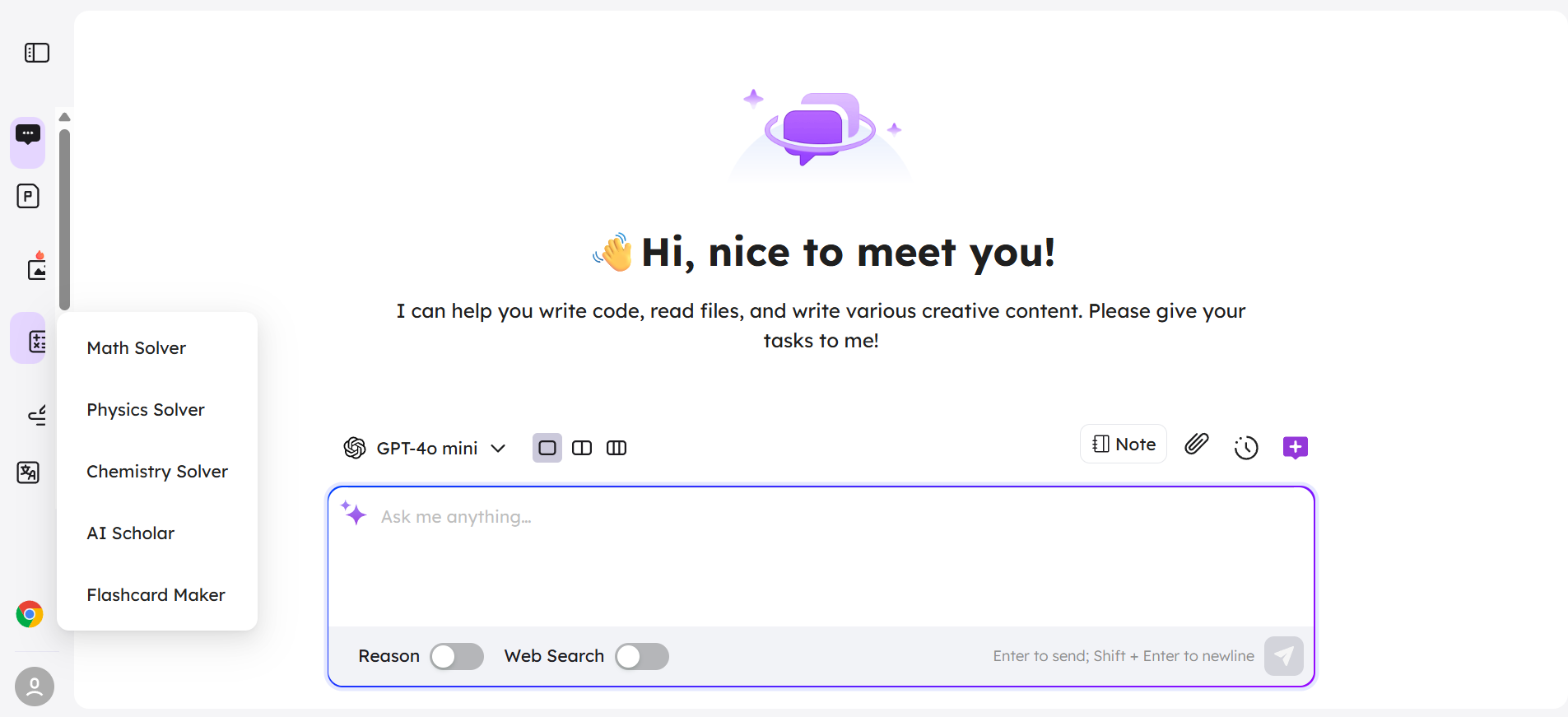
EaseMate AI is what I pull up when I’m too tired to compose whatever it is, too lazy to summarize a PDF, or simply fancy having a second brain without the fuss of logging on, registering, or signing anything. It’s easy! Just open the tab and it’s ready to go. Whether you are drafting LinkedIn posts, rewriting clunky emails, or slicing a 30-page report into digestible sections, EaseMate just does it.
I gave it a whole spin. Uploaded a blog draft, and rewrote it better than I did. Summarized a dense academic paper without losing the tone. There is even a voice-to-text tool that captures your speech and turns it into organized content. You can ask it to explain concepts like you are five, or pitch-deck them for investors. One time, I fed it a screenshot of notes from a client call, and it spat out a to-do list. It handles text, image, and even code, all without ever asking who I am.
Things I liked the most:
- You can start typing in 2 seconds.
- Voice notes and text magic are seamless.
- PDF uploads and image inputs just work.
- Handles code like a mini pair programmer.
- Feels more like Notion + ChatGPT had privacy.
- Chat with multiple PDFs at once, no hassle
- Create images, edit them, even whip up videos
- Knows the context to keep replies spot-on
- Storytelling mode that gets your vibe
6. Microsoft Copilot
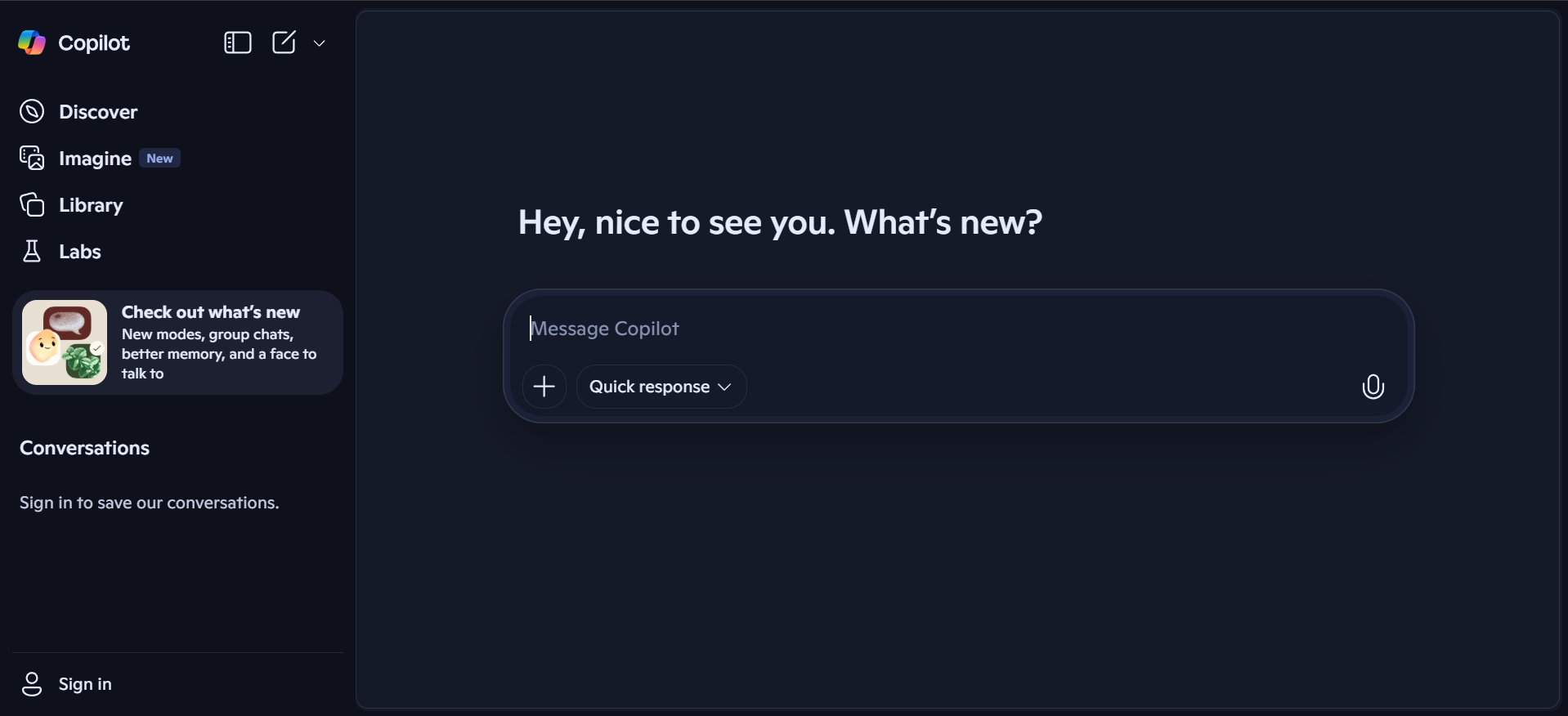
If you are using Microsoft Edge and still not trying Copilot, you are seriously missing out. This is hands-down one of the easiest ways to chat with advanced AI models including GPT-4o and GPT-5 - no hoops, no forms, no “please sign up” walls. You type in copilot.microsoft.com, and you are already in the middle of a conversation with an AI that gets things done fast. Whether you are asking it to draft a message, explain something, or summarize a 14-page document, you are covered.
Now here is the cool bit. I threw all sorts of tasks at it, such as summarizing articles, rewriting intros, and even generating a 3-day itinerary to Shimla. It handled each one smoothly. The interface feels like a natural blend of search and chat, with side-by-side views that show references and suggestions. You can even toggle modes: Creative, Balanced, or Precise. The best part? It remembers context across a few turns without acting like it has forgotten your entire existence. Moreover, it runs right inside your browser.
Things I loved about Microsoft Copilot:
- Powered by GPT-4o and GPT-5 for free (upgraded from GPT-4 Turbo)
- Side-by-side layout with source links.
- Switchable tone/mode for every task.
- Clean, ad-free chat experience.
- Great for longform content and rewrites.
- Snap from phone or upload images for instant analysis and translation
- Multimodal power: talk or type in 50+ languages
- Always fresh and real-time answers from the web
- Organize and summarize notes, projects, and more with Copilot Notebooks and Pages
7. Poe by Quora
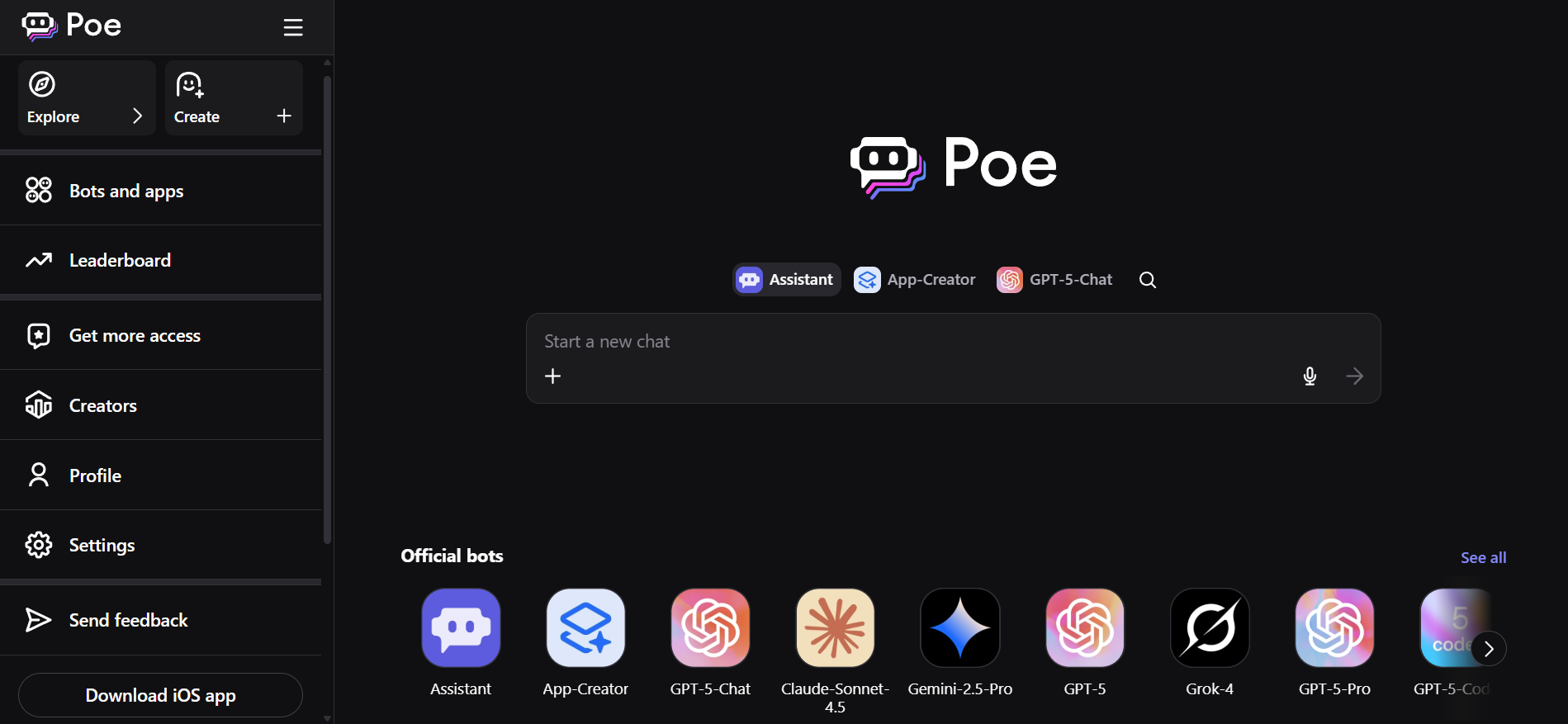
Poe is what happens when someone asks, “Why not put Claude, GPT-4, and a bunch of open-source LLMs in the same room and let people talk to all of them at once?” And then they did. It is a clean, fast, cross-device chat playground where you can ping multiple bots from one interface. You get variety, speed, and that little dopamine hit every time you toggle between models and see how differently they respond.
I landed on Poe’s Quora-run hub one night while doomscrolling and ended up losing an hour testing the same question on Claude, GPT-4, and Llama 3. No logins for some bots. No janky reloads. No tabs all over the place. It felt organized. The mobile app flew. I followed a bot creator, dropped a 2,000-word PDF, and got a neat summary back in seconds. However, after a few free trials, you need to get into its paid plans to use Poe.
Things I liked:
- I can switch between bots without starting over.
- The UX respects your time.
- It did not crash when I threw long text at it.
- The mobile app is smooth.
- Bot creators exist, and you can follow them.
- Allows creating own bots.
- Generate and modify images using integrations.
- Accessible from different devices and platforms.
- Provides fresh answers with real-time web access.
8. Perplexity.ai
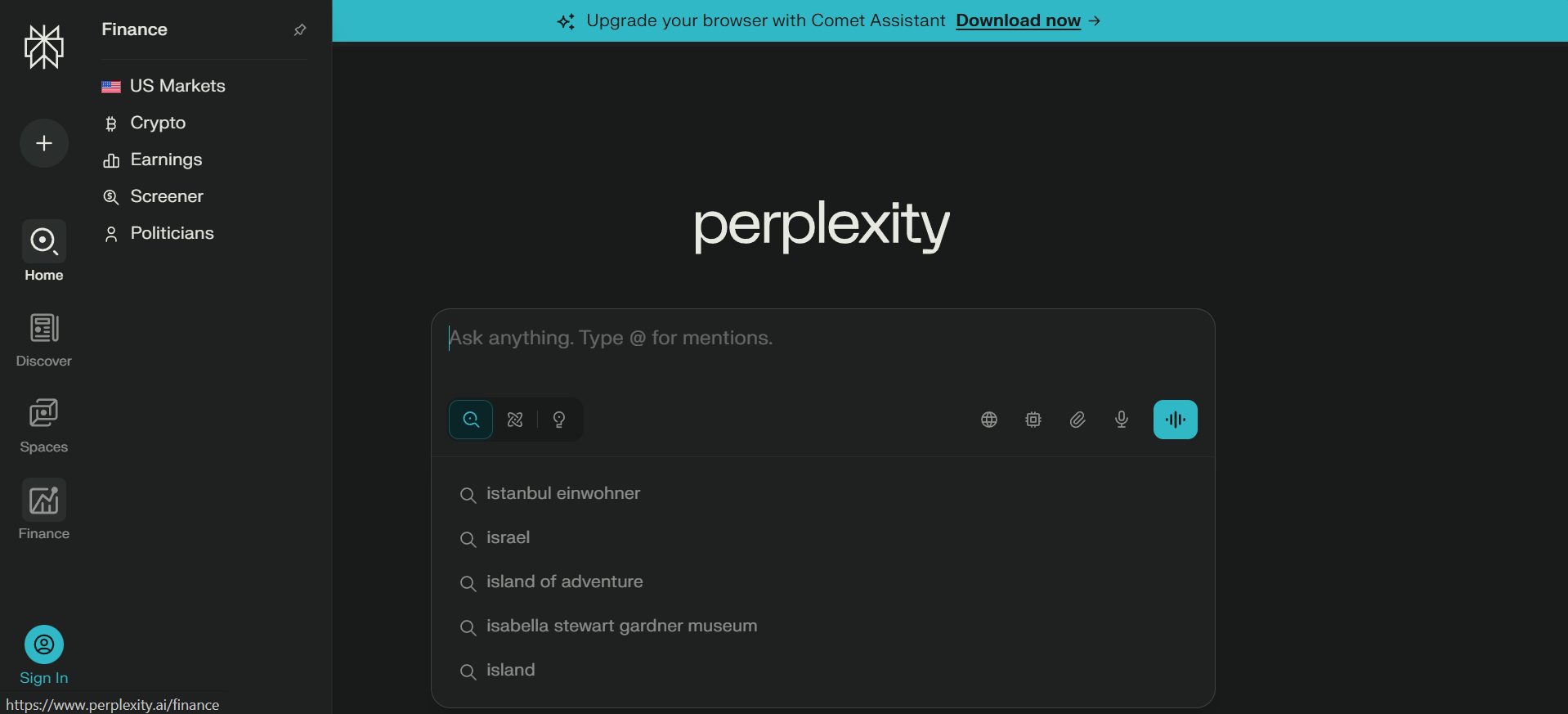
If you are someone who Googles everything and wants proof, Perplexity might be your new best friend. It is like talking to ChatGPT, except legit sources back every answer, so you are not left wondering, “Did it just make that up?” No fluff. No sign-up. Just ask and get a clean, citation-filled reply faster than you can say Ctrl+T.
I have been using it for everything from tech comparisons to verifying the accuracy of a stat I saw on LinkedIn. It is dead simple. You land on perplexity.ai, type your question, and boom. You get ready answers with links. One time, I asked about multi-agent AI frameworks, and it pulled citations from GitHub papers, Medium posts, and ZDNet articles without sounding like a research robot. And the best part? You can click into any source, verify the context, and feel like a genius who triple-checks everything. No popups, no “create account to continue,” no marketing nonsense.
Things I loved about Perplexity:
- Zero sign-up friction with no email or cookies chasing you across the web.
- Witty and conversational citations in every answer.
- Follow-up prompt suggestions make it easy to dig deeper without retyping.
- Clean, minimalist interface devoid of overdesigning.
- Sources open in new tabs to stay in the flow while verifying stuff.
- Search the live web and internal files simultaneously.
- Go for Deep Research mode or use its own agentic AI browser.
- Turn ideas into short 8-second videos with audio
9. Meta AI
This one feels like AI quietly slipping into places you already hang out. Built into WhatsApp, Facebook, Instagram, and Messenger, it does not ask you to visit a new site or learn a new interface. You are chatting, scrolling, or replying to a DM, and suddenly you can ask a question, generate text, or get an image explained without breaking your flow. Powered by Meta’s LLaMA models, it keeps things casual, fast, and familiar.
I bumped into it inside WhatsApp. Asked it to rewrite captions, explain things, make a quick search, and even create images. It works well for everyday use cases, but not for heavy research. The responses are quick, conversational, and easy to understand. No intimidating dashboards and no extra steps. It feels like a helpful friend inside your apps rather than a standalone AI tool demanding attention.
Things I liked the most:
- Zero learning curve makes it feel natural to use
- Fast responses without app switching
- Great for quick questions, captions, and rewrites
- Built directly into social media platforms
10. You.com
If you want AI to act like a search engine while answering questions, You.com will be your friend in need. It blends a conversational chatbot with real-time web results, apps, and sources, all on one screen. You can ask a question in any of the different modes it offers, including GPT-4o, research, compute, and create. Alternatively, you can even create an agent on your own.
I ended up spending more than planned, mostly because it encourages exploration. I asked it research-style questions, creative prompts, and quick fact checks, and it kept adapting. One moment it felt like ChatGPT, the next like Google with a brain.
Things I liked the most:
- Supports various plugins and integrations
- Multiple AI models available in one place
- Allows writing, coding, and research
- Flexibility to create your own AI agent
11. Duck.ai
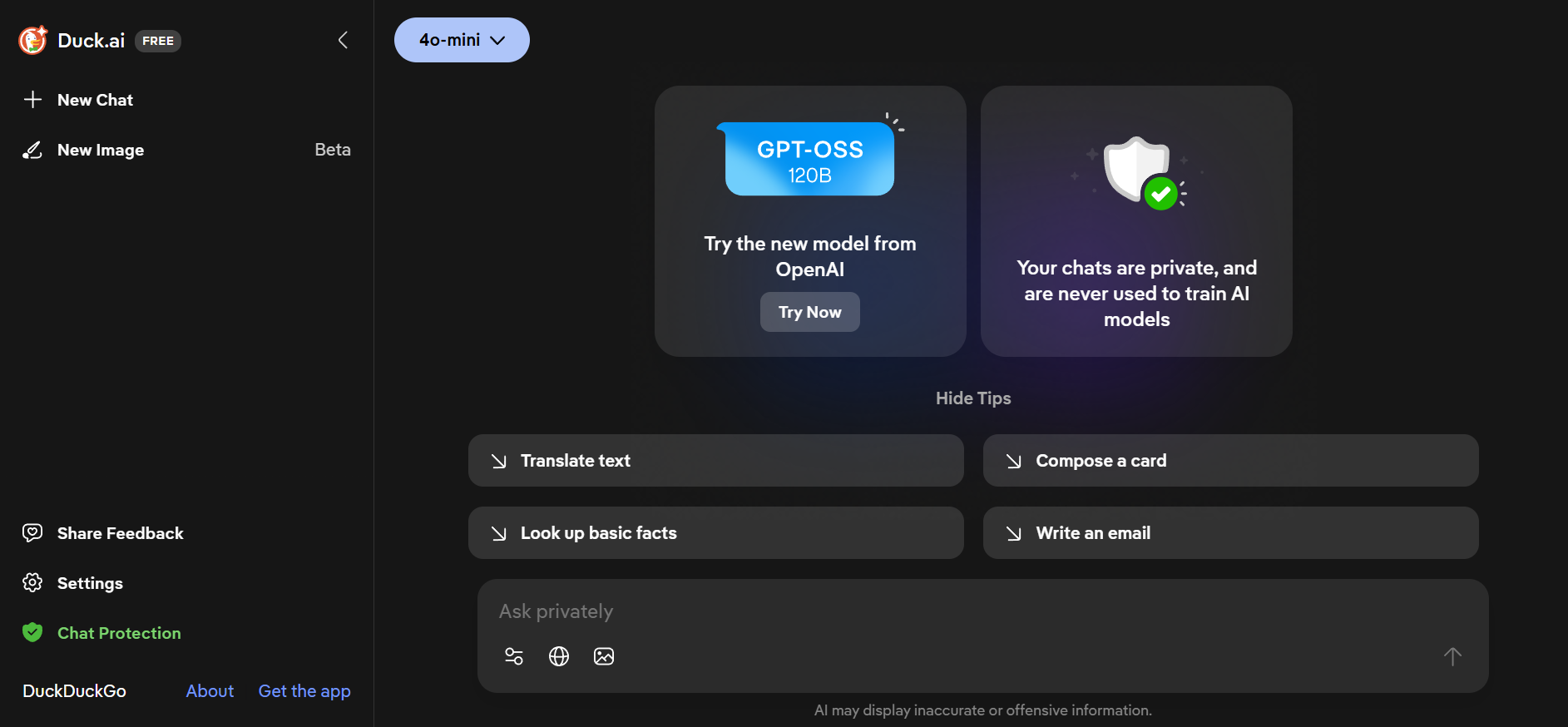
Duck.ai feels like your privacy-first sidekick, brought to you by the folks behind DuckDuckGo. It’s not just another chatbot; it’s an anonymous, no-tracking gateway to powerful AI models from OpenAI, Anthropic, and others.
I spent some time chatting with Duck.ai and appreciated how it quietly keeps the conversation private and doesn’t use it to train AI models. It’s free to use, and unlike many platforms, it doesn’t bombard you with ads. The experience is simple and straightforward, letting you tap into multiple AI brains without worrying about privacy compromises.
Things I liked the most:
- Completely anonymous chats, no tracking or data mining
- Access to multiple popular AI models in one place
- Integrated into DuckDuckGo’s ecosystem of privacy tools
Other popular AI chatbots that require sign-up
12. Claude AI
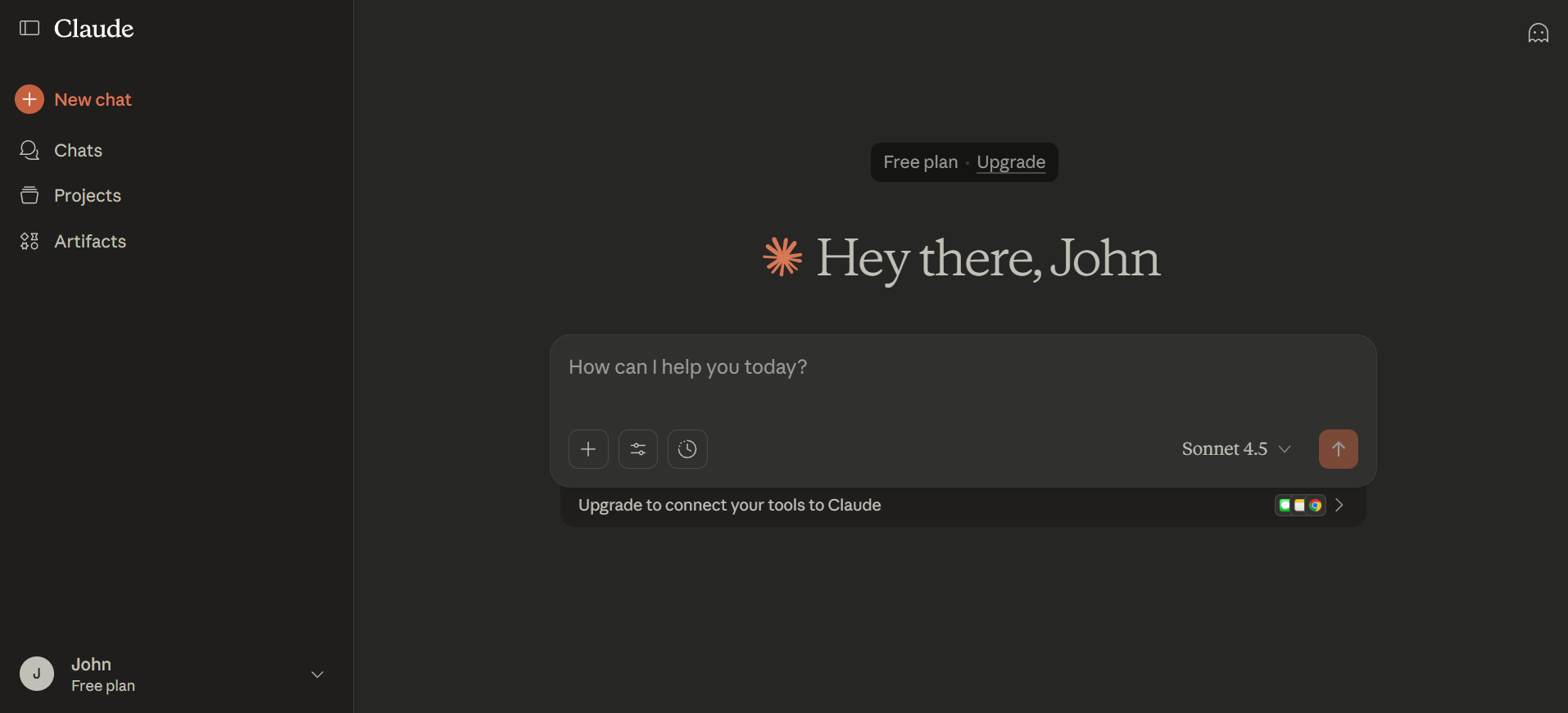
Claude AI is for those of you who stare at documents like they are ancient scrolls. Whether you are reviewing a rental agreement, trying to decode privacy policies, or just do not want to spend on a basic contract review, Claude AI gets it. It is a no-sign-up chatbot built to simplify documents into plain English.
I spent a couple of hours poking around on Claude.ai to test how it handles the stuff, and honestly, I was impressed. I fed it a dense SaaS agreement and it returned a clear summary with the risks, liabilities, and renewal clauses highlighted, all without skipping a beat. I also asked it to help me rewrite a consulting contract in friendlier terms. Not only did it do that, but it even suggested which sections might trigger pushback in a negotiation. It is not here to replace professionals, but if you want to sound five times smarter in your following client email, Claude AI is a good co-pilot.
Things I liked about Claude AI:
- Need nothing but your email address to sign in.
- Knows how to summarize long contracts fast.
- Offers suggestions to improve documents.
- Built-in prompts make asking questions easier.
- Works in regular chat format and no setup required.
- Can write, debug, explain, and refactor code in various programming languages.
- Handles very large documents or context windows.
- Processes and analyzes both text and images.
13. HuggingChat
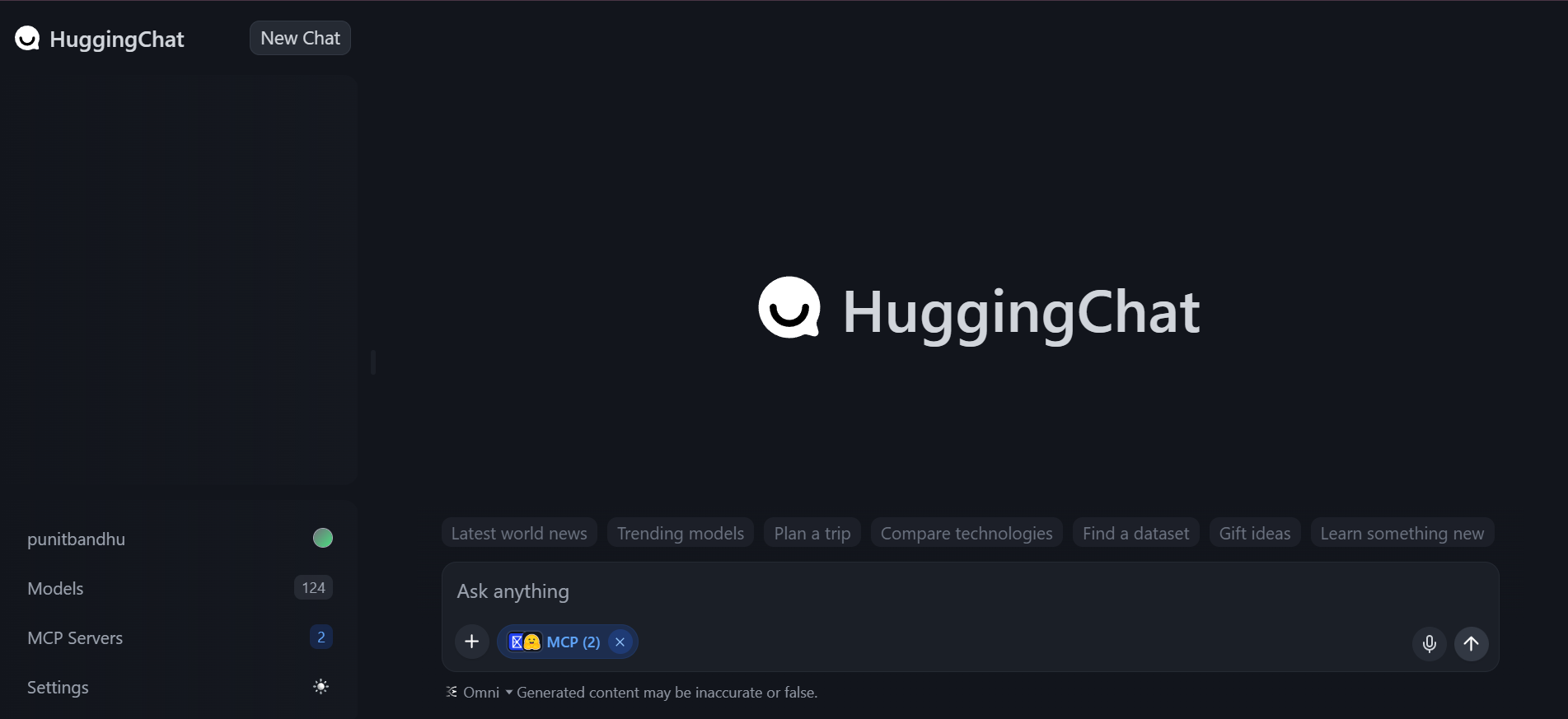
HuggingChat feels like walking into an open forum where multiple AI minds are already mid-conversation, and no one is trying to upsell you anything. It is an open-source chatbot interface that lets you chat with powerful community-backed language models. It is also straightforward. If you value transparency, flexibility, and open ecosystems, end up with HuggingChat.
I spent time using HuggingChat the way it is meant to be used: switching between models, testing long prompts, asking technical questions, and seeing how different LLMs respond. The experience feels honest. Everything loads cleanly, and long inputs do not break the flow.
Things I liked the most:
- Easy switching between different LLMs
- Handles long and technical prompts reliably
- Transparent model selection with no hidden behaviour
- Feels built for learning, testing, and serious exploration
14. DeepSeek
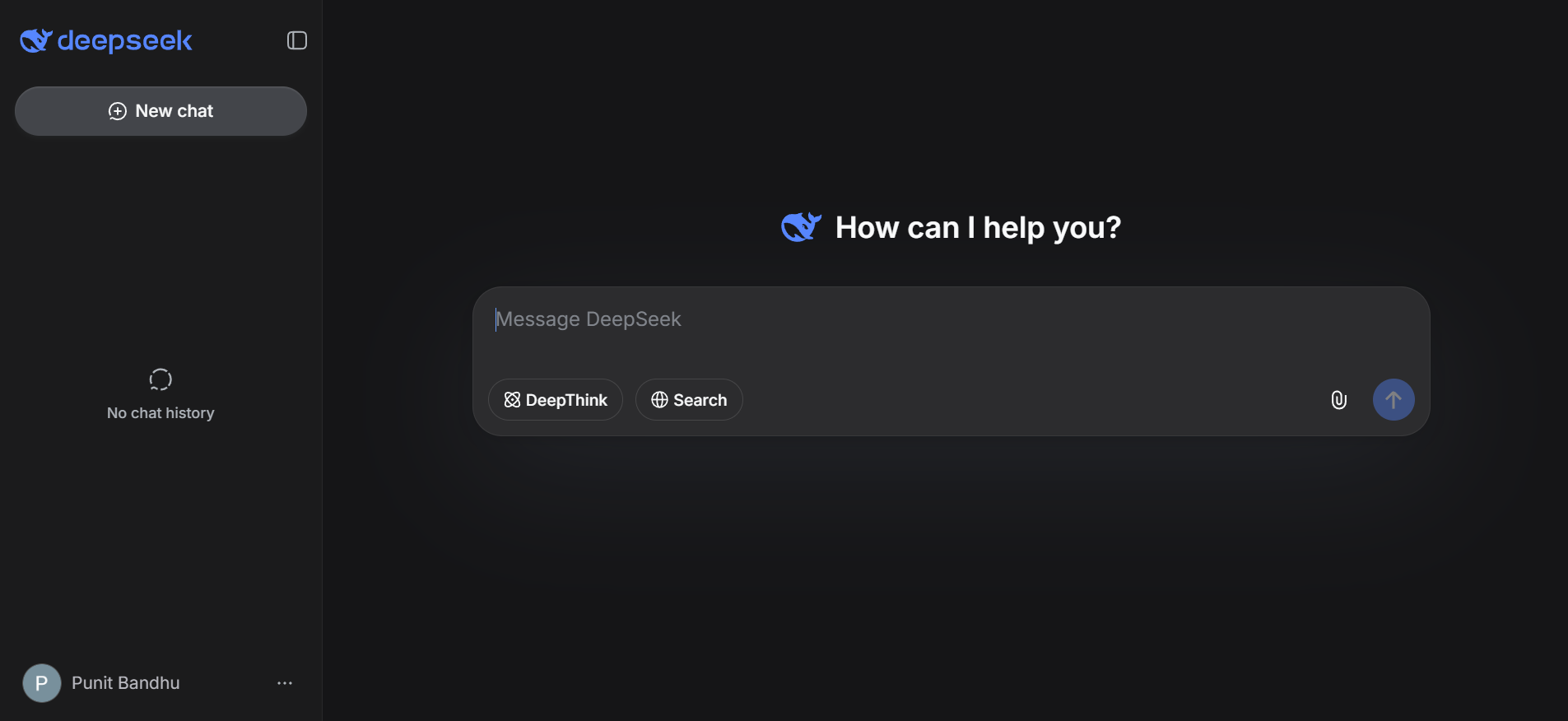
DeepSeek feels like that quiet overachiever who does not talk much but absolutely delivers when it matters. It is built with a strong focus on reasoning, coding, and technical depth. Whether it is math-heavy logic, algorithm explanations, or step-by-step problem solving, DeepSeek does it all. It stays structured instead of hallucinating its way through answers.
I stumbled upon DeepSeek while testing alternatives to mainstream chatbots. Instead, it handled long technical queries with patience and clarity. I fed it dense programming problems and multi-layered reasoning questions, and it did not rush. It broke things down calmly and explained why an answer works. The interface is straightforward, loads fast, and does not distract you with gimmicks. It just lets you think.
Things I liked about DeepSeek:
- Strong logical reasoning and step-by-step explanations.
- Excellent performance on coding and technical queries.
- Handles long and complex prompts without losing context.
- Minimal and no-nonsense interface that stays out of your way.
What features matter most in free chatbots?
Free chatbots promise something, and not every answer touches the mark. When you search for a no-login AI assistant, you are not asking just for costs; you are asking for speed, privacy, and value. So, what makes a no-sign-up chatbot worth your time? Here's what to look for:
- NLP that gets you: If you must re-craft your question three times to get a halfway decent answer, that bot is not for you. Good NLP (natural language processing) is like talking with someone who finishes your sentences... in a good way.
- Multi-model flexibility: Not every time does GPT-3.5 do enough. Maybe you prefer Gemini's multi-modal bent. Maybe you want the legal savvy of Claude. The best free chatbots will let you quickly change models without too much crisis.
- Actual speed: If you are staring at a spinning circle longer than you stare at your fridge wondering what to eat, it is a no. These bots should snap, not stroll.
- No email traps: The whole point is no sign-up. If the first thing it asks for is your email, close that tab immediately.
- Usefulness without data: The gold standard for a free bot is helpful without needing to know some extra information. As long as it generates the correct output, not having a stored memory doesn’t pose a problem.
Things to keep in mind with no-login bots
So, you have got your quick fix: Opened a chatbot, asked a thing, got an answer, closed the tab. Magical, right? Before you get too comfortable with these zero-commitment bots, there are a few trade-offs to know about. They are handy, but they are not your AI soulmate. Here is what you are giving up in exchange for speed and anonymity:
- No memory, no context: These bots have the memory of a goldfish. Every time you hit refresh, it forgets you exist. You cannot say “remember when we talked about…” because it simply cannot. Great for one-offs, bad for anything long-form or layered.
- Zero integrations: Want to push a response into Notion? Slack it to your team? Add it to your calendar? Nope. No-login bots live in their little world. They are solo players.
- Downgraded models: Most of these free bots tap into GPT-3.5 or a lightweight Claude variant. Still useful, but do not expect it to write your investor pitch or decode niche legal jargon with full finesse. You get good but not premium.
- Anonymous and invisible: Just because you did not sign up does not mean no one is watching. Your browser, IP address, and device info are still up for grabs. It is not creepy, but it is not entirely private either.
- Disposable by design: No-login bots are digital sticky notes. Perfect for quick thoughts, throwaway queries, and moments when you just need a fast answer. But if you are building, planning, or automating, you will want something more committed.
How are these free AI chatbot tools different from Kaily? Which is better?
Let us get this out of the way: Free, no-login chatbots are quick, convenient, and low-commitment. But Kaily is more like a personal chef who knows your taste, remembers your allergies, and already has your favourite meal halfway prepped before you even walk into the kitchen. Here is the difference. First and foremost, the free AI chatbots mentioned here do not require any sign-up. This means they are already fed with excessive information. You can expect to receive nothing but generic responses. On the other hand, Kaily is powered by ChatGPT, Claude, DeepSeek and more. This allows Kaily to understand what the query is and respond in a human-like manner.
No-login chatbots are built for speed, not depth. You pop in a question, get a decently bright answer, and move on. No memory, no integration, no follow-up. They are perfect for “What does this word mean?” or “Summarize this paragraph.” But if you need an AI that sticks around, one that understands your workflow, knows your goals, tracks context across tasks, and plugs into your tools, Kaily is that bot. It is not just smart. It is connected. It works with your CRM, your files, and your team. It learns, grows and shows up like a reliable teammate.
Further, with no-login bots, you are tossing data into the void. With Kaily, your inputs stay secure, your outputs remain consistent, and your privacy is baked into the design. So which is better? If you just need a snack, grab a no-login bot. But if you are building something meaningful like content, campaigns, and conversations, get Kaily.
When to choose login-free vs logged-in bots?
Think of login-free bots as your AI on the go. No passwords. No forms. No commitment. But without context, they are great for short chats, not long-term plans.
Use login-free bots when:
- You need a quick answer.
- You are using a public or shared device.
- You want minimal data sharing.
However, you should skip login free bots when:
- You need memory or long-form workflows.
- You want full GPT-4 or Claude 3.5 power.
- You are building something serious.
Conclusion
I have tried almost every no-login chatbot on this list. While some impressed me, some ghosted mid-convo, and a few were surprisingly brilliant for quick tasks. When I needed to rewrite a clunky paragraph or get a summary of a dense article, tools like EaseMate and Perplexity delivered efficiently.
But here is the truth: No-login chatbots are amazing for speed and simplicity, not strategy. They will not remember what you asked yesterday. They will not plug into your workflow. And they definitely will not grow with you. That is where tools like Kaily change the game. When I needed consistent output, integrations, and real AI collaboration, I switched.














.png)

