





An AI chatbot is a highly-intelligent software (usually an app or interface) that closely mimics human conversations. It uses Machine learning to understand user intent and offer contextually valid responses via Natural Language Processing. Plus, AI chatbots can uniquely learn from daily human conversations and adapt responses accordingly. That's why, they are increasingly used by businesses to personalize customer interactions, offer 24/7 customer support, and automate recurring tasks.
AI is having its browser moment. Just as search engines have made knowledge universally accessible, AI chatbots are now making intelligent conversations with the help of conversational AI available with minimal friction. Honestly, that is the dream. You do not need to fill out a form, verify your email, or hand over your phone number just to talk to an AI anymore. Meanwhile, the chatbot industry itself is on a rocket ride. The global market hit USD 7.76 billion in 2024 and is projected to reach USD 27.29 billion by 2030, growing at a spicy 23.3% CAGR (Grand View Research). You are not the only one trying to talk to a bot without creating yet another account.
So if you are curious to test GPT-4 magic, explore a no-code chatbot builder, or just want a privacy-friendly AI that will not track your every keystroke, this blog is for you. We have rounded up 10 of the best AI chatbots you can try for free. From minimalist, privacy-first tools to ultra-slick ones, they are all just one click away. Let us jump in.
Glance Table: Best AI Chatbots
List Of Top 10 Free AI Chatbots
Let us break down the top contenders one by one. Each of these 10 chatbots brings something unique to the table - whether it is lightning-fast GPT-4 responses, drag-and-drop builders, or privacy-first browsing. The best part? You can try all of them instantly, without needing to log in or provide your email address. Here is a closer look at the best AI chatbots that need no sign-ups.
1. Kaily
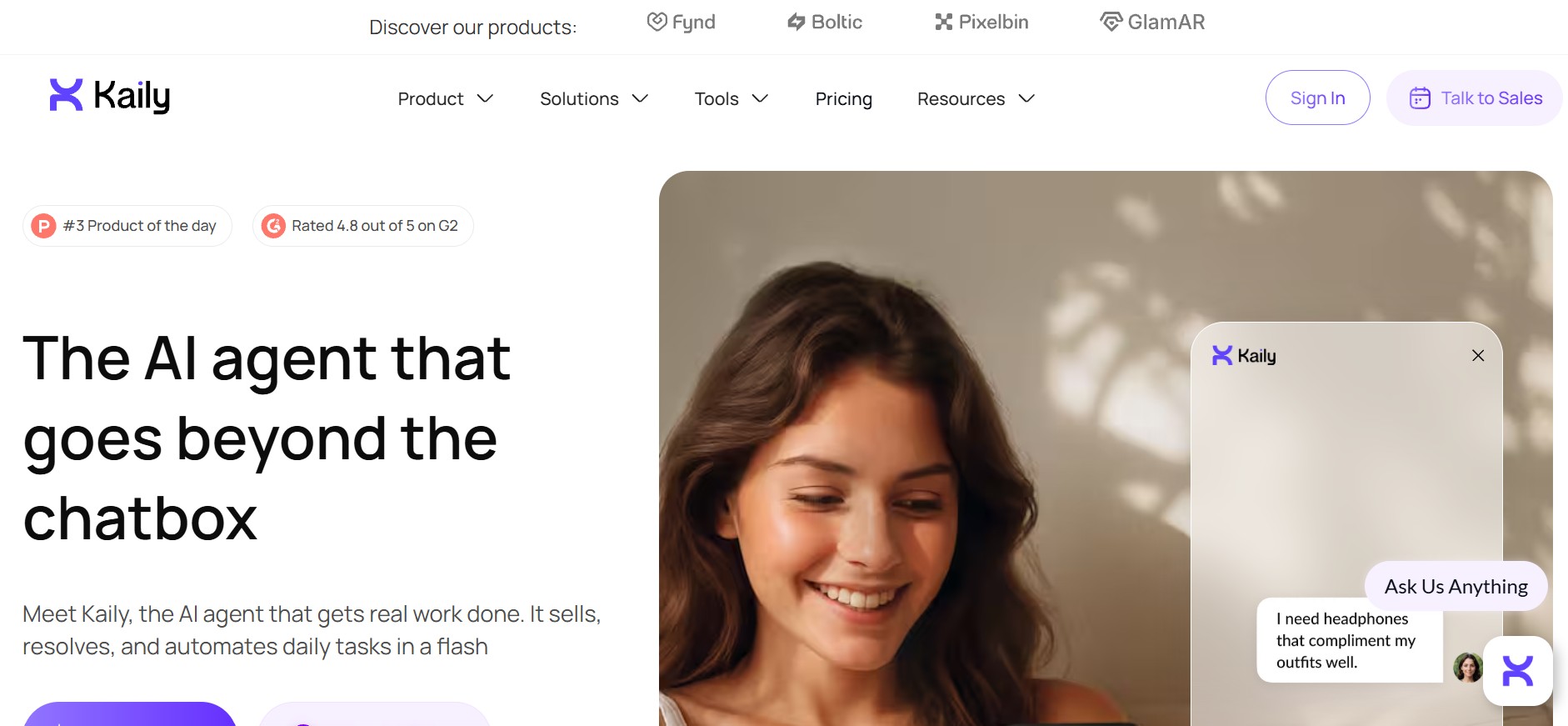
If you are looking for an AI chatbot that generates your content, Kaily is a solid choice. It is a no-code platform that allows you to spin up an intelligent chatbot simply by pasting your website link or uploading a document. Within seconds, it creates an AI assistant that can answer questions as if it has been part of your team for months. No setup drama. No steep learning curve.
When I tried it, I was genuinely surprised at how intuitive the dashboard felt. After logging in with just my email (which you can skip for the public demo), I found a neatly organized setup guide. As someone who does not want to click through 17 tabs to find settings, this felt like a win. From configuring the Chatbot voice, tone, and welcome message to managing channels like WhatsApp, Slack, or even email—it was all right there. You can even control how much the AI sounds like your brand, which is excellent if you are picky about tone.
Key features:
- Handles enquiries with a human-like voice.
- Deploy on widgets, web pages, calls, Android, Slack, and email.
- The cost per message is as low as $0.00054.
- Availability of MCP support, AI helpdesk, and enterprise support.
- Supports over 50 languages, including English, Hindi, French, Spanish, and more.
Pricing: Kaily offers three plans: Growth Plan, Business Plan, and Enterprise Plan. It offers flexible monthly and discounted annual plans. The Growth plan starts at $33/month (billed annually) and is ideal for individuals or small teams, including one AI agent and generous message credits. The Business plan, priced from $179/month (billed annually), adds more AI agents, higher usage limits, and unlimited conversation history. For advanced needs, Enterprise pricing is custom, with tailored limits and dedicated support. All plans come with a 30-day free trial, no credit card required.
2. Tidio
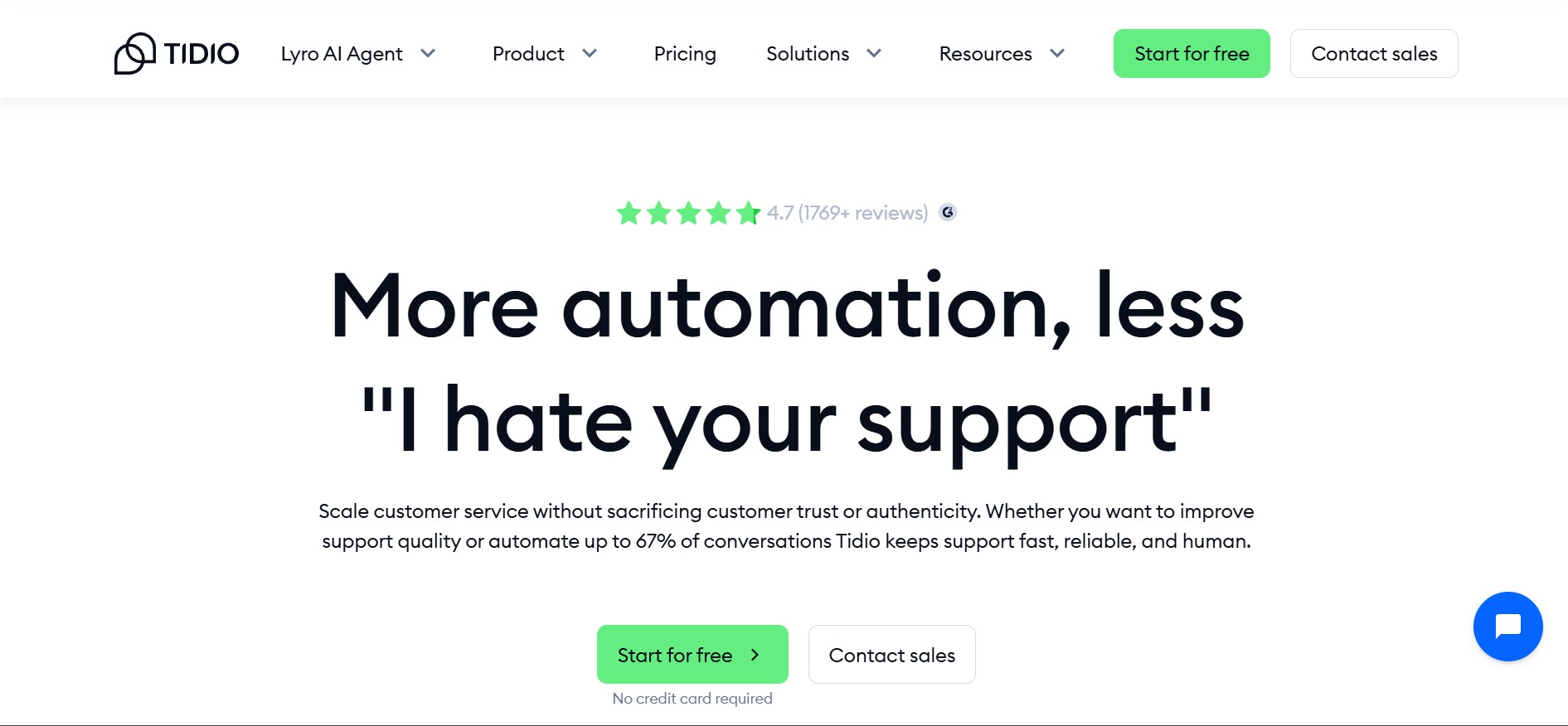
If you have ever tried wrangling live chat, bots, and customer tickets in three different tabs, you are going to love what Tidio brings to the table. It pulls everything, real-time chat, helpdesk automation, and AI support, into one clean, friendly workspace. Whether you are running a small e-commerce store or helping clients sort out their loan options, Tidio provides a toolset that feels accessible and human.
The setup? Super smooth. I onboarded a chatbot in just four steps. Once I was inside the dashboard, everything fell into place. It reminded me a bit of Kaily in terms of layout. It lets you test how a conversation flows before a customer ever types in a word. That gave me a lot more confidence in tweaking tone, refining responses, and seeing the bot in action without pressure. But if you want to launch a helpful, friendly chatbot without spending hours building one?
Key features:
- Lyro AI answers up to 67% of customer queries naturally, in 12+ languages.
- Detailed analytics dashboard showing response rates, resolution time, CSAT for Lyro, and how much time you are saving.
- 120+ integrations, including Shopify, Mailchimp, Messenger, and more.
- Tidio adheres to GDPR and CCPA standards.
Pricing: Tidio offers annual plans with two months free. The Starter plan begins at $24.17/month, covering live chat, ticketing, basic analytics, and a set number of billable conversations. Growth starts at $49.17/month, adding advanced analytics, automation, and team permissions. For larger teams, Plus pricing starts at $749/month, with custom limits, branding, and a dedicated success manager. Premium plans are custom-priced and focus on high-volume AI deployment with guaranteed Lyro AI resolution rates. Lyro AI Agent can also be purchased separately, starting at $32.50/month.
3. Drift
Drift is for those moments when you cannot afford to let a warm lead go cold. It is a conversation starter. When someone visits your site, Drift steps in with the right message at the right time, nudging them to chat, book a call, or leave their details, without feeling like they're interacting with a form disguised as a bot. When I first tried Drift, what stood out was how personal the whole experience felt. I clicked into the demo and was met with a crisp interface that actually wanted to talk.
It picked up on shorthand messages, steered the conversation with ease, and gently nudged me toward booking a meeting, just like a professional sales representative would. You will love this if you are a founder juggling too many tools and barely keeping up with inbound leads. One thing to note—this is not a DIY chatbot builder. You will not be dragging and dropping logic trees here. But what it lacks in hand-built options, it makes up for with smart flows, lead routing, and contextual conversations that feel alive.
Key features:
- Qualifies leads 24/7 using AI that mimics human speech.
- GPT-powered response suggestions to help your agents move faster.
- “Fastlane” playbooks that route high-intent leads straight to the right rep.
- Pre-built chat templates that you can tweak—no engineers required.
Pricing: Drift is positioned at the premium end of conversational marketing. Plans start at $2,500/month for the Premium tier, which includes live chat, meetings, custom chatbots, real-time notifications, and conversational landing pages. For more advanced personalisation and pipeline growth, Advanced pricing is custom, adding audience targeting, A/B testing, advanced routing, and dedicated strategy support. Enterprise plans are also custom, built for large teams that need AI-powered chatbots, flexible routing, and full lifecycle personalisation. A free trial is available.
4. Botsonic
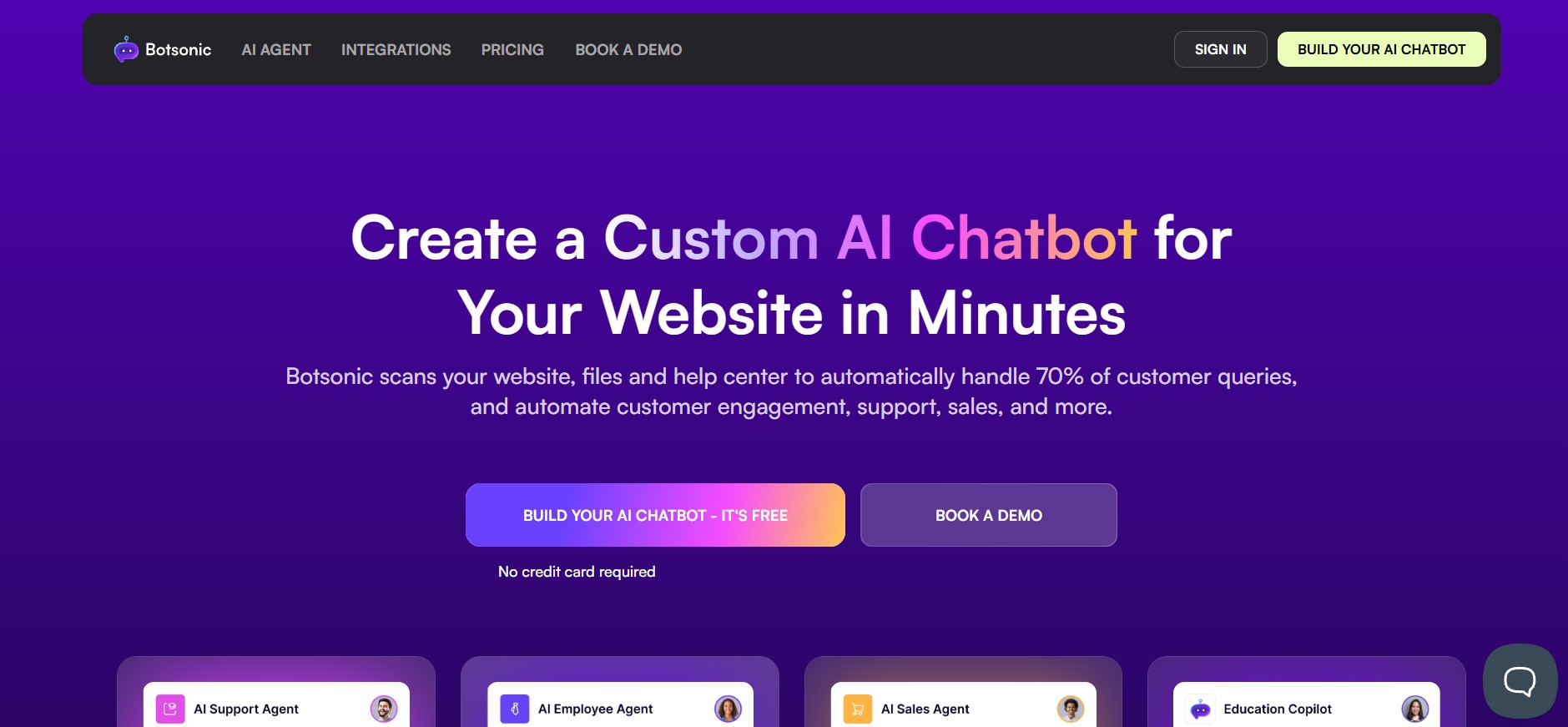
If you are looking to build a chatbot that sounds like you, Botsonic is worth trying. It is a no-code, GPT-4-powered chatbot builder that lets you train your bot on your data whether that is URLs, PDF manuals, product docs, or even a plain old CSV file. The interface is friendly, and the results are shockingly good. The best part? You do not need to be an engineer or hire one. Everything—from custom branding to embedded deployment—can be done in under 10 minutes.
When I tested it myself, I was surprised by how thoughtful the flow was. It starts by asking a few simple questions about who you are, what your business does, and what your chatbot should help users with. Then you upload your content, pick a theme colour, and even add a custom bot avatar. Training took less than five minutes, and within minutes I was chatting with a bot that knew what my business was about. The dashboard provided me with access to fine-tune workflows, track queries, and toggle between human handoffs and AI responses.
Key features:
- 50+ languages supported across websites, apps, and social.
- Easy live chat agent handoff for complex questions.
- Upload PDFs, Excel, and Word.
- Fully encrypted data transmission via TLS 1.3 with AES-256.
Pricing: Botsonic uses a tiered, message-based model with annual discounts. Plans start with Starter at $16/month (billed annually) for one chatbot and 1,000 messages. The Professional plan, at $41/month, adds more chatbots, higher message limits, and access to advanced AI models. For larger workflows, Advanced starts at $249/month, unlocking agentic workflows, API access, and deeper automation. Enterprise pricing is custom, designed for complex integrations and large teams. Add-ons are available for extra messages, branding removal, integrations, team members, and bots.
5. Freshchat
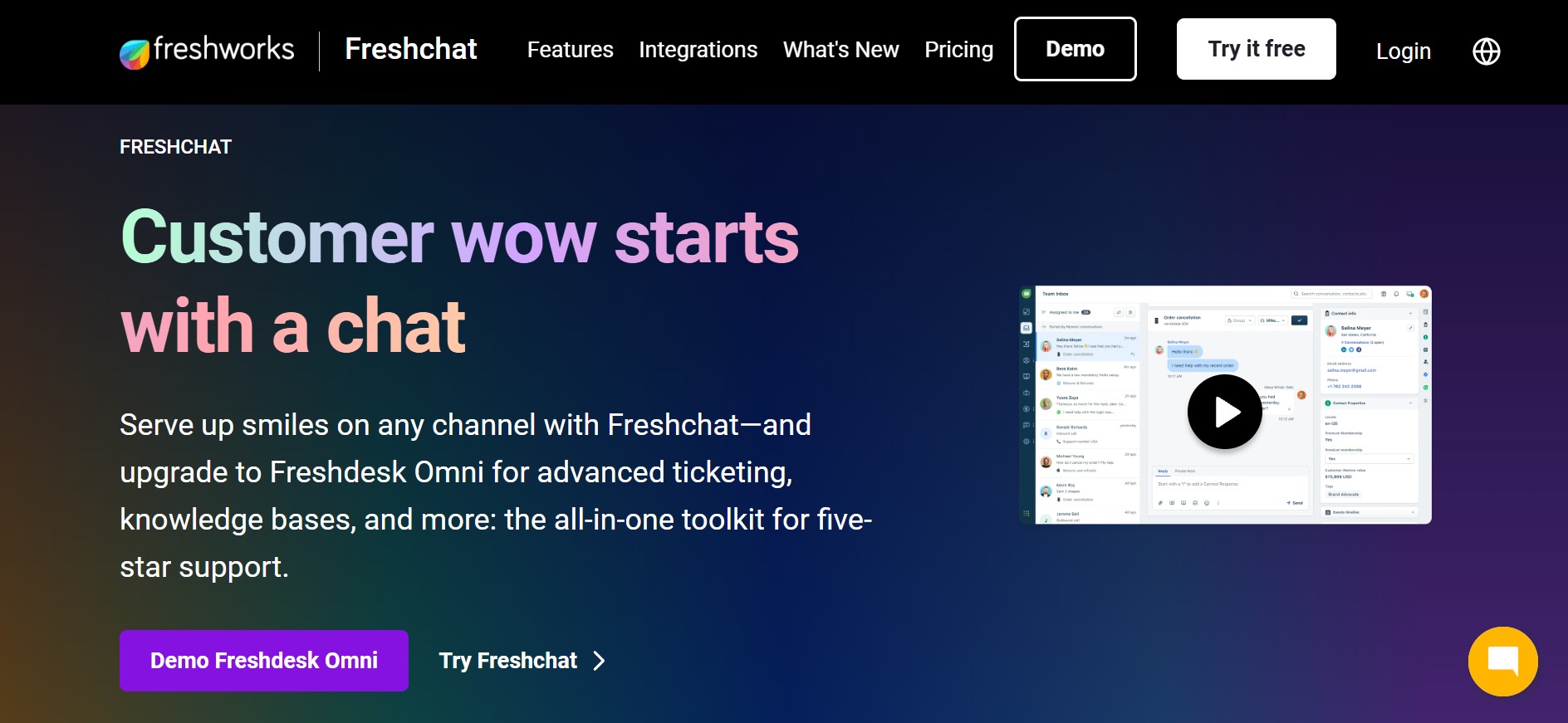
Freshchat is what you reach for when your customer support starts to feel like a browser tab circus. You know the drill—juggling chats in one window, emails in another, Twitter DMs somewhere else, and Slack screaming in the background. With Freshchat, you bring it all together. It is part of the Freshworks family, so you are not just getting a live chat widget—you are getting bots, ticketing, campaigns, automation, and team collaboration tools packed into one neat interface. Whether you are a solo founder or leading a lean CX team, Freshchat helps you feel like you are five steps ahead, not playing catch-up.
When I tried it, the setup was way smoother than I expected. You do not need to be an IT wizard—connecting your Facebook page or app took barely five minutes. The unified inbox is a win: it pulls in messages from your site, mobile app, WhatsApp, Instagram, and more—so your team has a single space to respond quickly and stay in sync. You can assign conversations, track performance, and even automate FAQ replies —all without switching tools. The security features are also robust, including two-factor authentication, IP-based access control, and comprehensive activity logs. If you are serious about protecting customer data while scaling support, this is a no-brainer.
Key features:
- Intuitive workflows to automate FAQs and route chats.
- Real-time inbox that keeps your team sane.
- Native integrations with WhatsApp, Freshdesk, and more.
- Built-in analytics to track CSAT, response times, and resolution.
Pricing: Freshdesk follows a per-agent, per-month model with discounts on annual billing. Plans start with Growth at ₹999/agent/month, suited for small teams handling basic support. The Pro plan, priced at ₹3,599/agent/month, adds advanced automation, reporting, and SLA management. For larger organisations, Enterprise costs ₹5,699/agent/month, unlocking skills-based routing, custom dashboards, and enterprise-grade security. AI features like Freddy AI are available as add-ons, with usage-based pricing beyond the included free sessions.
6. Botpress
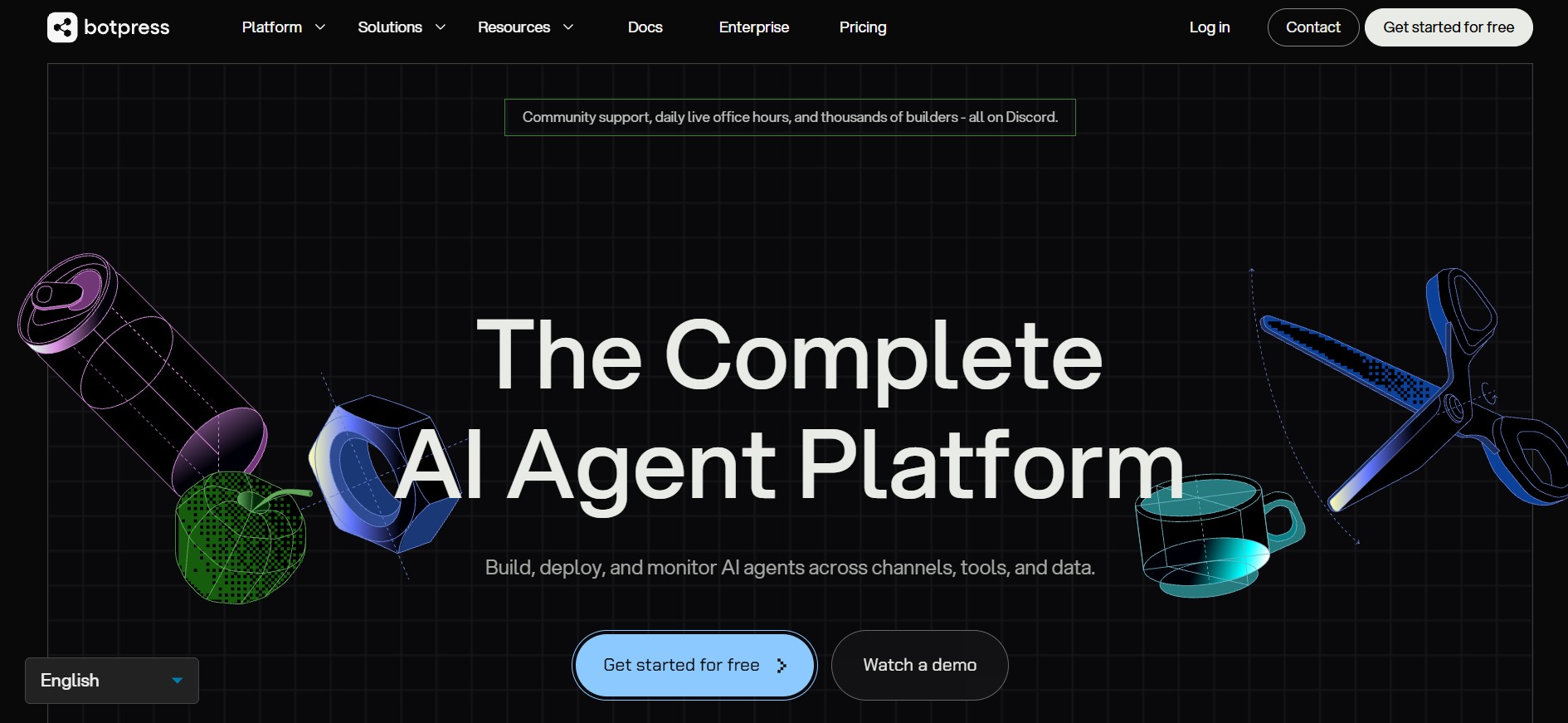
Botpress is what you reach for when you want total control and are willing to roll up your sleeves. This is not your basic plug-and-play chatbot—this is a fully loaded developer playground. Whether you are building a bot for onboarding new investors, handling complex loan queries, or automating internal workflows, Botpress gives you the power to do it your way. You can plug in your logic, fine-tune conversations, connect to APIs, and deploy across platforms like WhatsApp, web, Slack, or even Microsoft Teams. If your use case is serious and you do not want generic responses, this tool delivers precision.
I gave it a go while building a chatbot for a mutual fund platform, and it felt like walking into a mission control room. You start by naming your bot and setting up the tone and preferred language—yep, even tone is customisable. The part that caught my attention was the Overview panel. It showed me conversation stats, usage spikes, drop-off points, and where users were getting stuck. I could track messages per session, pull up a full transcript history, and use that to refine my workflows. You get to work with six different LLMs and control how your bot blends open-ended AI smarts with structured tasks. Users can also bring their own LLM models. It is not flashy or beginner-friendly, but if you want your bot actually to work, not just chat, this is it.
Key features:
- Has a built-in emulator to help you test before going live.
- The central hub for automations helps in the developmental process.
- Multi-modal conversations enable the bot to interact with media in multiple formats.
- Incorporating custom model strategies prioritises both performance and cost.
Pricing: Botpress uses a usage-based model with annual billing that can save up to 33%. You can start on Pay-as-you-go at $0/month, paying only for AI usage. Paid plans begin with Plus at $79/month, adding human handoff, conversation insights, watermark removal, and live chat support. For teams, Team starts at $445/month, with collaboration tools, custom analytics, and advanced support. If you need hands-on help, Managed plans start at $995/month, while Enterprise pricing is custom. AI spend is billed at provider cost, with a free monthly AI credit included.
7. ProProfs Chat
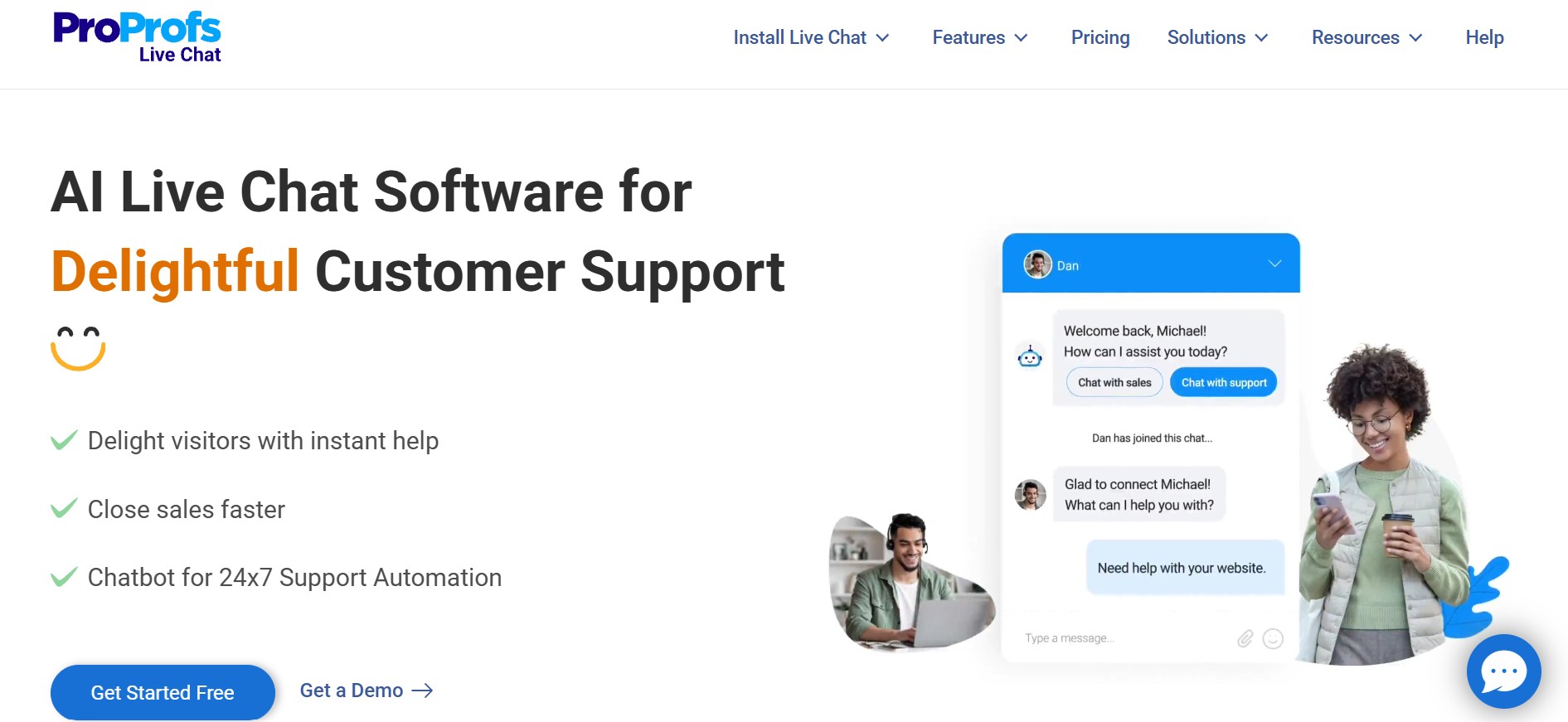
If you are looking to set up a support chatbot without getting lost in tech rabbit holes, ProProfs Chat feels like a breath of fresh air. It is refreshingly simple. You walk through five clean steps—create your account, install the widget, add your operators, tweak the look, and start chatting. That is it. I tried it, and honestly, it took less than 30 minutes to go from zero to “ready to take questions.” You don't need to be a developer or even tech-savvy. If you can drag and drop, you are already halfway there.
I was particularly impressed with the chatbot's extensibility in terms of both appearance and functionality. Within the Settings tab, I was able to customize the design of the widget to match the site's fonts, colors, and layout. And with the live preview, I was able to test it without breaking anything. Even the transcripts seemed to be well-designed—you get access to transcripts for all conversations, so you can easily review them later. If you are a small team with multiple roles, this feels like the right plug-and-play solution.
Key features:
- Drag-and-drop builder with AI and NLP enhancements for smarter conversations.
- Access to transcripts for all conversations to review and improve responses.
- Live preview panel for testing and tweaking the chat user interface in real time.
- Mobile-friendly and integrates with major CRMs and helpdesks.
Pricing: ProProfs Chat offers a forever-free plan for a single operator, with access to all core and advanced features, including chatbots, integrations, reports, and visitor tracking. For teams, the Team plan starts at $19.99 per operator/month (billed annually) and adds proactive triggers, AI features, social and e-commerce integrations, real-time translation, and dedicated onboarding support. Optional add-ons include AI Chat Automation at $450/year, white-label branding at $300/year, and an Android SDK at $99.99/year.
8. Chatling
Chatling is a clean, intuitive tool that turns your website or knowledge base into a full-fledged AI chatbot—without touching a single line of code. You can train it on your docs, link it to a site, and even test it publicly without logging in. The interface is minimal but powerful, and it is built for speed. I found it especially useful for setting up Q&A bots that feel native to your site and respond with context-aware answers based on your content. Whether you are handling customer queries, explaining product features, or just reducing support tickets, Chatling handles it smoothly.
When I tried Chatling myself, the setup was fast and frictionless. I signed in with just my name, email, and work role—no drawn-out onboarding. The platform instantly asked where I wanted to deploy my bot: either on the web or via WhatsApp. After naming my bot, I was inside the builder in seconds. The analytics dashboard stood out. It gave me a heatmap of chatbot engagement, breakdowns of unique users, pages that spark the most chats, and even lead generation metrics. For someone new to chatbot builders, the built-in video tutorial made things easy—walking me through the basics without fluff.
Key features:
- Supports over 85 languages to communicate with regional users.
- Choose from a variety of AI models like GPT-3.5, GPT-4 and Claude 3.
- The free version supports 100 AI credits.
- Create 5 AI models in the free version with 5,00,000 knowledge base characters.
Pricing: Chatling keeps pricing straightforward. The Free plan is $0 and includes unlimited chats with no credit card required. Paid plans start with Starter at $29/month, which adds API access for deeper integrations. If you need more scale, Ultimate is $99/month, offering unlimited chats with full API support. Add-ons are available to extend limits, including extra AI credits, knowledge base size, chatbots, seats, branding removal, and custom domains.
9. Landbot
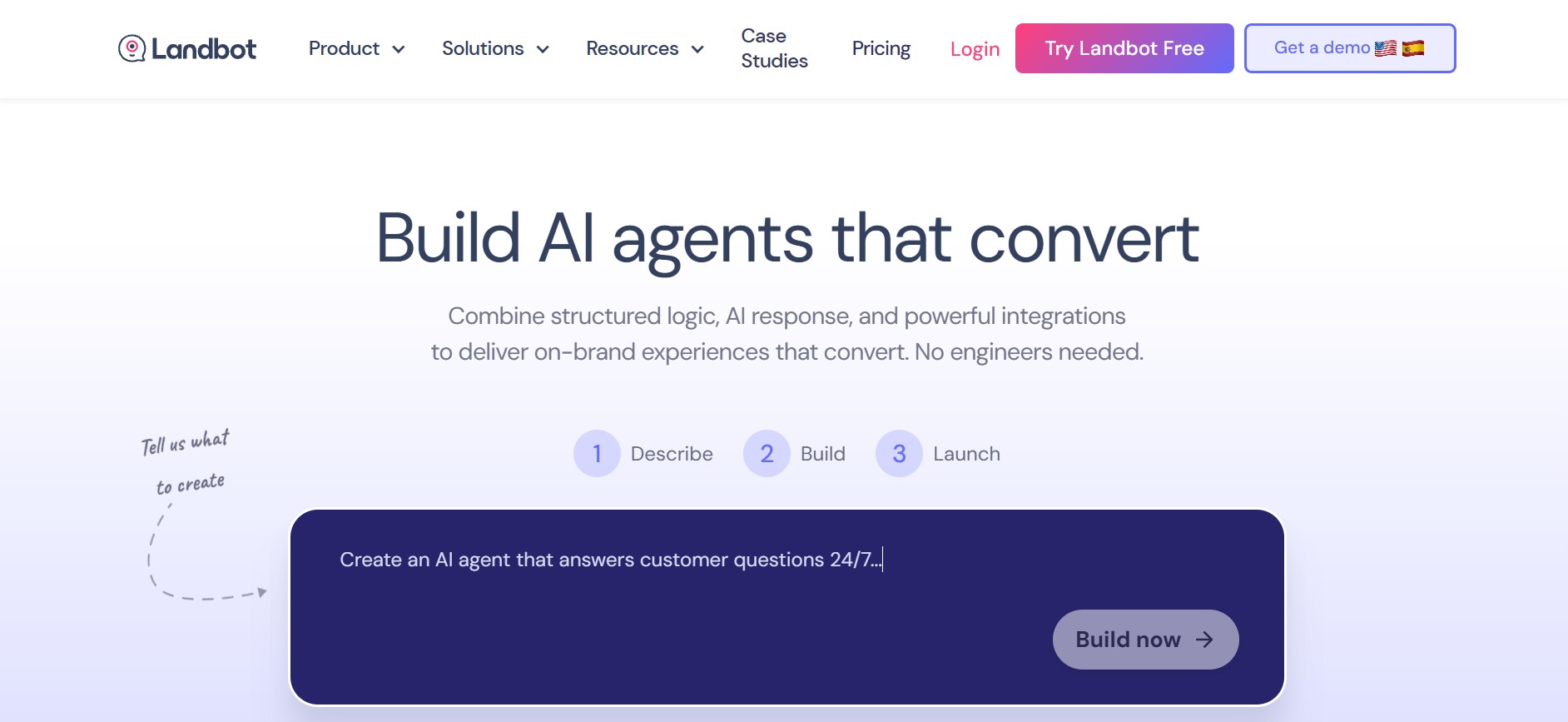
If you have ever wanted to build a chatbot without touching a single line of code and enjoy doing it, Landbot is your playground. It is bright, visual, and interactive unlike most chatbot builders. You do not just “set it up”, you build it like a flowchart-meets-gameboard. Whether you are designing a lead-gen form, onboarding bot, or a cheeky quiz, everything happens in a drag-and-drop interface that feels less like work and more like solving a puzzle. The best part? You don't need a developer background or a YouTube crash course.
When I built mine, I started with a warm greeting and added a button to guide users through the process. From there, I selected a theme that matched my site, experimented with the fonts, incorporated a few animated GIFs, and utilized their adorable avatars to lend it personality. Landbot lets you publish directly to your site or embed it as a pop-up. You can even connect your bot to WhatsApp, Messenger, or a custom API. For integrations, you get plug-and-play access to Google Sheets, Airtable, Salesforce, and more—plus Zapier and Make for advanced workflows. I even exported the entire conversation flow as a PNG because it just looked that good.
Key features:
- WhatsApp integration works seamlessly, even for business numbers.
- Perfect for building surveys, lead capture forms, and quizzes.
- You can embed bots on landing pages, pop-ups, or whole pages.
- Visual builder is genuinely fun. You feel like you are designing, not configuring.
Pricing: Landbot offers a Free Forever Sandbox plan with 100 chats per month and one seat, ideal for testing basic website chatbots. Paid plans start with Starter at €40/month, which adds AI agents, advanced flow logic, and website plus Facebook Messenger bots. If WhatsApp is your focus, WhatsApp Pro is €200/month, including website, Messenger, WhatsApp, and API access with higher chat limits. For enterprise needs, Business starts at €400/month, with priority support, bot management services, and a dedicated success manager.
10. Smartsupp
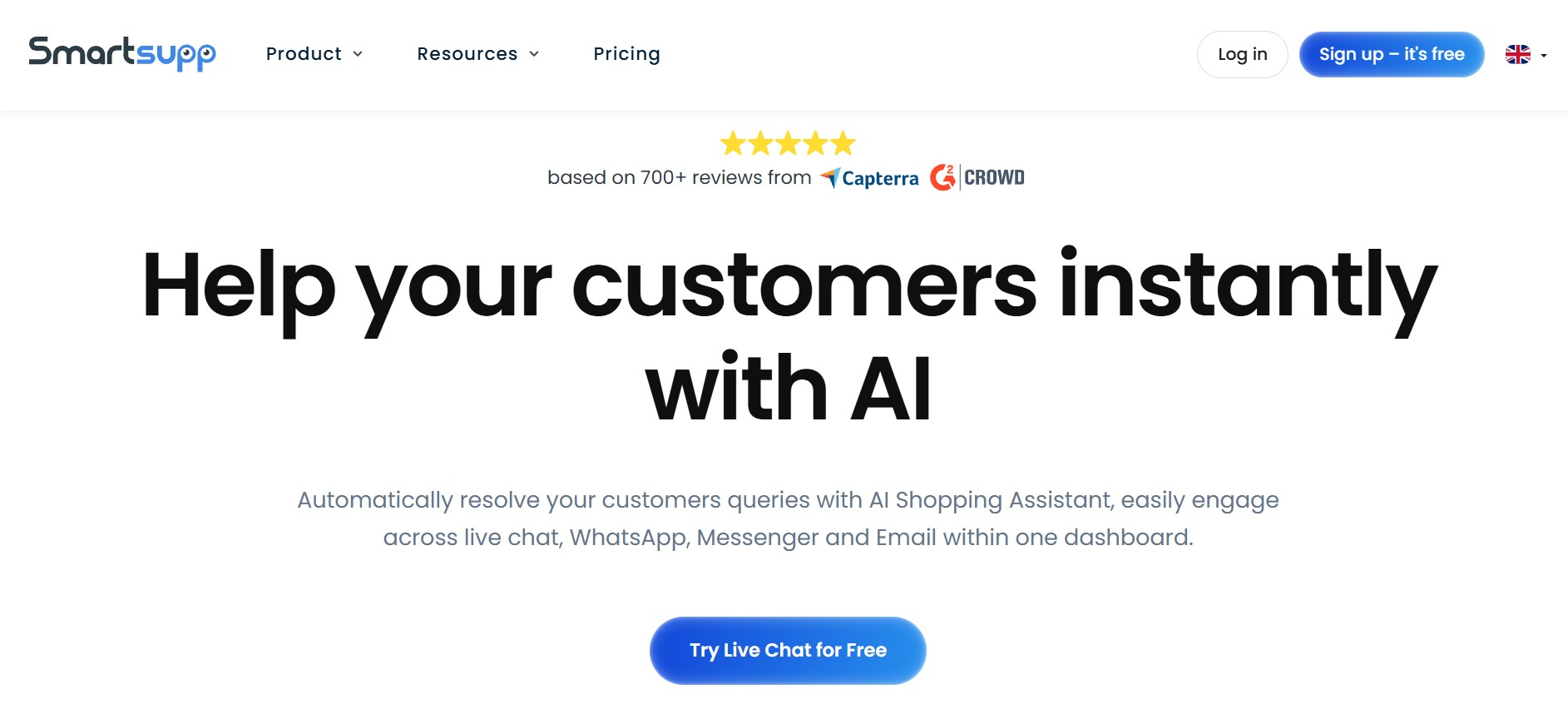
If you have ever wondered what your website visitors are actually doing before they leave, Smartsupp feels like a bit of a revelation. It blends live chat, chatbots, and AI-assisted selling into one simple dashboard, but the real magic is visibility. You are not just chatting with visitors. You are watching sessions, tracking clicks, and understanding intent in real time. That makes Smartsupp especially useful if you run an online store and want fewer guess-and-check decisions.
Getting started is refreshingly easy. The free plan is not a teaser; it is genuinely usable. Unlimited agents, live chat, basic bots, and even visitor screen recordings are available from day one. Inside the dashboard, everything is laid out clearly, from active conversations to visitor behaviour. What stood out to me most was how smoothly Smartsupp connects support with sales. You can see where a visitor is stuck, what is in their cart, and step in at exactly the right moment, without feeling intrusive.
The chatbot side is equally approachable. The drag-and-drop builder requires no coding, and Mira, Smartsupp’s GPT-powered AI Shopping Assistant, handles FAQs, product discovery, and hands conversations over to humans in the same thread. That handoff feels natural, not robotic. It is the kind of setup that works well for small teams who want automation, but still care about tone and timing.
Key features:
- Free-forever live chat and chatbot platform used by 50k+ companies, from small stores to brands like Decathlon.
- Visual, no-code chatbot builder plus Mira AI Shopping Assistant for product discovery and FAQs.
- Visitor screen recordings and real-time click maps, even on the free plan.
- Cart-value tracking, auto-triggers, and lead-generation forms built directly into chat.
- Deep e-commerce integrations with Shopify, WooCommerce, Magento, BigCommerce, and more.
- Unlimited agents on all plans, with performance stats, routing, and internal notes for teams.
Pricing: Smartsupp offers a free-forever plan with 50 live chat conversations, unlimited agents, automatic messages, Messenger and WhatsApp, plus access to Mira AI. Paid plans start at $14/month (billed annually), with Pro at $24/month for growing teams. If you are enterprise-ready, Ultimate begins at $239/month, with dedicated support, advanced limits, and API access. Annual billing saves up to 30%. VAT excluded.
Use case guide: Which one to choose?
Not all AI chatbots are built for the same party. Some are here to do serious work, others are just here for the vibes. Depending on what you are looking for—speed, privacy, building, selling, or simply goofing around—there is a no-sign-up AI chatbot with your name on it. Let us break it down.
- Want GPT-4 performance? Go straight to Kaily or Botsonic. These are the big-brain bots. Both utilise GPT-4, are lightning-fast, and can efficiently process documents, URLs, or product manuals with ease. Perfect if you want power with zero commitment.
- Need privacy? Meet Duck.ai, a chatbot with serious boundaries. It does not track, store, or ask questions about your life. If you're looking for private, no-trace AI chats, this is your safe zone. Botpress also gives you control over what gets logged and what does not.
- Testing no-code builders? Do you just want to build a chatbot without writing a single line of code? Check out Landbot, Chatling, or Botsonic. These let you drag, drop, upload, and talk, all without logging in. Great for playing around, demo ideas, or launching mini projects without developer drama.
- Exploring customer support? Tidio, Freshchat, and ProProfs are built to handle those with grace. Each one offers a no-login demo to test how it replies, routes, and responds. From AI FAQs to hand-off flows, these bots make your support game feel polished, without the onboarding headache.
- Looking for something playful? Say hello to Grok, the chatbot that swears (occasionally), roasts (gently), and answers with flair. It is not built for productivity, but it is excellent if you are bored, curious, or want AI that sounds like it has a Twitter account.
Tips for smarter use
These no-sign-up bots might be free and frictionless, but a little strategy can turn them from “cool demo” into “actual productivity tool.” Here is how to squeeze more out of them, without giving up your email.
- Start with a clear, simple prompt: Begin with a concise, direct, and straightforward prompt. Let the bot warm up before you throw it into a philosophical black hole.
- Test how long your session or character limit lasts: Most of these tools will ghost you without warning. Send a few long queries, refresh the page, and test the bot’s attention span. You will quickly learn who is in it for the long haul and who flakes out after three scrolls.
- Use multiple tools for different tasks: Use Kaily or Botsonic for doc-based queries. Tap Drift or Tidio for customer support flows. Pick the right tool for the vibe. One-size-fits-all does not work in the AI world.
- Do not drop private, sensitive data: No-sign-up means no account, but it also means no ownership. So, do not paste your passwords or PAN drama. Assume everything is temporary and public.
Conclusion
If you have been on the hunt for an AI chatbot that does not make you jump through sign-up hoops, this list is your new best friend. Whether you are exploring ideas, troubleshooting a problem, or just messing around with tech for fun, these no-login tools let you dive straight in - no strings attached. You get to test different models, try out features, and figure out what works for you without giving away your email, your time, or your patience.
It is refreshing to be able just to start. No trial traps, no forms, no “verify your account” loop. And honestly, with so many tools offering GPT-4, Claude, or LLaMA behind the scenes, you are not even compromising on power. My advice would be to try a few. Play with them. One will feel like the right fit. And when it does, you will know it is worth going beyond the demo.







.png)