




Picture this: It's 3 PM, your inbox has 47 unread messages, three meeting requests are sitting unanswered, and you still haven't started that research report due tomorrow. Sound familiar?
The modern professional wastes an average of 2.5 hours daily on repetitive tasks, loses $37 billion annually to unproductive meetings, and spends 28% of their workweek managing email alone. AI virtual assistants are changing this equation dramatically; users report saving 15-20 hours per week and boosting productivity by 40% within the first month.
In this guide, you'll discover:
- The top 10 AI assistants that actually deliver measurable time savings
- Which tools excel at specific tasks (email, scheduling, research, automation)
- Real-world performance comparisons based on extensive testing
- How to choose the right assistant for your workflow
Best AI virtual assistants at a glance:
- For Email: Superhuman (inbox speed), Shortwave (Gmail summaries)
- For Scheduling: Reclaim.ai (calendar planning + focus time)
- For Research: Perplexity (web answers with citations), Claude (long-form writing)
- For Problem-Solving: ChatGPT (general drafting + versatile tasks)
- For Automation: Zapier AI (cross-app workflows), Bardeen (browser automations)
- For Customer Support: Kaily.ai (omnichannel: website, WhatsApp, email, voice + handoff)
What is an AI Virtual Assistant?
An AI, or artificial intelligence, virtual assistant refers to a type of software that listens, understands, and responds to your questions and requests through text or voice. This interaction can occur in different formats, for instance, text and speech.
Businesses use AI-based virtual assistants to handle routine tasks such as responding to customer inquiries, scheduling appointments, and answering general queries. This assists organizations in responding quickly and being accessible even after working hours.
What is different in an AI-powered virtual assistant compared with chatbots is how they’re able to process language. Many are based on Natural Language Processing (NLP) and machine learning. These allow AI assistants to recognize the meaning behind a question rather than just matching keywords.
For example, a traditional rule-based chatbot may only respond if a customer types a specific phrase. An AI virtual assistant, however, can understand different ways of asking the same question, such as
- “What’s your return policy?”
- “Can I send something back if I don’t like it?”
- “How do I get a refund?”
Even if a customer makes a spelling mistake or phrases the question differently, the assistant can still provide the correct answer. This is a major improvement over traditional chatbots, which require a human to manually map out every possible question and response.
How AI Virtual Assistants Work: From Query to Resolution
An AI Virtual Assistant operates with an end-to-end solution involving setup and monitoring, speech recognition, and Natural Language Understanding (NLU). NLU helps the assistant understand what you actually mean.
When the customer talks or types what they want, the AI assistant interprets it using NLU. It does not go by some strict rules because it’s intelligent enough to understand what is needed by the user and connect them to what is needed.
AI Virtual Assistant vs Chatbot
Top 10 AI Virtual Assistants in 2026
1. ChatGPT
ChatGPT consistently stands out as the most versatile AI assistant for general users and professionals alike. It excels in natural language conversation, brainstorming, drafting content, and research tasks. With support for multimodal inputs (text and images) and integrations via custom “GPTs,” it adapts to many workflows. Its ease of use and platform availability (web, mobile, API) make it a go-to choice for daily assistance.
Who is it for?
Content creators, researchers, students, and professionals who need a flexible AI assistant for writing, brainstorming, and problem-solving across diverse tasks.
2. Gemini
Designed by Google, Gemini brings deep integration with Google Workspace and Android devices. It helps you get quick answers, compose emails, and interact with apps like Gmail, Docs, and Maps with context. The voice-first features and on-device suggestions make it excellent for people constantly on the go. Its ecosystem synergy is unmatched for Android power users.
Who is it for?
Android users and Google Workspace teams who want seamless integration with Gmail, Docs, Calendar, and other Google apps for daily productivity.
3. Reclaim.ai
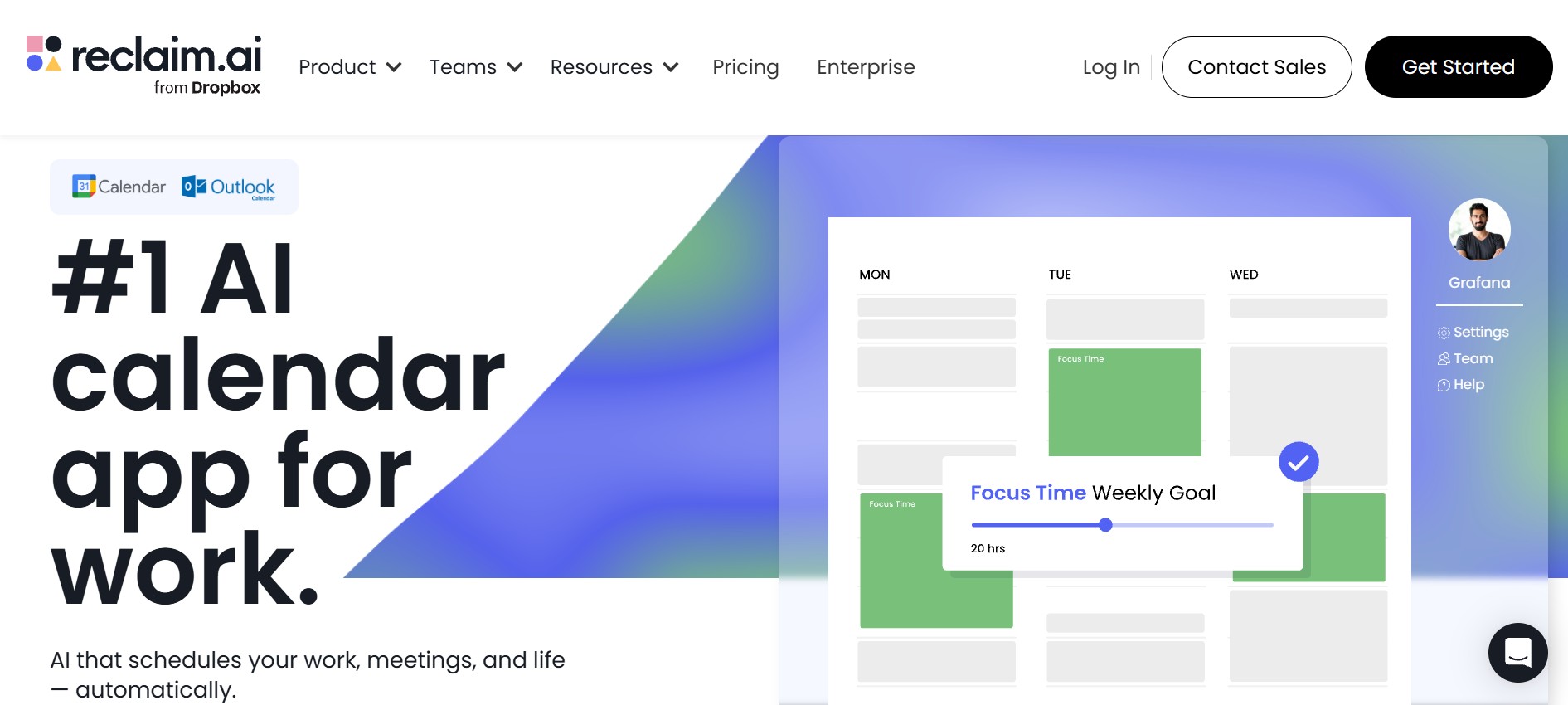
Reclaim.ai focuses on smart calendar and schedule management. It uses AI to automatically block time for tasks, habits, and meetings while optimizing your day around priorities. It integrates with popular calendar apps and helps users defend focus time effortlessly. For productivity-centric individuals and teams, it’s a strong choice.
Who is it for?
Busy professionals and teams struggling with time management who need automated scheduling, focus time protection, and habit tracking built into their calendar.
4. Claude

Claude (by Anthropic) shines with high-quality language understanding and longer, more coherent writing support. It’s ideal for research summaries, drafting reports, and generating structured content. Users who need accuracy and clarity in longer text outputs will appreciate its thoughtful answers. Claude also tends to be slightly more “reasoning-focused” than some competitors.
Who is it for?
Researchers, analysts, and writers who need thoughtful, detailed responses for complex tasks like literature reviews, technical documentation, and in-depth analysis.
5. Perplexity
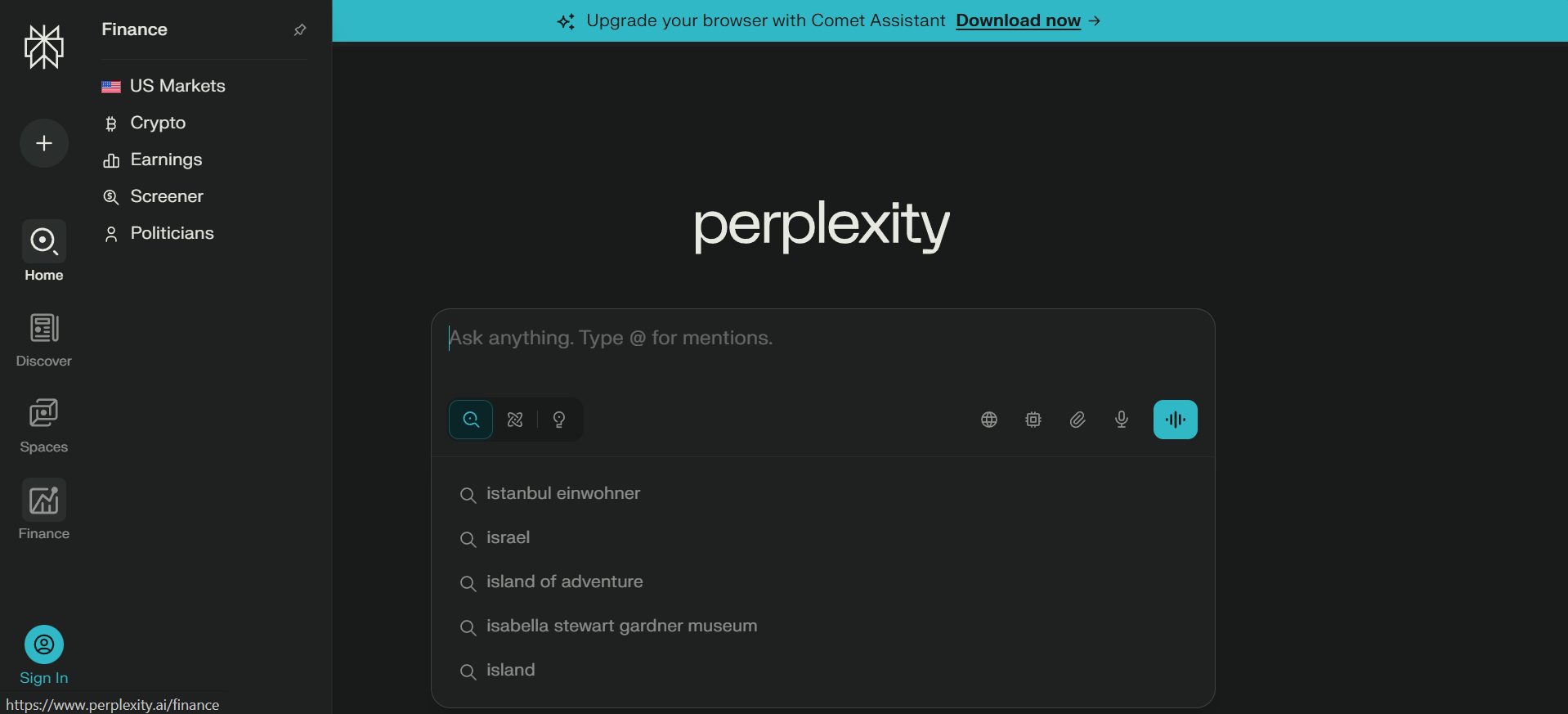
Perplexity Assistant is built to give quick answers sourced from live web data, including citations for trustworthiness. It’s particularly helpful when you want factual, up-to-date information without guessing. It supports tasks like booking events and setting reminders while providing context with sources valuable for research and fact-checking.
Who is it for?
Researchers, journalists, and curious learners who need real-time, cited information from the web for fact-checking and staying current on trending topics.
6. Microsoft Copilot
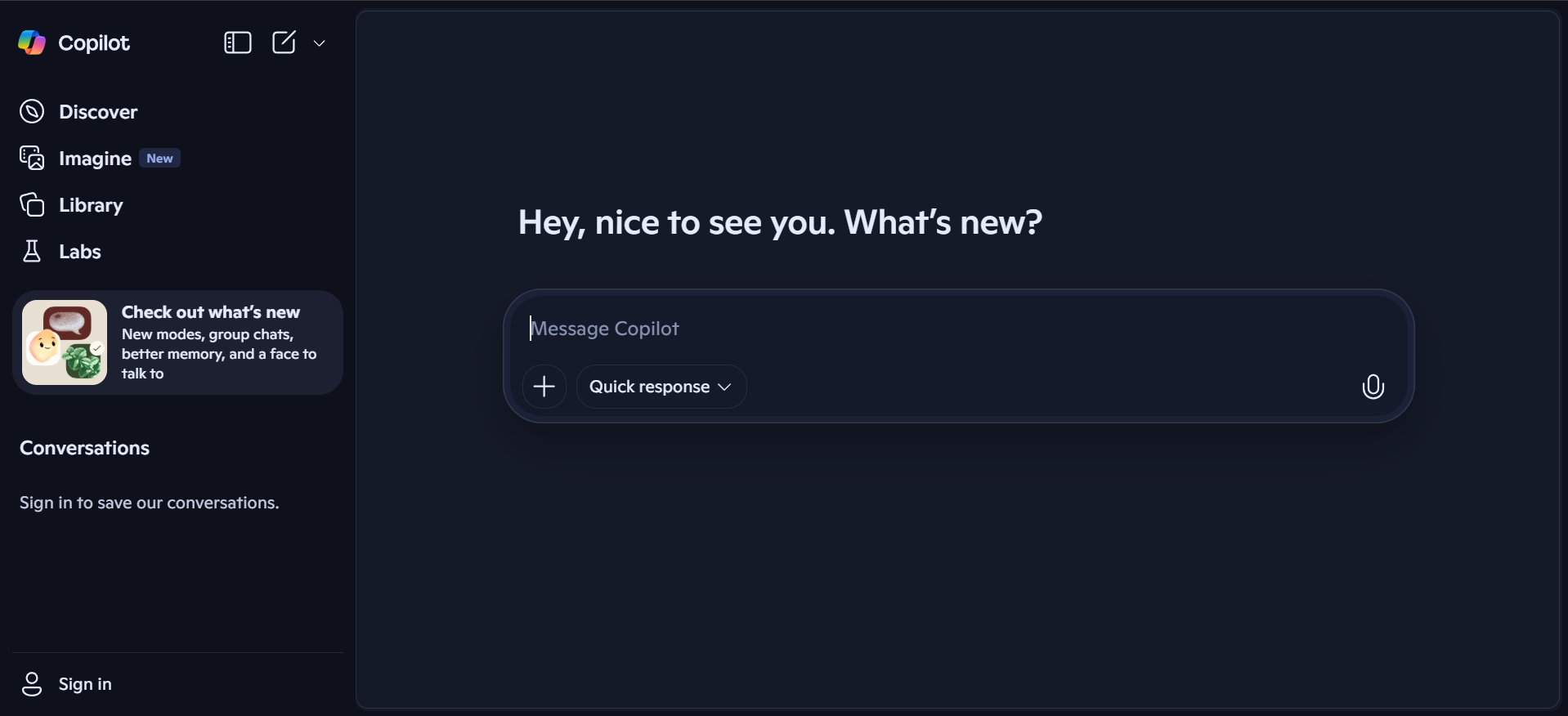
Copilot integrates seamlessly with Microsoft 365 apps (Word, Outlook, Teams, and Excel), turning natural language prompts into actionable productivity results. It can summarize emails, draft documents, and help with data analysis inside familiar work tools. Perfect for enterprise teams entrenched in the Microsoft ecosystem.
Who is it for?
Enterprise teams and Microsoft 365 users who want AI assistance directly embedded in Word, Excel, Outlook, and Teams for streamlined workflows.
7. Superhuman
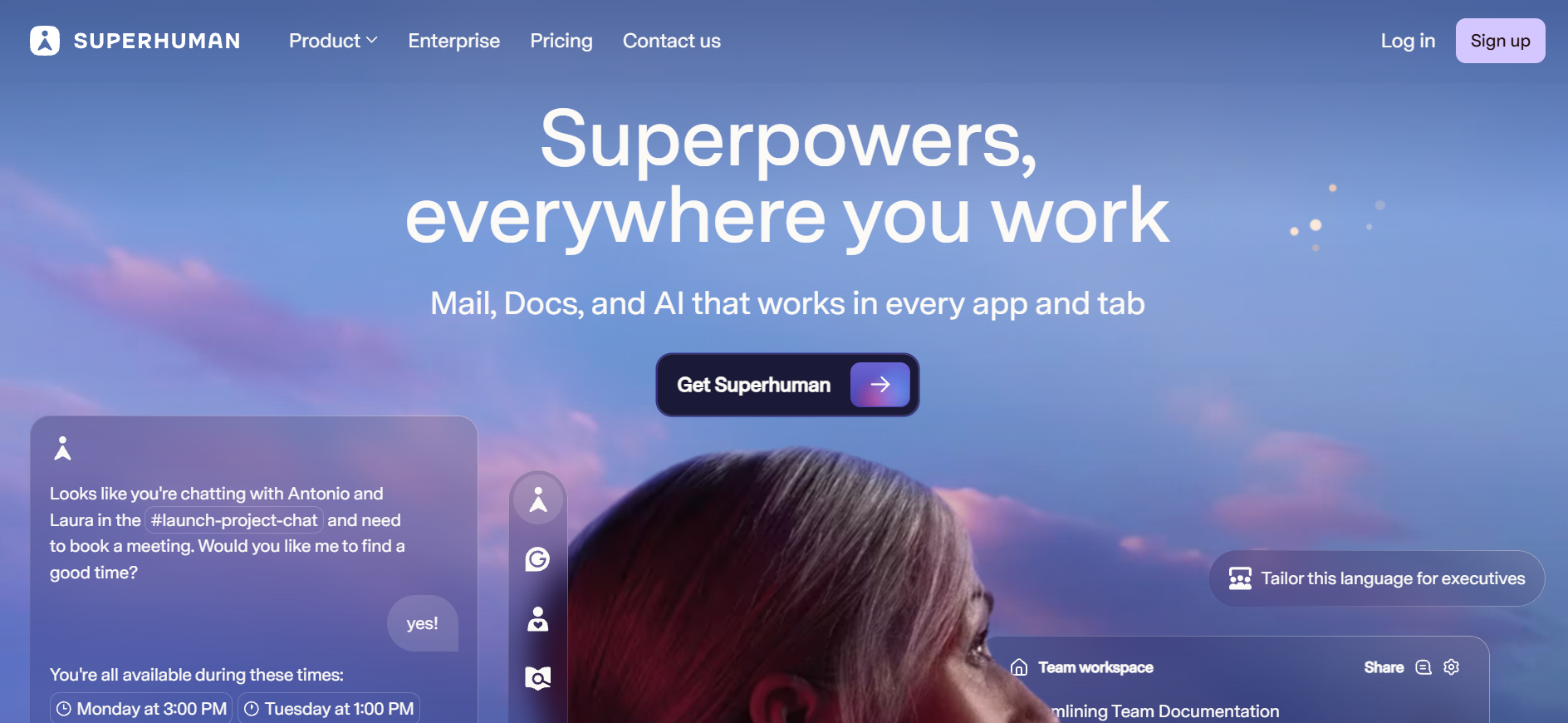
Superhuman uses AI to transform email workflows with features like automated triage, rapid search, and smart replies. It’s designed for speed, helping users clear inboxes and prioritize important messages quickly. The AI assistance speeds up everyday email tasks, which is ideal for executives and high-volume communicators.
Who is it for?
Executives, founders, and professionals managing high email volumes who need lightning-fast inbox management and intelligent email prioritization.
8. Shortwave
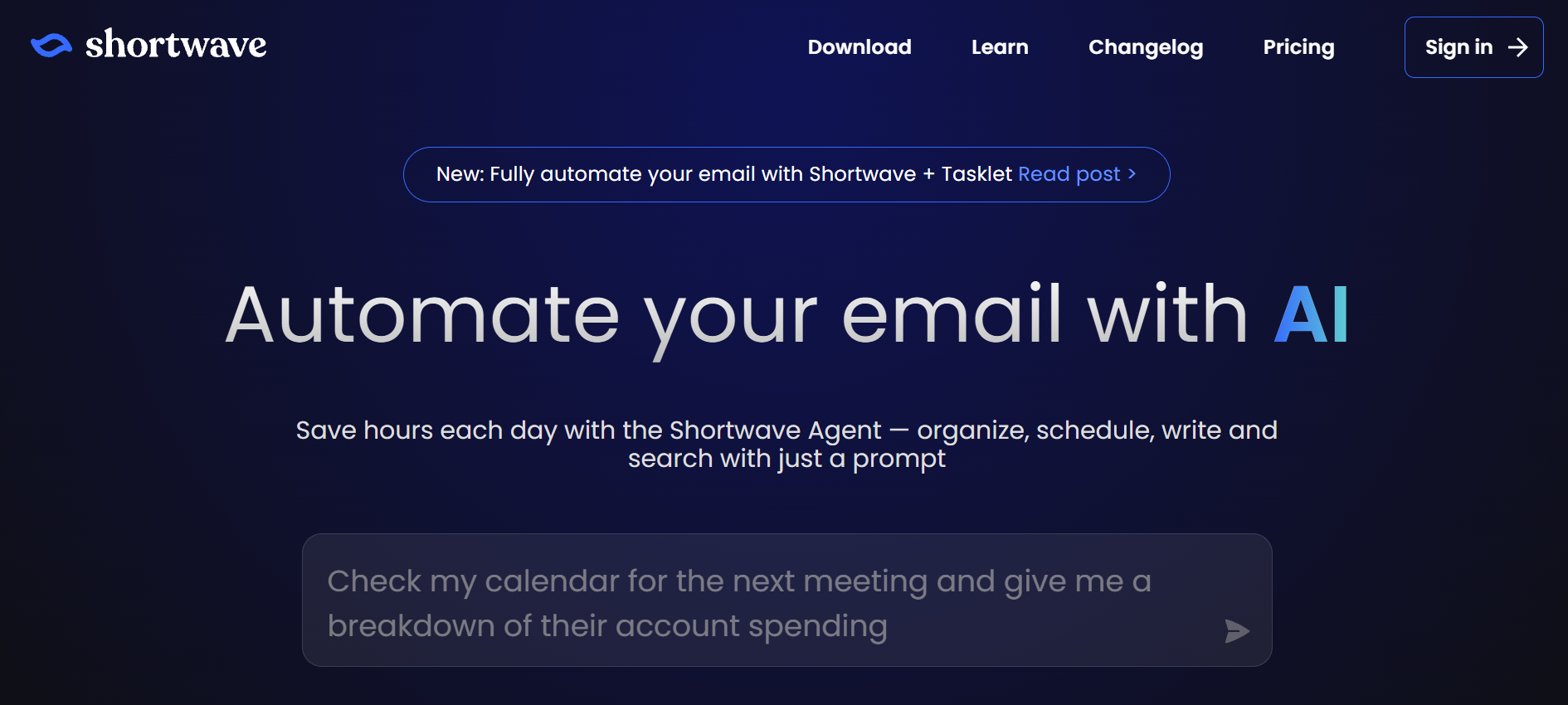
Shortwave is a Gmail-focused AI that reduces email overload by summarizing threads, creating follow-ups, and organizing conversations. Its intuitive interface and tight Gmail integration help users navigate messy inboxes with ease. If Gmail is central to your workflow, Shortwave saves significant time.
Who is it for?
Gmail power users drowning in email threads who need smart summarization, automated follow-ups, and better inbox organization without leaving Gmail.
9. Bardeen
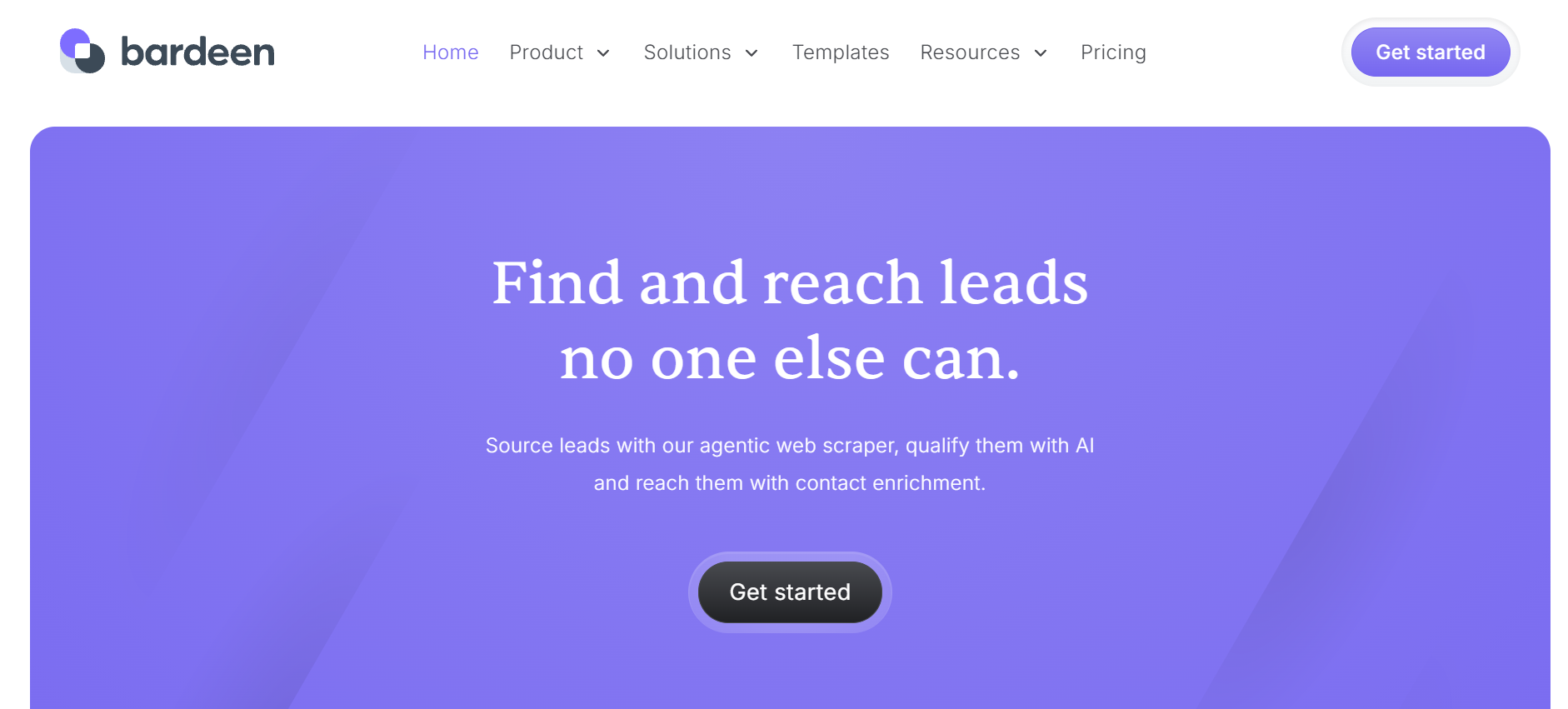
Bardeen works as a browser extension that automates repetitive tasks across web apps without code. It connects to tools like Google Sheets, Notion, and CRMs, performing actions automatically based on simple triggers. Great for web-based workflows, it enhances productivity by eliminating manual steps.
Who is it for?
Sales teams, marketers, and operations professionals who spend time on repetitive web tasks like data entry, lead enrichment, and cross-app updates.
10. Zapier + AI
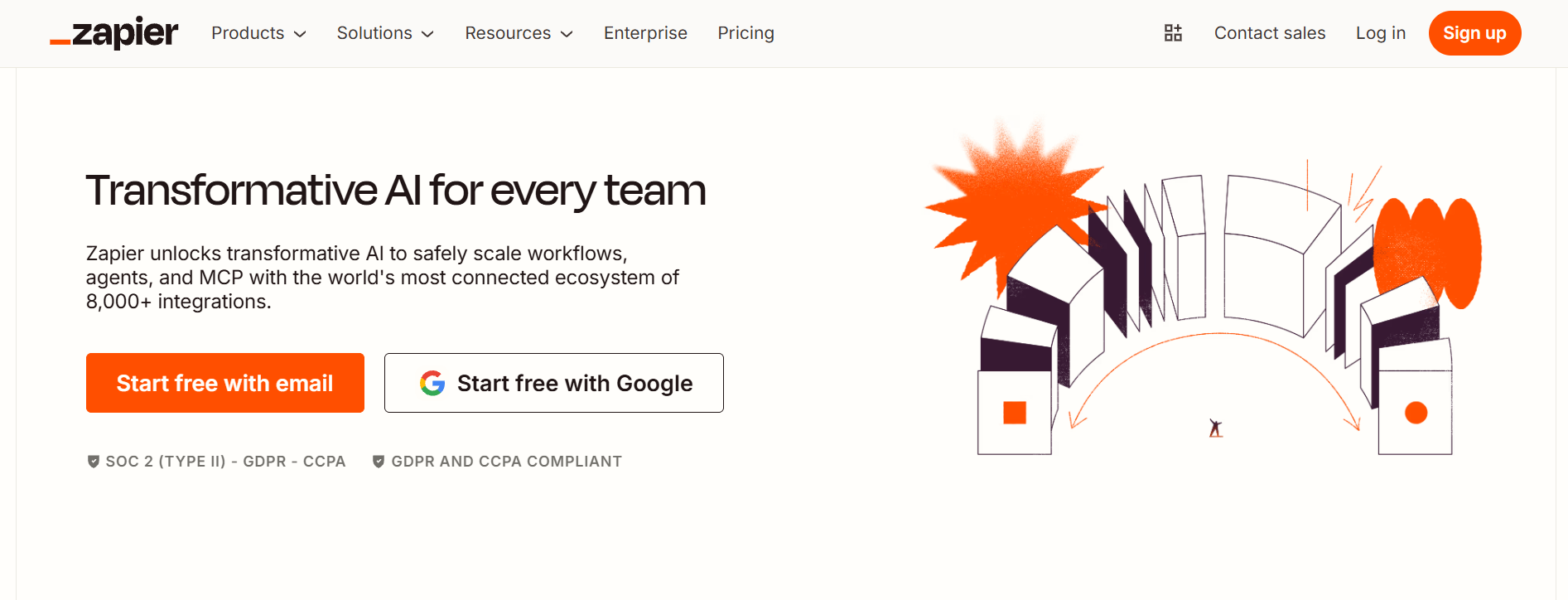
Zapier + AI brings smart automation to multi-app workflows by combining Zapier’s no-code automations with AI-driven logic. You can have data flow across apps automatically, trigger intelligent actions, and create complex workflows with minimal setup. It’s perfect for teams looking to automate tasks across tools without engineering resources.
Who is it for?
Small to mid-sized teams without dedicated developers who need to connect multiple tools and automate cross-platform workflows intelligently.
Disclosure: This guide is published by Kaily.ai and includes our own product. Based on our daily internal use across teams, we’ve evaluated our product using the same criteria as other AI tools in this list. No internal/external vendor has influenced the rankings for any AI virtual assistant included in this list.
Top AI Virtual Assistants: Feature Comparison
The table below compares AI virtual assistants across best use cases, platforms, key strengths, integrations, and setup difficulty.
What are the Different Types of AI Virtual Assistants?
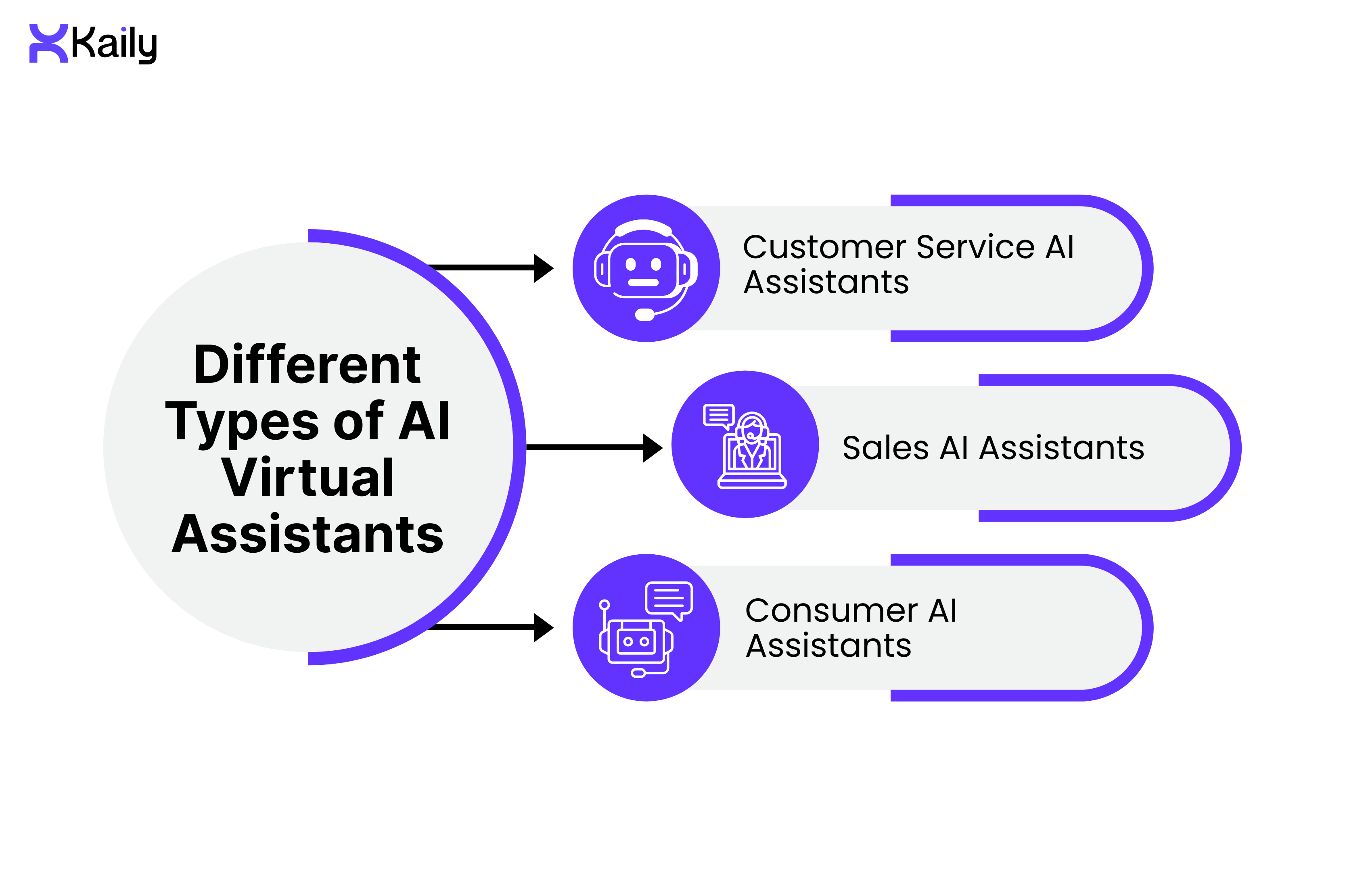
AI virtual assistants can be of different types to suit the varying needs of various industries.
Customer Service AI Virtual Assistants
The customer service AI virtual assistant acts as an important tool for the customer service team. The assistants aid in minimizing the number of inquiries customer services need to address by supplying answers almost instantly.
These assistants let customers complete tasks independently, like opening an account or setting up a move. Some assist the agent by providing information during a conversation.
Key capabilities include:
- Answering FAQs about returns, policies, and accounts
- Guiding customers through troubleshooting or setup steps
- Integrating with CRMs and knowledge bases for real-time data
- Supporting omnichannel messaging such as website chat, SMS, and WhatsApp
- Providing 24/7 availability for after-hours support
Sales AI Virtual Assistants
Sales AI virtual assistants work to support customers and sales staff equally. They can be used on websites to provide answers regarding questions like shipping or price to assist customers in making their decisions.
These assistants are also useful in providing salespeople with real-time assistance in handling calls and enabling them to work with sales processes more efficiently.
Key capabilities include:
- Assisting with product and pricing questions
- Handling lead qualification through targeted questions
- Scheduling demos and follow-up calls
- Providing real-time objection-handling tips
- Automatically logging conversations and updating CRM records
Consumer AI Virtual Assistants
Consumer-based AI virtual assistants have become everyday essentials. Many consumers are already familiar with some virtual assistants, which respond to voice commands.
Key capabilities include:
- Executing voice-enabled commands such as setting timers
- Providing general knowledge, like weather updates
- Controlling smart home devices
- Integrating with apps for calls, messages, and reminders
Benefits of Virtual Assistants

Modern teams need tools that save time without sacrificing quality. Here's what AI assistants deliver:
Convenience
Virtual assistants offer a hands-free voice-activated interface that makes completing tasks faster and more efficient. Beyond just simple information retrieval or task execution, users can get what they need without having to navigate through several screens or systems.
Personalization
Over time, virtual assistants learn from user interactions and can deliver more personalized responses and recommendations, taking previous behavior and preferences into consideration.
Efficiency
By automating routine tasks, virtual assistants save time and effort. Users are no longer required to do the same things over and over again, while the businesses can process increased volumes of requests with ease.
Accessibility
Virtual assistants make technology more accessible. The voice-based interaction and simplified workflow help users to cross the barriers in using digital services.
Productivity
It allows users to take on more critical and strategic activities by taking care of administrative and repetitive tasks.
How to Choose the Right AI Virtual Assistant Step-by-Step
Choosing the right AI virtual assistant means understanding your needs and matching an AI assistant with the right features. Here’s a quick guide:
Define Your Goals and Use Cases
The first step is to identify what you expect the AI virtual assistant to do. It can be dealing with customer queries, managing schedules, generating leads, or supporting internal teams. Once the expectations and goals are clear, you can find an AI assistant that can give you the best performance without unnecessary complexity.
Assess the Key Features and Capabilities
Not all AI virtual assistants offer the same capabilities. Look for strong natural language processing so the assistant understands intent and context. Integration with tools like email, calendars, CRM systems, and messaging platforms is equally important. Personalization and the ability to learn from past interactions are also beneficial features to have.
Match the Assistant to Your Scale and Industry
Different organisations have different requirements. Smaller teams may benefit from simple, easy-to-use assistants. However, larger businesses often need advanced features, automation, and scalability. Also, certain AI virtual assistants are specifically designed for specific industries. Assess which virtual assistant matches the requirements of your industry.
Review Security, Privacy, and Compliance
Ensure the AI virtual assistant you are opting for follows data protection standards and complies with regulations like GDPR. Check how data is stored, processed, and protected. A reliable assistant should prioritize secure communication, controlled access, and regular updates to safeguard sensitive information.
Test Before You Commit
Hands-on testing is the best way to see if an AI virtual assistant fits your needs.. Free demos and trials will allow you to explore the features and understand if and how well the assistant meets the requirements.
The Role of AI Virtual Assistants Across Industries
AI virtual assistants come in various types, each designed for specific tasks.
Healthcare
- Use Case: Patient support and clinical assistance
- Key Functions: Resolves 60% of patient intake queries instantly and reduces registration time from 15 minutes to under 3, letting staff focus on critical care instead of paperwork.
- Additional Support: Assists with triage by suggesting next steps
- Outcome: Faster patient processing and improved access to medical information
Insurance
- Use Case: Policy and claims assistance
- Key Functions: Processes claim status updates 80% faster and resolves policy questions in under 90 seconds, cutting call center volume by half during peak renewal periods.
- Agent Support: Retrieves accurate information from internal documents
- Outcome: Quicker claim handling and reduced manual effort
Utilities
- Use Case: Customer support and emergency response
- Key Functions: Manages billing, payment, and usage-related queries
- Emergency Handling: Provides safety instructions and escalates critical issues
- Outcome: Faster resolution of service issues and emergencies
IT
- Use Case: Internal IT support
- Key Functions: Guides users through basic troubleshooting and password resets
- Ticket Handling: Helps triage help desk requests
- Outcome: Reduced IT workload and quicker issue resolution
Human Resources (HR)
- Use Case: Employee self-service and recruitment support
- Key Functions: Assists with onboarding, interview scheduling, and FAQs on payroll, benefits, and leave
- Recruitment Support: Screens resumes and manages candidate queries
- Outcome: Streamlined HR operations and better use of recruiter time
AI virtual assistants are also widely used across other industries, like :
- Education: Supporting tutoring, answering questions, and assisting with scheduling
- Administrative: Managing tasks, reminders, and data analysis
- Home Automation: Controlling smart devices and managing energy usage
- E-Commerce: Helping users find products, place orders, and manage post-purchase support
Virtual Assistant Readiness Checklist
Here’s a 10-step readiness checklist to pick the right AI virtual assistant:
Step 1: Define Your Purpose
Decide what you want your virtual assistant to do at the very beginning, be it support, sales, scheduling, internal automation, or anything else.
Step 2: Identify Key Tasks
Make a list of specific tasks or questions for the assistant.
Step 3: Set Clear Goals & KPIs
Set goals and measurable outcomes to track success.
Step 4: Map Customer Journeys
Analyze the customer paths to find places and points where the assistant will be required.
Step 5: Choose the Right Technology
Decide between rule-based, AI-powered, or hybrid solutions based on complexity and volume of interactions.
Step 6: Ensure System Integration
Make sure that the assistant can connect well with CRM, knowledge bases, calendars, inboxes, and other internal systems.
Step 7: Plan Security and Compliance
Review data protection, privacy policies, and compliance standards relevant to your business before launch.
Step 8: Prepare Training Data
Collect real conversations, FAQs, and feedback for training.
Step 9: Design Escalation Paths
Build smooth hand-off options to human agents for complex issues or when accuracy matters most.
Step 10: Test and Retouch Before Launch
Run internal testing with real scenarios, resolve any gaps, and fine-tune responses to deliver the best possible user experience.
Common Mistakes When Adopting AI Virtual Assistants
Some common mistakes can prevent the expected results.
- Treating AI as a Basic Chatbot: This will limit the virtual assistant's ability to understand context and intent and provide efficient responses.
- Lack of Clear Goals and Use Cases: When goals and objectives are not clear, the assistant cannot perform as expected.
- Poor System Integration: If the virtual assistant is not properly integrated with CRM, databases, and other internal tools, it cannot provide accurate, personalized information.
- No Human Escalation Path: The inability of the assistant to handle complex or complicated queries and ensure the required human escalation at the right time can leave the users displeased.
- Ignoring Training and Optimization: Without regular training and updates, the assistant can become outdated or ineffective over time.
Why choose Kaily as your AI Virtual Assistant
Kaily doesn't just respond to questions; she resolves issues. She adapts to your brand's tone, works across every channel your team uses, and takes initiative like a teammate who's been with you from day one. It can be your sales representative, 24/7 sales representative, marketing agent, shopping assistant, support agent, and more.
With Kaily, you have an assistant who goes beyond traditional chat boxes and feels like a team member working with you. Kaily:
- Completes the tasks autonomously
- Adapts to context and user intent
- Takes initiative and offers next steps
- Combines logic with learning to execute smart actions
- Orchestrates across different tools and platforms
Kaily Use Cases: Real Business Applications
- E-Commerce: Order processing automation
- Result: 70% reduction in support tickets
- Result: 70% reduction in support tickets
- Professional Services: Client onboarding
- Result: 50% faster onboarding time
- Result: 50% faster onboarding time
- Healthcare: Appointment management
- Result: 85% booking completion rate
- Result: 85% booking completion rate
Final Thoughts
AI virtual assistants can assist individuals, teams, and organizations across different industries. They can offer faster and more efficient responses by understanding natural language, integrating with systems, and automating routine tasks.
AI virtual assistants have already become a significant part of digital interactions, and we can expect even greater context awareness and integration with emerging technologies in the future.
Book a demo today and see how Kaily streamlines tasks, improves response times, and becomes a reliable team member.














.png)

