
The next BIG thing in AI is here

Kaily now functions as an MCP client. Connect with multiple MCP servers and give your AI agent the power to get real work done

guy chatting on phone with ai chat bot

What is Model Context Protocol (MCP)?

MCP clients like Kaily talk to you. MCP servers talk to your backend systems. Together, they get real work done

MCP client vs server explained

MCP clients like Kaily talk to you. MCP servers talk to your backend systems. Together, they get real work done

MCP Client

MCP Server

Kaily, ChatGPT, Grok, Deepseek, custom AI agent, etc
Any tool or automation platform like Boltic, Zapier, Make etc
Talks to users and takes requests for data/tasks
Executes requests and relays data to the client
Tone, personality and UI can be customized
Customize tools, workflows, and tasks.
Doesn’t have access to backend data
Has protected, real-time access to backend tools
Controls what task is executed and when
Reactive, only acts based on inputs from client

Powerful AI features with MCP

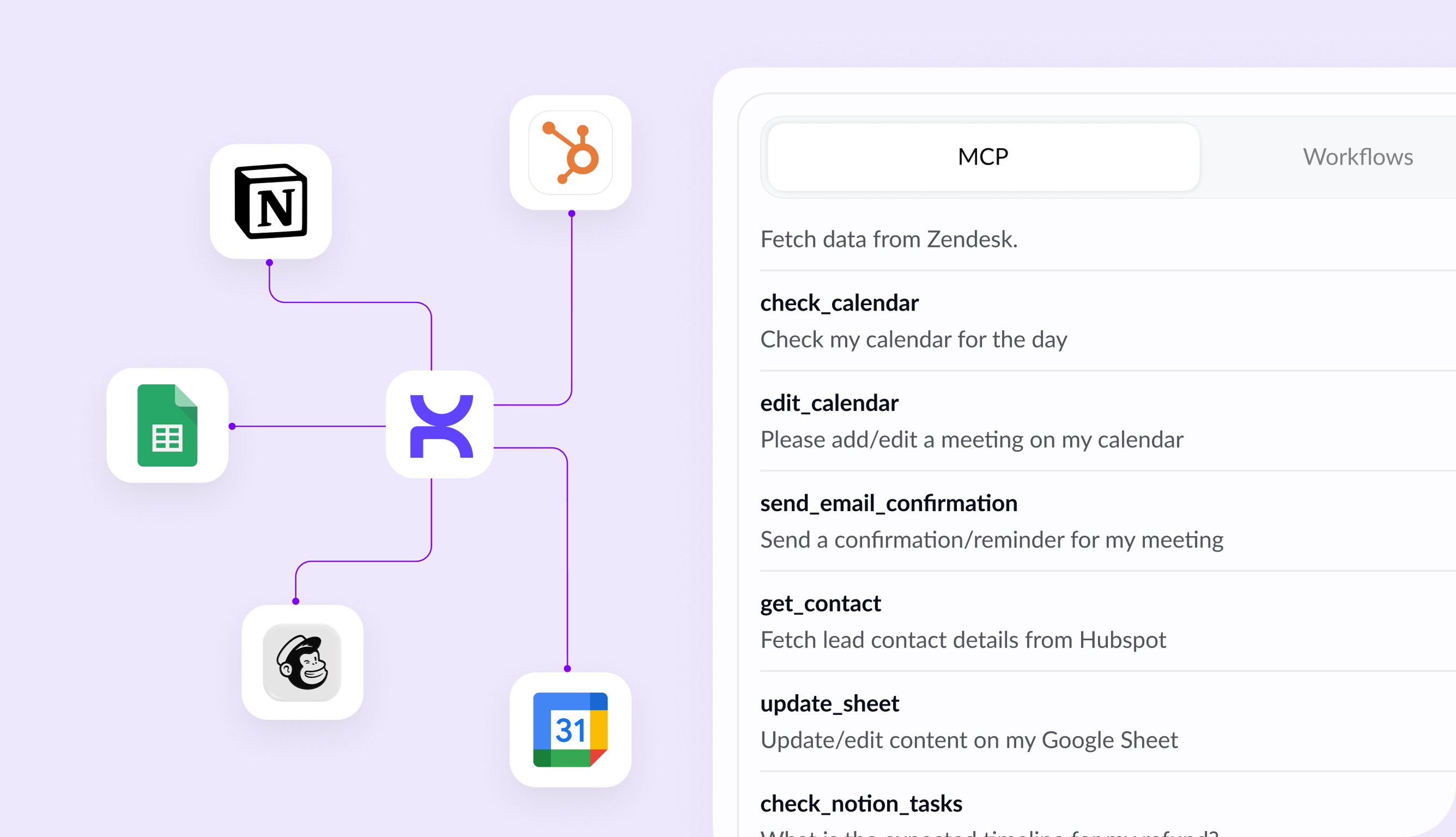
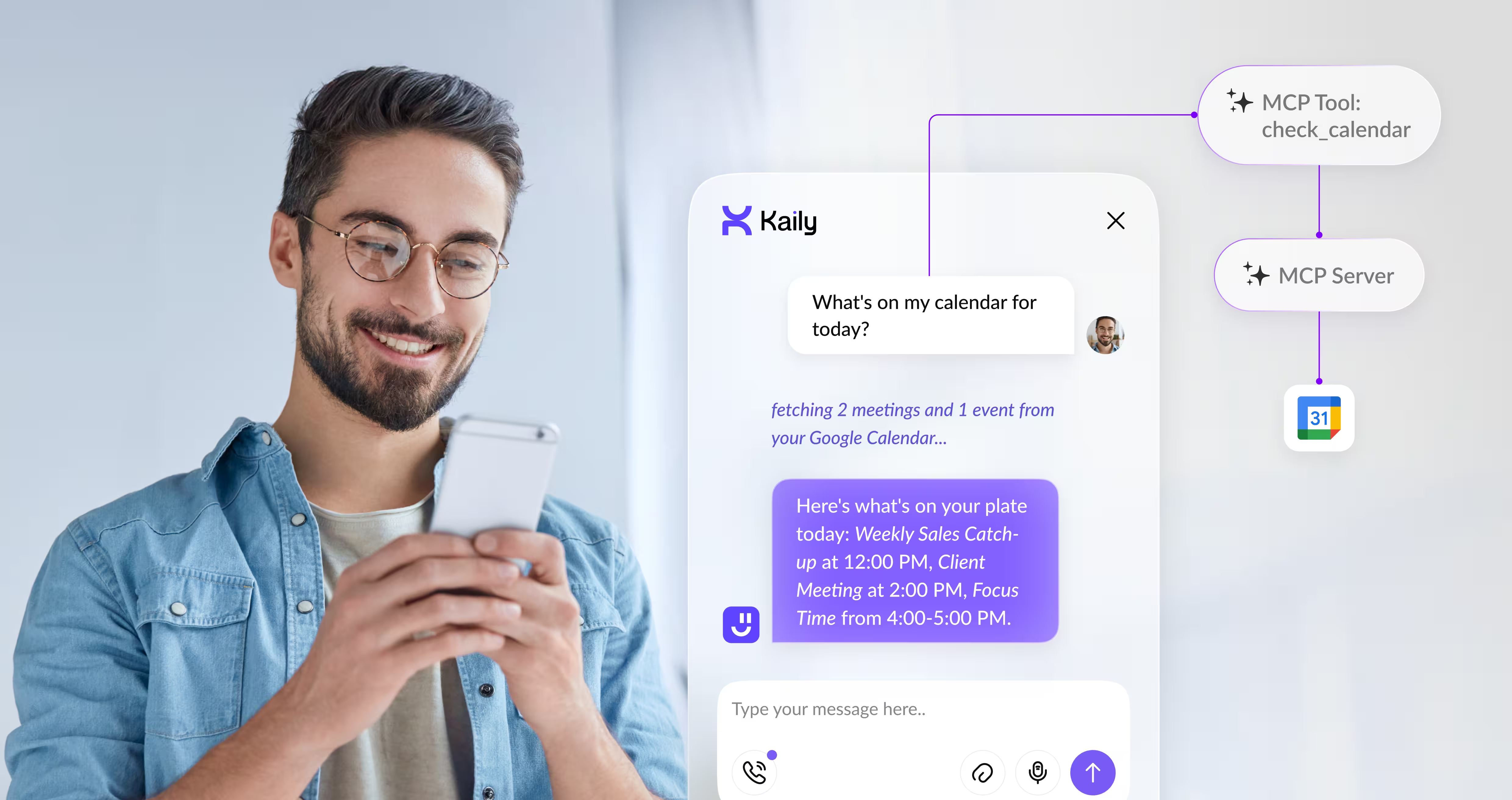
Trigger real actions from chat
mcp
check icon
Tap into real, live data from your systems on demand
check icon
Edit or update data anywhere in your systems directly via chat
check icon
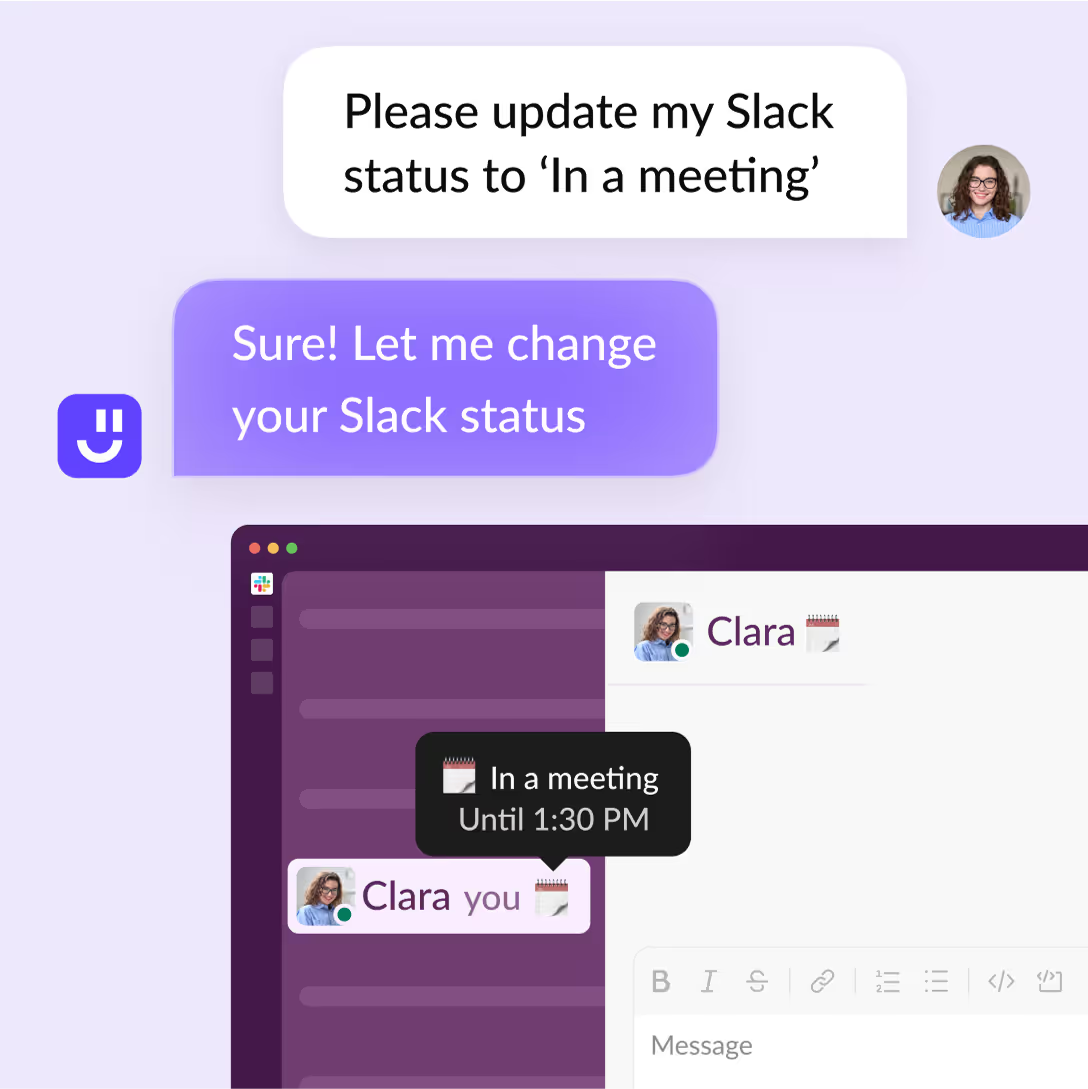
Set workflows to trigger automated actions like Slack status updates
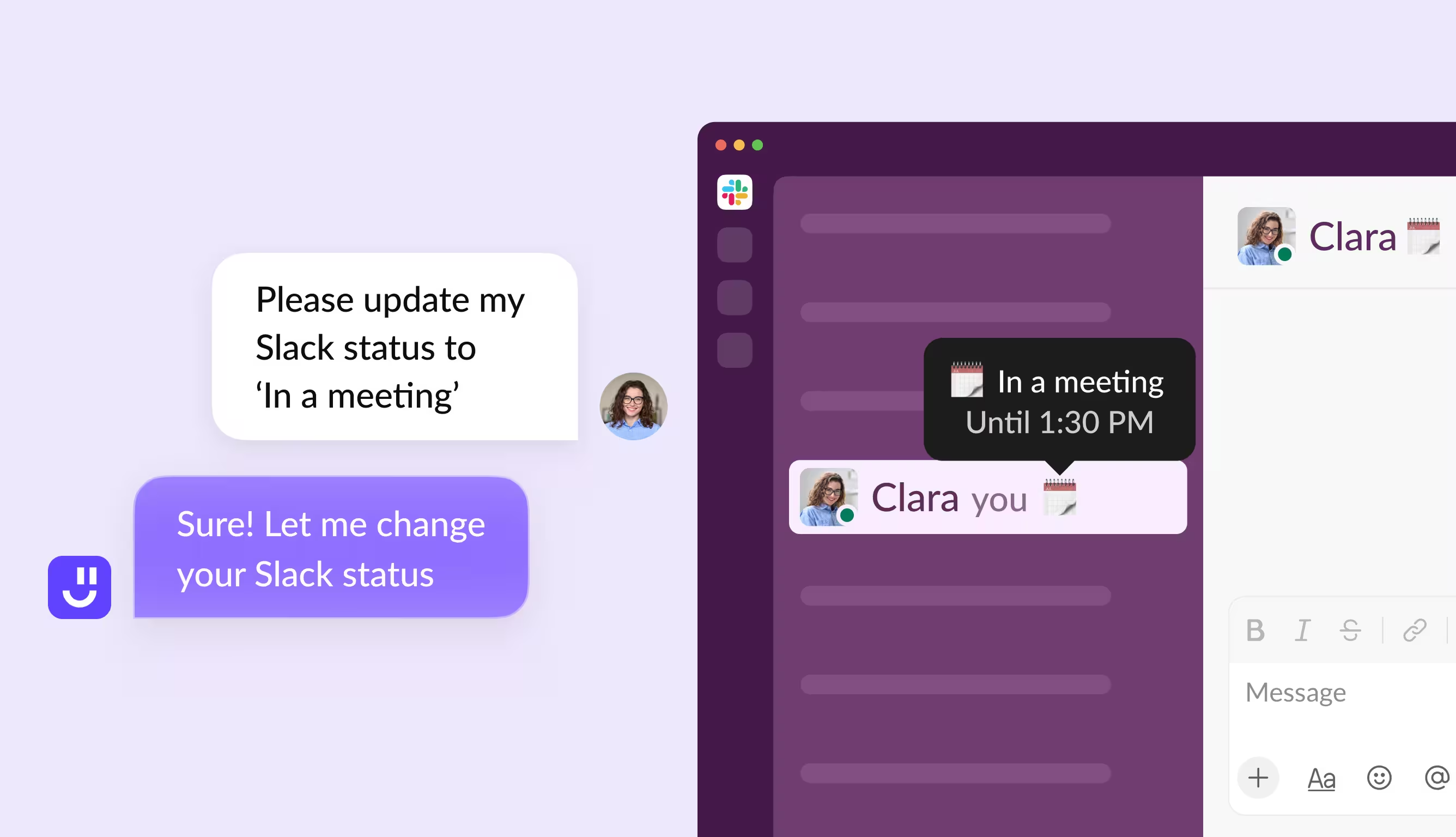
AI assistant updating Slack status during a meeting
Workflow automation connecting apps and tools

One brain, many tools

logos notion
check icon
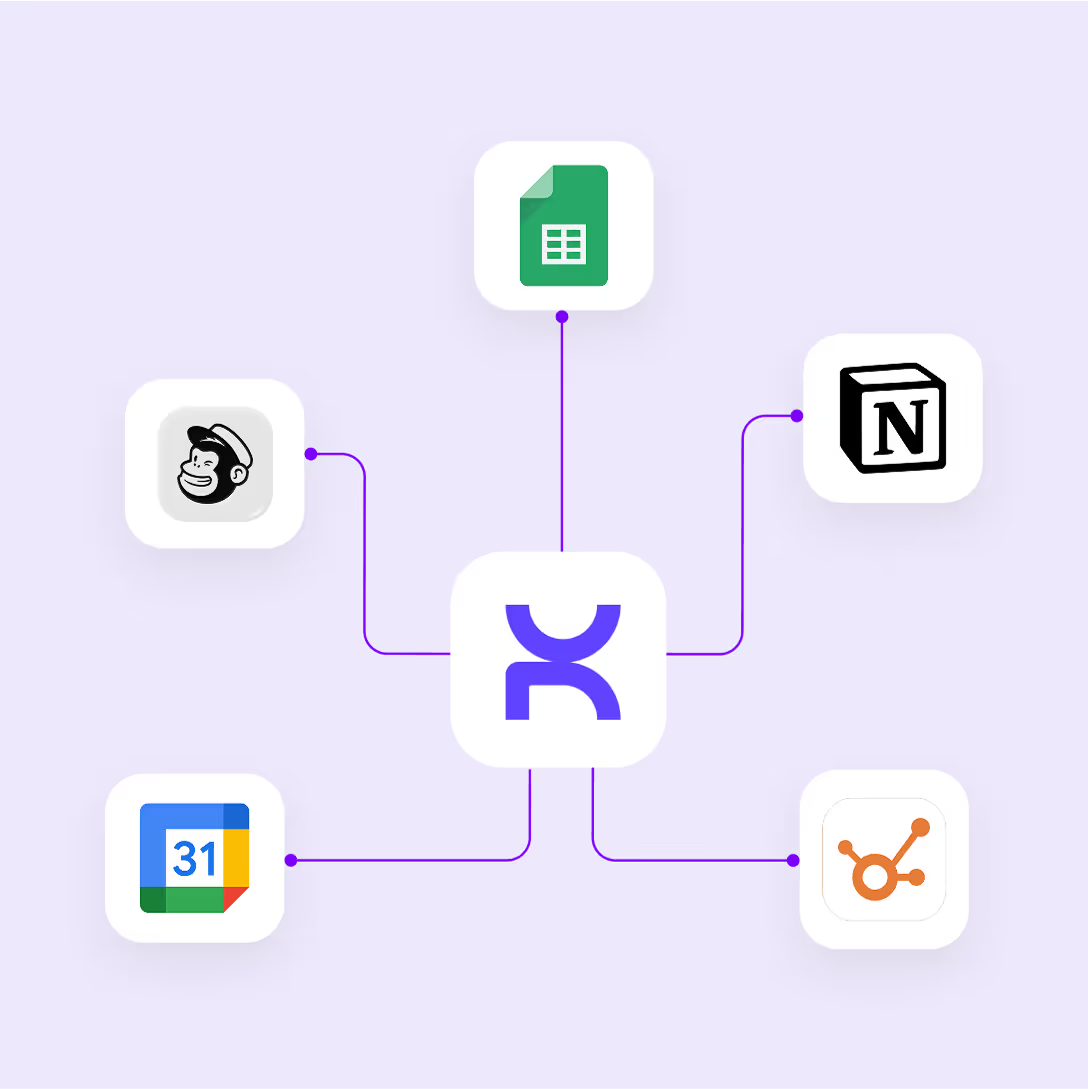
Your agent gets instant, configurable access to thousands of tools
check icon
Connect Boltic, Zapier, Make or even custom workflows to your agent
check icon
AI agent decodes message context and chooses the best tools to use

Complete data security
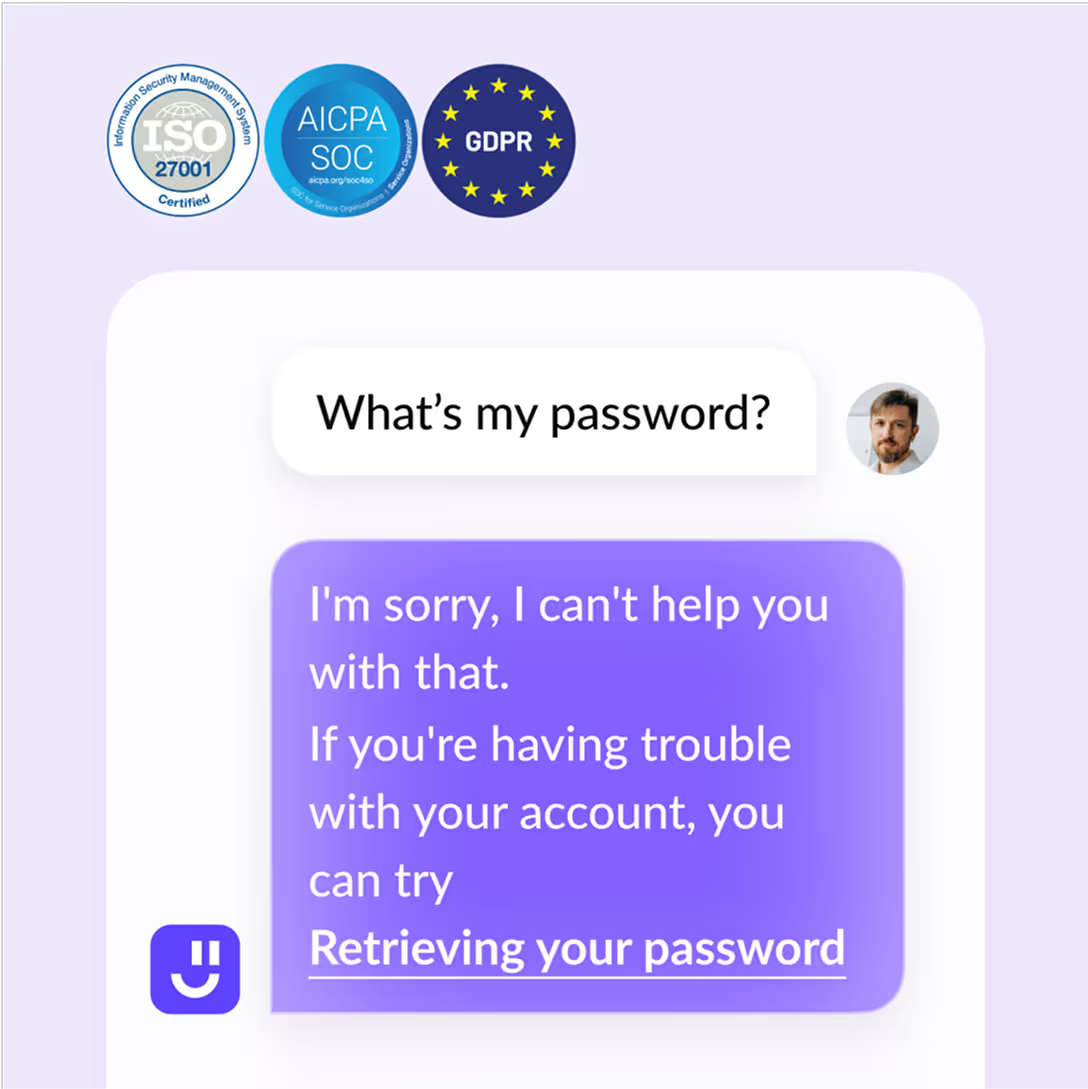
certificate
check icon
Comes with built-in compliance and data security protocols
check icon
MCP agents don't store data, minimizing leakage and security risks
check icon
Maintain granular control over what your AI agent accesses and when

AI assistant securely handling password request

Getting started

Set up custom AI actions via your MCP server in three simple steps
create mcp server
1
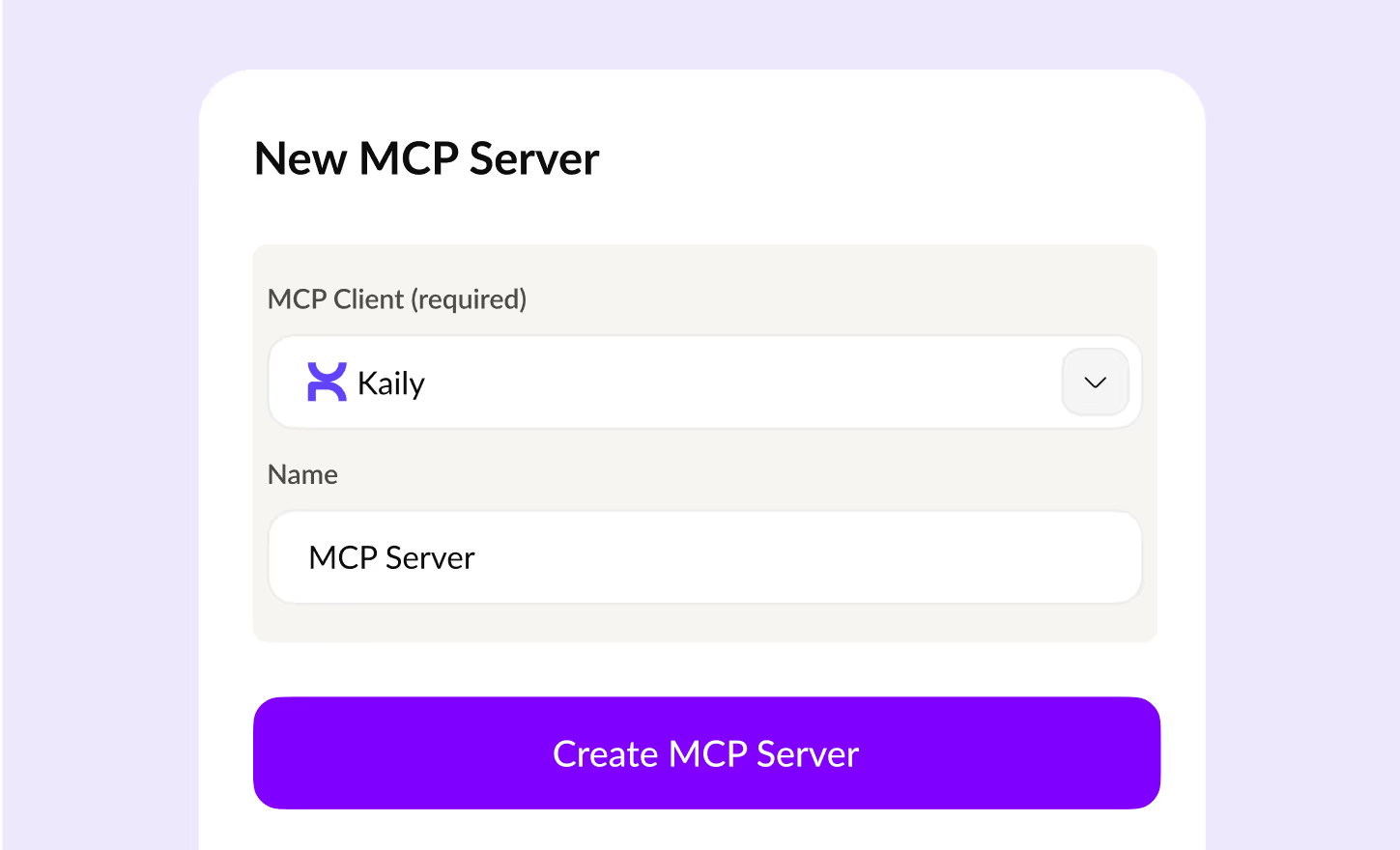
Create MCP server
Head over to platforms like Boltic, Zapier, etc and create your MCP server
create tools
2
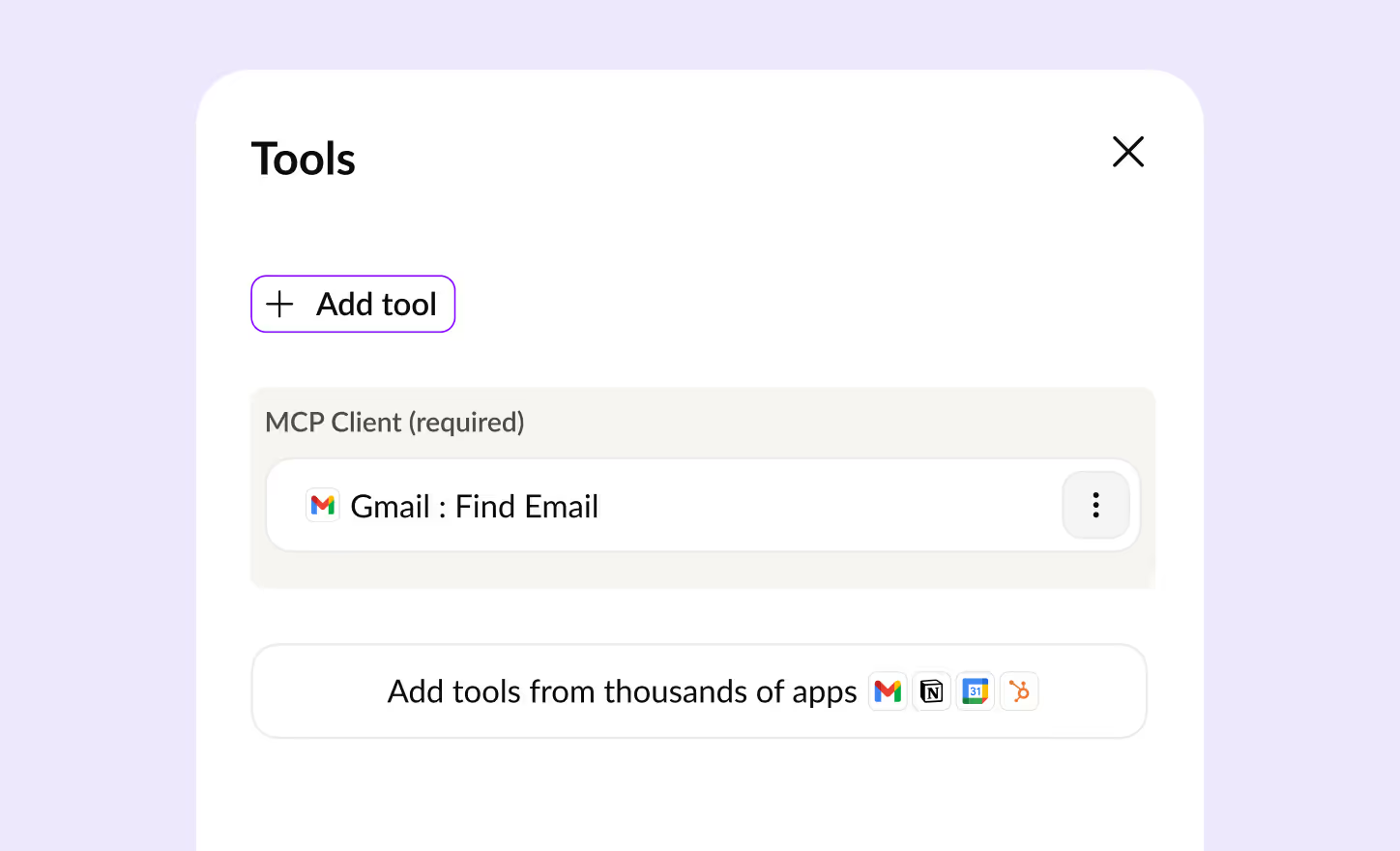
Configure your server
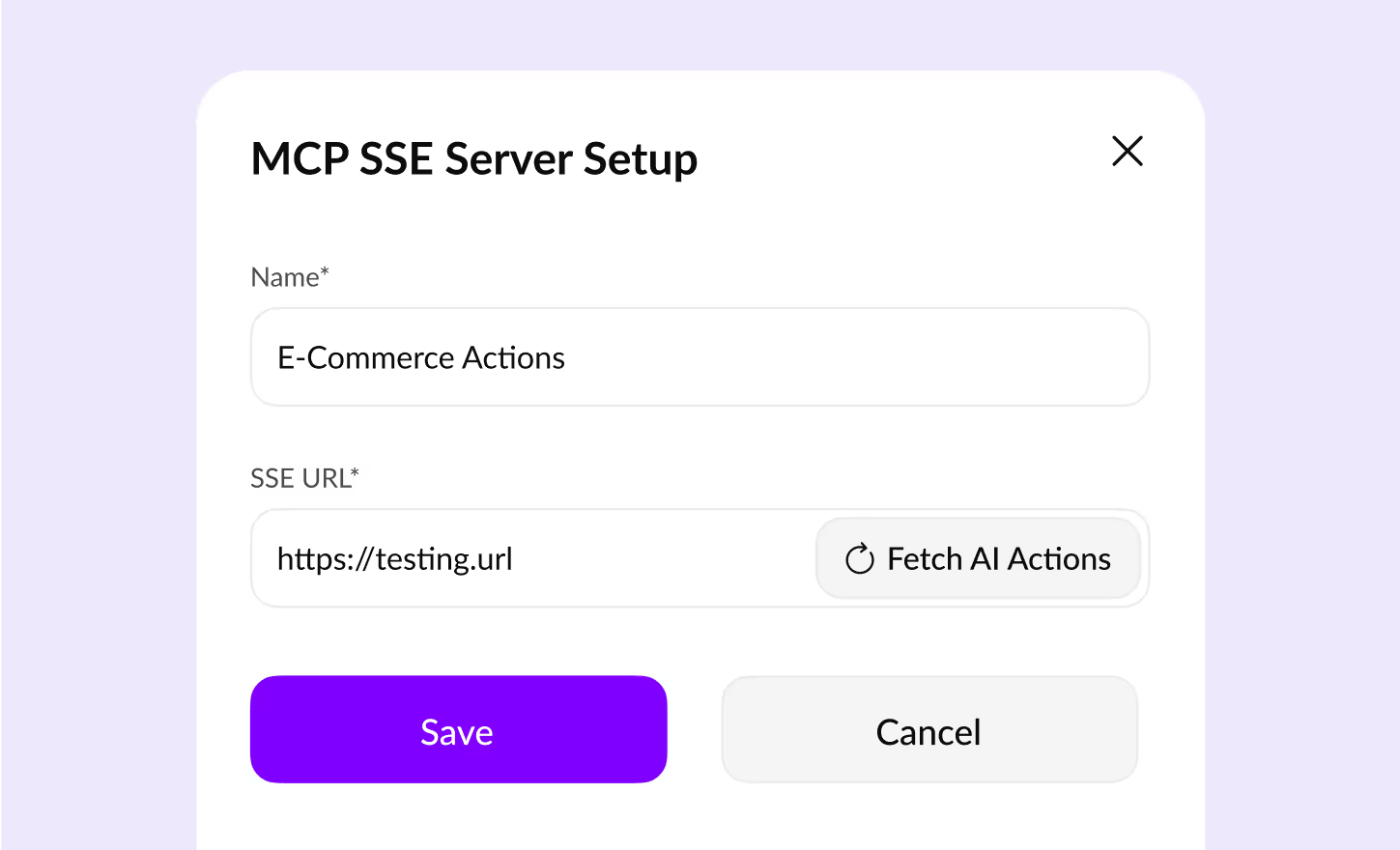
Add the tools and workflows you need and copy your MCP endpoint URL
mcp sse server setup
3
Connect to your AI agent
Head to your Kaily dashboard and easily connect using your MCP server URL
logos

Connect to any MCP-supported tool

Explore thousands (and counting) of MCP servers that connect all your favorite tools to our smart AI agents

Do more on our platform

Discover other platform essentials and how they transform the way you use AI agents
ai actions
AI Actions

Perform user actions and automate workflows via MCP connections

icon ai helpdesk
AI Helpdesk

All-in-one customer support tool to Automate, track & analyze conversations

ai agent studio
AI Agent Studio

Design, build and configure your AI agent to become your ideal solution

Frequently Asked Questions

You can reach out to us for queries via  [email protected]
or to share feedback, contact us

Model Context Protocol is a standardized method that connects AI agents to thousands of business tools without lengthy coding. It transforms AI agents from efficient bots to productivity powerhouses by enabling them to access and act on real-time data across your entire software ecosystem.

Unlike traditional integrations that require individual API connections and extensive coding, MCP provides a standardized structure that works universally. This condenses days of integration work into minutes, allowing businesses to connect their AI agents to 100x more tools and platforms instantly.

MCP supports connections to thousands of tools across categories including CRMs, calendars, order management systems, support ticketing platforms, and communication tools. It also works with workflow builders like Zapier, Make, and Boltic to create powerful automation ecosystems.

MCP implements enterprise-grade data security and compliance standards. It gives highly monitored, need-based data access to AI agents and helps businesses avoid compliance headaches by ensuring AI operations remain within the latest guidelines.

No, MCP is designed to be accessible for businesses without technical expertise. The protocol allows you to skip complex API documentation and follow a standard structure that works everywhere, making integration simple through a three-step process that requires minimal technical knowledge.

With MCP, AI agents can access real-time data to provide instant, personalized responses to customer queries, automate support tickets, deliver order updates, and create hyper-personalized experiences based on user behavior and preferences—all while maintaining a seamless conversation flow.

Yes, MCP enables powerful automation capabilities including automated customer query resolution (up to 80%), real-time data retrieval and updates, personalized outreach, and smooth handovers between AI and human agents when complex issues require escalation.

Getting started with MCP through Kaily is a simple three-step process: Generate your MCP endpoint through workflow builders like Boltic, configure your workflow by adding tools and integrations with custom logic, and connect to your AI agent through our dashboard

Get started now
star

Kaily can do great things for your business