




Chatbots are changing how businesses talk to customers. The benefits of chatbots include improved response time, correct information sharing, and consistency. A huge number of businesses have already integrated chatbots into their system. The global chatbot market is expected to reach $1.34 billion by 2025. 80% of businesses are projected to rely on chatbots by the end of this year.
As digital interactions grow, integration and implementation are becoming essential for businesses to keep their target audience engaged. It’s all about connecting the chatbot to the right platforms and using them in a way that supports business and ensures a smooth user experience.
What is Chatbot Integration?
Chatbot integration connects AI tools to your websites, apps, and messaging platforms to improve customer engagement. You can integrate a chatbot on your website, mobile application, or social messenger services, including WhatsApp. This integration will allow your business to interact with the customer through the platform they are most familiar with.
Chatbots are programs that simulate human conversation through a chat window. They employ artificial intelligence to understand inquiries and provide information to customers and solve their problems. Based on the technology used by businesses, the process of integrating chatbots can fall under different categories.
Rule-Based Chatbot Integration
Rule-based chatbots operate on the basis of preset rules and scripts. These chatbots identify keywords in user messages and respond with preset answers. For instance, when a customer asks about his account balance, through relevant keywords, the chatbot responds with a fixed response.
Rule-based chatbots were popular everywhere and believed to be pretty efficient in solving simple inquiries. However, over time, several drawbacks came to notice. They struggle with personalized support and cannot adapt well to complex or unexpected questions. As customer expectations have grown, rule-based chatbot integration has become less relevant for businesses needing flexible and contextual support.
AI-Powered Chatbot Integration
AI bots utilize advanced algorithms to analyze conversations and accurately understand user intent. These chatbots focus on context rather than just keywords, so they can deliver more relevant and appropriate responses.
Business AI chatbots are constantly learning and changing with each interaction. This allows them to take a personalized approach in their customer care or deliver specific information based on user context. With evolving technology, the demands of contemporary customers drive businesses increasingly toward AI-powered chatbots.
Hybrid Chatbots
There are hybrid chatbots, like Kaily and the Salesforce chatbot, that blend the rule-based technology with smart, machine learning technology.
They can refer to the preset rules, but they can also understand the intent behind the conversation and come up with more contextual, accurate, and personalized responses.
How to Integrate AI Chatbots for Your Business?
A systematic approach for chatbot integration is crucial.
1. Determine Customer Service Needs
The first step is to determine what chatbot technology you need and in what areas of a business it would prove beneficial. These areas could be frequently asked questions, order handling, and customer service issues.
2. Choose a Platform
Choose a platform where most of your client interactions happen. It can be your website, mobile app, or social media sites. Check scalability and integration capabilities.
3. Configure the Flow
Set up triggers, keyword responses, and customer-facing content. This step defines how the chatbot responds to user interactions and guides conversations effectively.
4. Design the Chatbot Interface
Design an interface that is consistent with your branding. This can include the look and feel that reflects your brand design.
5. Collect Feedback and Optimize
You should encourage users to provide feedback and use the same to improve the features and experience of the chatbot.
Chatbot Integration & Implementation Checklist for 2026
Here’s a 10-step checklist to get you started:
Step 1: Define Clear Goals and KPIs
Start by defining a clear outcome. It can be reducing response time or supporting tickets. Turn it into a measurable KPI. Link this goal to a specific business function and share it with the team.
List clear KPIs (Key Performance Indicators) you care about, like:
- First Contact Resolution (FCR)
- Customer satisfaction (CSAT/NPS)
- Ticket deflection rate
- Sales conversion rate
Step 2: Analyze Customer Journey
Where do conversations repeat the most? Review chat, email, and call logs to spot common requests like order status or pricing. These are the high-volume, high-drop-off points that are best for the chatbot to start.
Step 3: Choose the Right Type of Chatbot
Next is finding the best chatbot for your business. Use rule-based flows for structured tasks, AI chatbots for free-text questions, or a hybrid model for flexibility. This will help maintain stable flows without limiting natural conversations.
Decide how you will build/connect the chatbot:
- Build In-House: Full control and tuning; best for sensitive, regulated industries.
- Buy a Platform: Faster to launch; many come with pre-built NLP and analytics.
- Hybrid Model: Mix proprietary integration layer with external AI models. Your choice affects speed, security, cost, control, and future scaling.
Step 4: Select the Right Platform and Tools
Choose a platform that works for your current channels and future growth. It should integrate easily with systems like CRM or helpdesk tools and support channels such as websites and messaging apps.
Step 5: Design Conversation Flows
Give users clarity from the first message. Start with a friendly chatbot welcome message, offer a few clear options, and keep responses short and relevant.
Step 6: Integrate Automation Workflows
Connect the chatbot to backend systems so it can take action beyond providing replies.
Connect your chatbot with:
- Your business applications (CRM, ERP, support tools)
- Customer channels (website, mobile app, WhatsApp, SMS, Slack, Teams)
- Backend systems via APIs/SDKs so it can retrieve or update data in real time. Also consider event-driven messaging to keep responses fast.
Step 7: Train Using Real Customer Data
Train the chatbot with actual conversations to reflect how users speak. Include common phrasing, typos, and product terms. Regularly review missed intents and update training so responses stay accurate and relevant.
Step 8: Test with Users
Test the chatbot with internal teams before launch. Ask them to try incomplete questions and emotional responses. Fix unclear replies, dead ends, and tone issues before customers encounter them.
Test in multiple layers:
- Functional & unit testing
- Conversational testing with messy real inputs
- Load testing for high traffic
- Security and compliance reviews: This helps prevent failures or surprises during real customer interactions
Step 9: Deploy
Launch the chatbot where customers already engage, starting with the website. Once stable, expand to messaging apps using the same flows and language. Keep the experience consistent across all platforms and languages.
Step 10: Monitor and Improve
After launch, focus on performance and refinement. Track key metrics like resolution rates and escalations. Improve drop-off flows, add useful automations, and update content regularly to reflect business changes.
5 Best Tools for Chatbot Integration and Implementation
1. Intercom
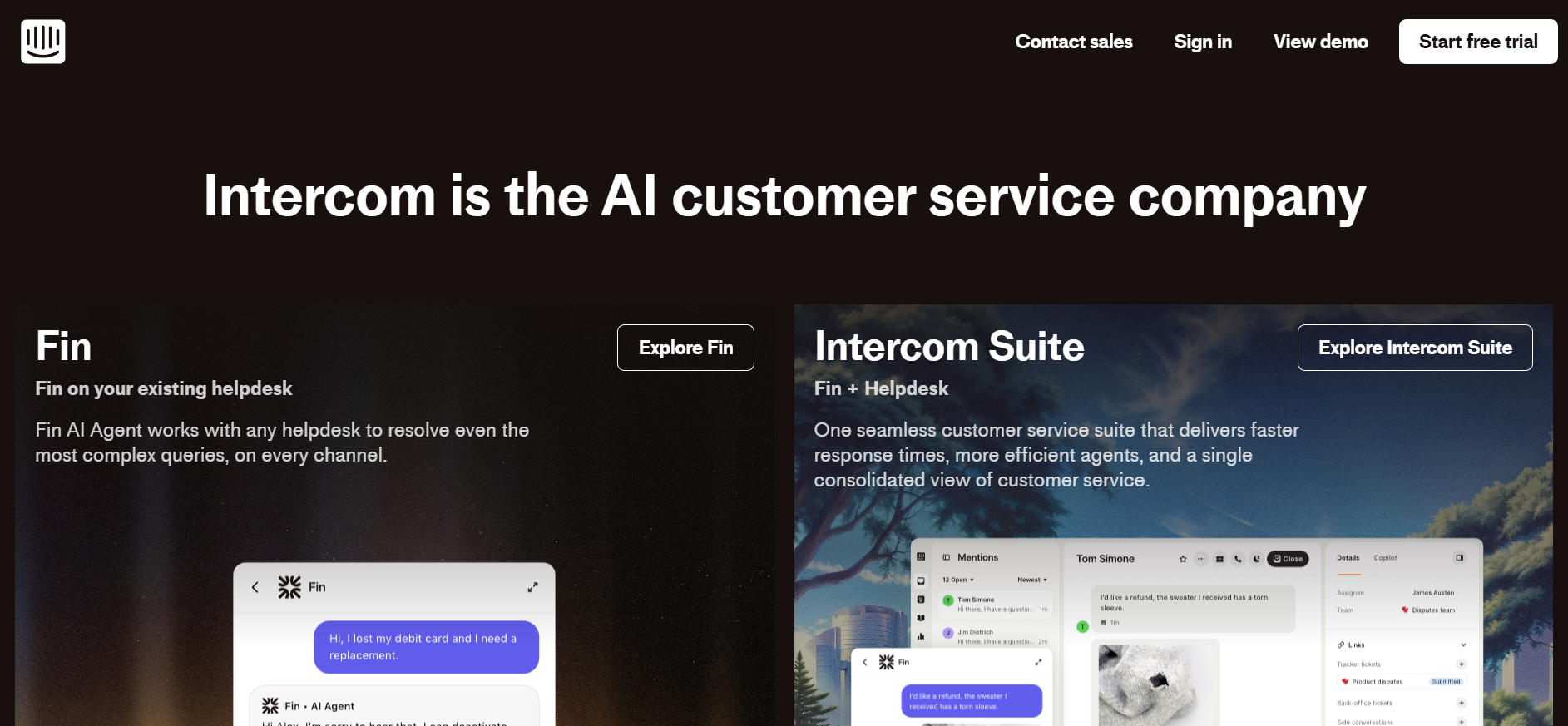
Intercom is a customer engagement platform combining live chat, AI automation, and messaging with Fin acting as a built-in conversational AI that answers common support queries and escalates when needed. It integrates deeply with help centers, CRM workflows, email, and web/app messaging.
Who is it for :
Best for SaaS, mid-sized businesses, and product-led companies that need real-time support, lead capture, and in-app messaging across web and mobile.
Key features:
- AI chatbots that handle FAQs and routine support.
- Lead capture and qualification workflows.
- Conversation routing and smart escalation to agents.
- Analytics and conversation insights.
2. Zendesk Chat (Answer Bot)

Part of the wider Zendesk customer support suite, Answer Bot uses AI and knowledge base content to handle common questions and create tickets when needed. It’s known for tight integration with support workflows and multichannel messaging.
Who is it for :
Great for support-heavy teams, enterprise service desks, and businesses that already use Zendesk for tickets + automation.
Key features:
- Generative AI responses based on your help content.
- Intelligent routing to agents or ticket creation.
- Multi-channel support (web, mobile app, social).
- Context-aware replies and sentiment insights.
3. Drift
Drift focuses on conversational marketing and sales chat, helping businesses automate lead qualification, book meetings, and guide prospects, while also providing support.
Who is it for:
Best for B2B companies and sales-driven teams that want chatbots not just for support but to actively generate and nurture leads.
Key features:
- AI chatbots that qualify visitors and route leads.
- Personalized messaging and playbooks for sales
- Analytics and performance tracking.
- Integrations with CRMs like Salesforce and HubSpot.
4. Freshchat (by Freshworks)
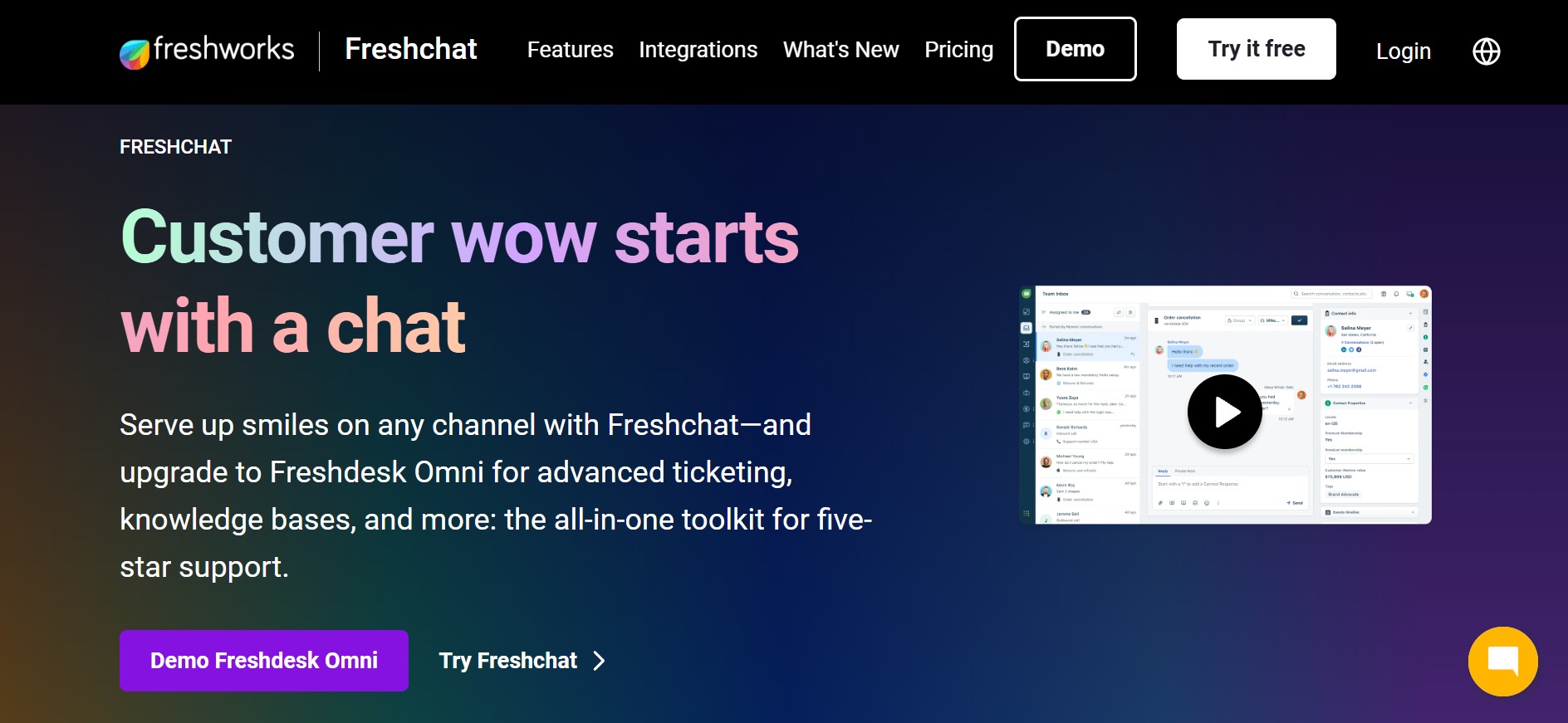
Freshchat is part of Freshworks’ customer engagement suite, blending live chat with AI-powered bot automation (Freddy AI) and multi-channel messaging in one unified inbox.
Who is it for:
Ideal for SMBs and fast-growing companies that want versatile chat automation across web, WhatsApp, email, and social channels.
Key features:
- Omnichannel conversations in one place.
- Freddy AI for automated responses and lead handling.
- No-code chatbot builder.
- Analytics and performance tracking.
5. Tidio
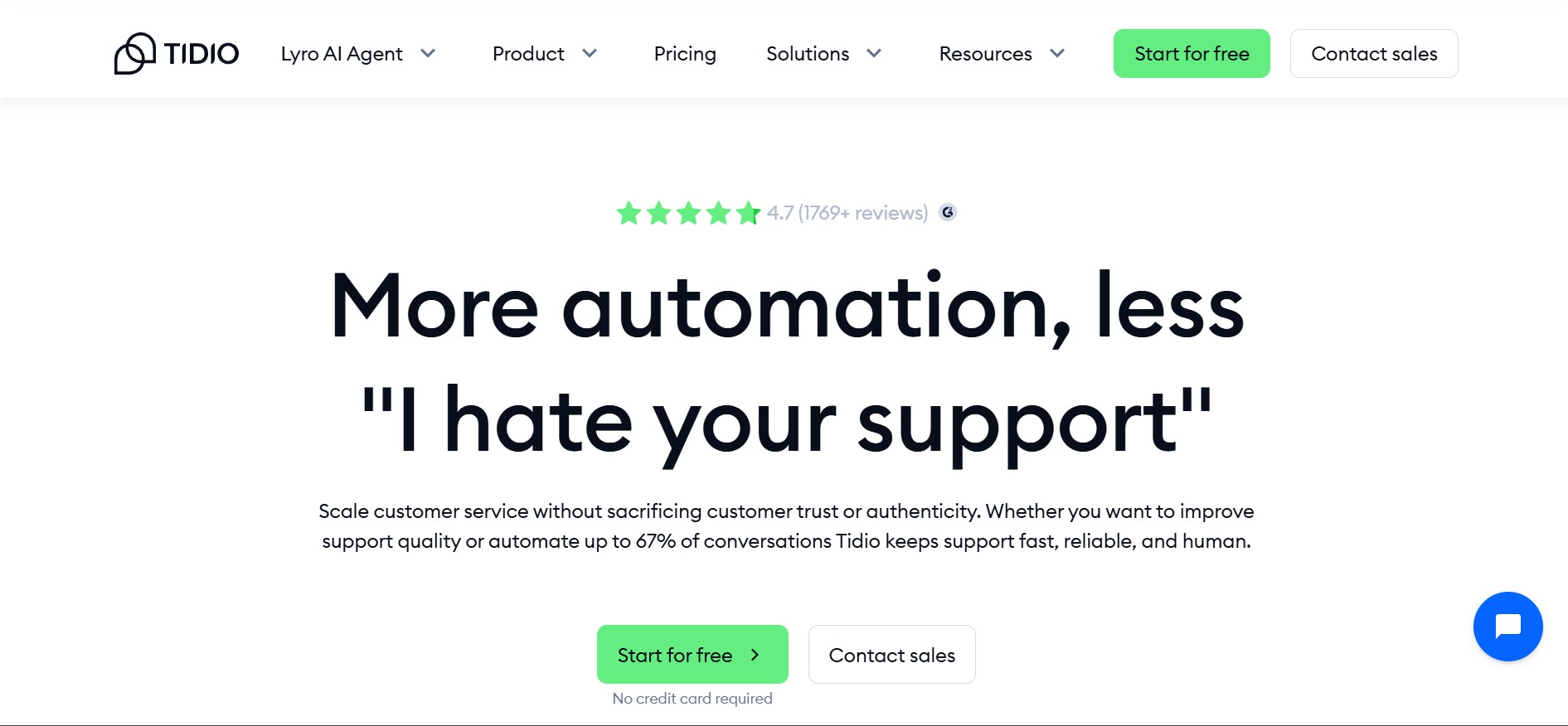
Tidio is a user-friendly chat and chatbot platform combining AI automation with live chat, visitor tracking, and support across web, email, and messaging channels.
Who is it for:
Great for small- to medium-sized businesses and e-commerce shops that want quick setup, affordability, and basic AI chat without heavy tech overhead.
Key features:
- Real-time AI chat automation.
- Integrations with Shopify, WooCommerce, and WordPress.
- Multi-channel support (chat, email, social).
- Visitor behavior insights and triggers.
6. Bonus: Kaily.ai
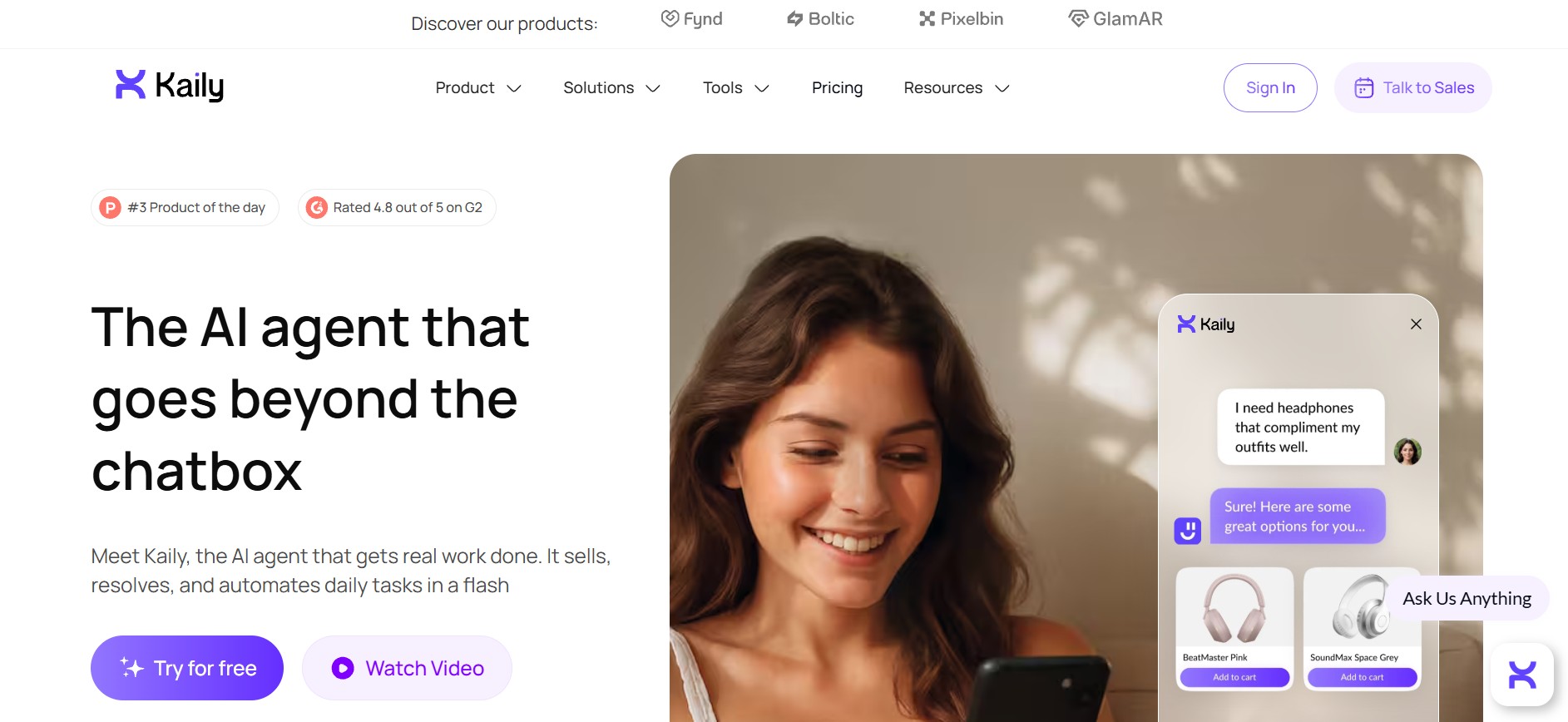
Kaily is an AI agent platform that goes beyond basic chatbots by executing tasks, integrating deeply with business systems, and supporting voice, email, web chat, and WhatsApp, all with no-code setup.
Who is it for:
Ideal for businesses that want autonomous automation, 24/7 support, and contextual task execution across channels without heavy technical setup.
Key features:
- Omnichannel deployment (web, WhatsApp, email, voice).
- No-code AI workflows and automated tasks.
- Deep CRM, e-commerce, and helpdesk integrations.
- Enterprise security (SOC 2, GDPR) with global language support.
Comparison Table: Top Chatbot Tools
Chatbot Implementation Strategy: Factors to Consider
A chatbot implementation plan includes finding the objectives of the chatbot, technology selection, chatbot dialogue, and chatbot integration with the customer communication process of the customer. There are several factors businesses have to consider to implement a chatbot successfully.
1. Identify the problem you want to solve
Before implementing your chatbot, identify the business challenges that the chatbot aims to solve.
Some of these issues may include a lack of support outside of business hours, low website engagement, and a slow response rate from the support staff. By recognizing these problems, you can identify a way through which the AI chatbot can help and what is required so that the objectives are accomplished.
2. Choose your channel
Once you’re aware of the problem at hand, pick a suitable communication channel for your chatbot. This will depend on the problem for which your chatbot will be used, as well as your target audience.
Though websites are popular, the use of social media sites can prove to result in better interactions. A report suggests that 93.8% of the internet users in the world use social media every month. Integration of chatbots to social media sites can assist in reaching those consumers.
3. Define your chatbot KPIs
Determine how you will measure chatbot performance. This may include tracking leads generated, support cases resolved, or changes in website engagement.
Keep in mind that a chatbot may not meet all objectives immediately. Monitoring performance over time allows businesses to evaluate impact and make adjustments as needed.
4. Design your story
Designing the conversation flow is a crucial step. Decide whether the chatbot should have a formal or casual tone and whether it needs a distinct personality.
Choose message formats based on goals. Conversational text and images work well for engagement, while buttons and quick replies are better for resolving support issues efficiently.
5. Train your chatbot
Training ensures the chatbot understands user intent and delivers appropriate responses. Feed the chatbot with all relevant topics and include variations and synonyms for common questions to improve accuracy.
6. Run tests
After setup, thorough testing is essential. Testing ensures the chatbot functions correctly and meets business objectives before full deployment.
Common Integration Failures & Fixes
Here are 5 common problems faced during chatbot integration and their solutions:
1. API Connectivity Challenges
- Challenges : API version conflicts, authentication failures, and incompatible data structures can disrupt chatbot performance.
- Solutions : Use secure HTTPS connections, token-based authentication, endpoint validation, and comprehensive testing before deployment.
2. Data Protection Concerns
- Challenges : Risks include unauthorized data access, insecure data transfers, and manipulation of AI inputs.
- Solutions : Apply strong encryption, follow data protection regulations such as GDPR, and perform regular security reviews.
3. User Experience Gaps
- Challenges : Chatbots may deliver incorrect responses, struggle with complex queries, or fail to transfer conversations smoothly to human agents.
- Solutions : Improve personalization, clearly communicate AI involvement, and enable quick, seamless escalation to human support.
4. Old System Compatibility
- Challenges : Older systems often lack compatibility, creating data silos and limiting integration flexibility.
- Solutions : Upgrade systems in phases using approaches like rehosting, replatforming, or full re-architecture where required.
5. Performance and Scalability Constraints
- Challenges : High traffic can cause delays, system overloads, and inconsistent performance.
- Solutions : Implement load balancing, auto-scaling infrastructure, caching mechanisms, and optimized AI models to support growth.
Rule-Based vs AI vs Hybrid: When to Choose What
Each type of chatbot has its own unique features, and the right choice depends on requirements, like business goals and customer expectations.
When to choose rule-based chatbots:
- Handling simple, predictable interactions
- Answering basic FAQs
- Managing limited, repetitive queries
- For businesses with minimal personalization needs
When to choose AI chatbots:
- For context-aware, personalized conversations
- For managing diverse customer queries
- For delivering personalized responses
- For businesses with higher customer engagement expectations
When to choose Hybrid chatbots:
- For a balance between control and intelligence
- For handling standard queries reliably
- For providing contextual, personalized responses when needed
- For businesses requiring flexibility without losing structure
Why Do You Need Chatbot Integration?
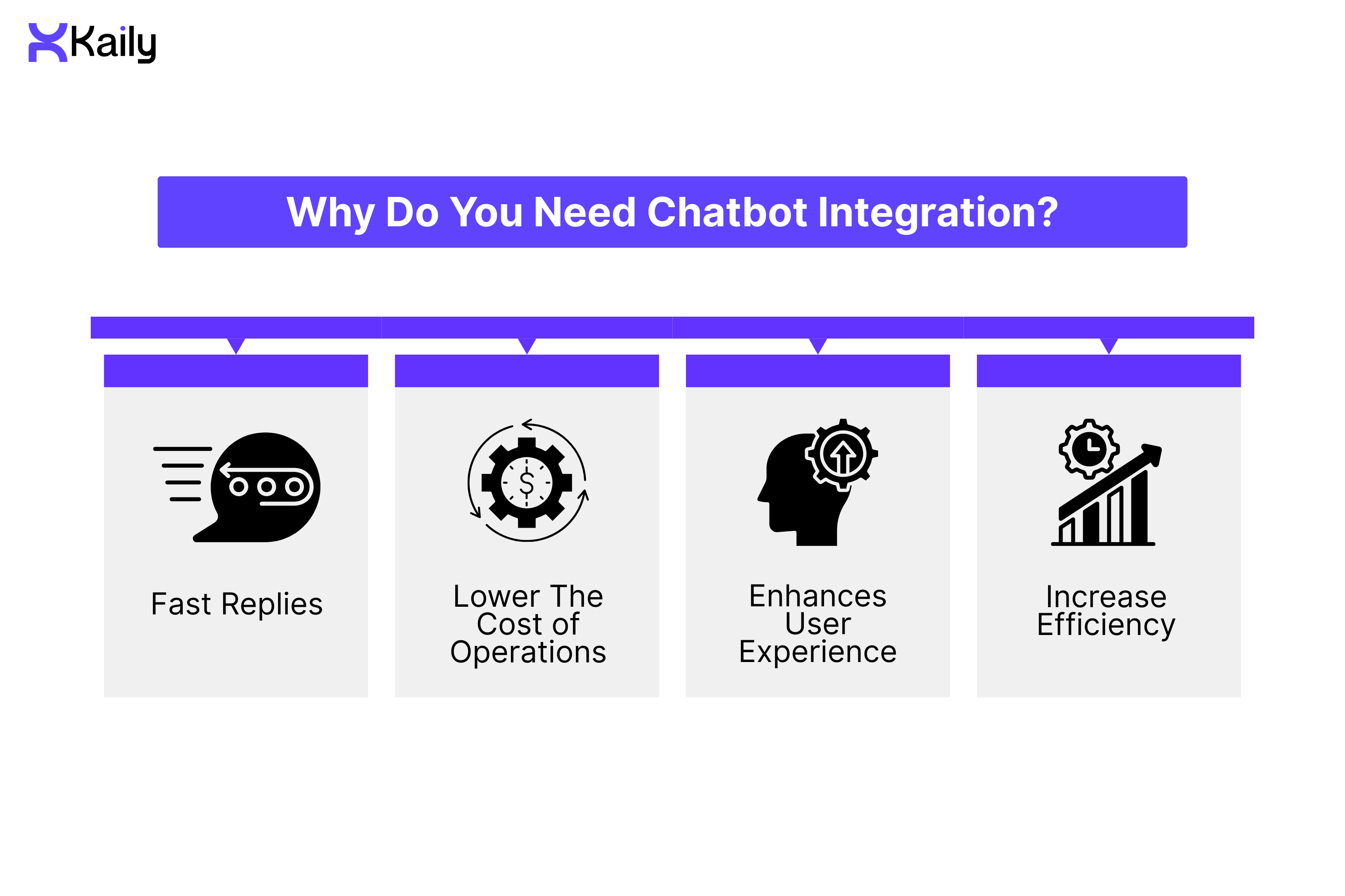
Chatbot integration offers several benefits that support both customers and businesses. From faster replies to improved efficiency, chatbots help companies handle increasing demands and maintain quality interactions.
Fast Replies
AI technologies are built to enable quick and efficient communication between businesses and customers. Many companies invest in chatbots because they can handle customer inquiries around the clock, without delays.
When chatbots are integrated into customer communication channels, they can respond immediately to a wide range of inquiries, including
- Frequently asked questions
- Updates on new products and services
- Cross-selling opportunities across platforms
This instant response capability ensures customers receive information quickly, improving satisfaction and engagement.
Lower The Cost of Operations
Companies are constantly seeking ways to maximize output while minimizing costs. In the current ever-changing business environment, companies use chatbots to simplify operations and engage customers, and offer a constant stream of services.
Chatbots support the business expansion of its customer support staff without necessarily needing to hire more employees. Such a benefit is significant when it comes to reducing labor costs in a business setup.
Enhances User Experience
Chatbots are a combination of artificial intelligence and instant messaging and can create human-like interaction. When customers have complicated inquiries and insufficient personnel to address them, chatbots can be of immediate service.
With the use of data collected, chatbots are even able to give users a personal touch when conversing with them. For example, if the chatbot requests the name of the user upon registration, the chatbot will use the same name when conversing with the user in the future.
Increase Efficiency
To reduce the need for customers to contact customer care, many companies integrate chatbots directly into their websites. Software development companies also actively develop chatbot solutions for this purpose.
Chatbots help customers find information quickly and handle repetitive tasks such as:
- Answering basic queries
- Assisting with orders
- Scheduling deliveries
- Processing payments
- Providing shipment updates
- Supporting purchase or reservation decisions
Applications of Chatbot Integration: Real-Life Use Cases
Here are six common real-life applications of chatbot integration.
Help Desk Automation
Chatbots can automate customer service workflows such as ticket submission and account creation. This reduces wait times and improves client satisfaction while easing the workload on support teams.
Resolve FAQs
Handling frequently asked questions is one of the most common chatbot applications. Chatbots resolve 80% of support tickets within 2 minutes, cutting resolution time by 65% for both customers and customer support agents.
Lead Generation
Chatbots can collect lead information such as email addresses and contact details. This ensures quick follow-up by sales teams and helps streamline the lead generation process.
Customized Suggestions
AI-powered chatbots can offer personalized product suggestions based on individual customer preferences. These tailored recommendations can help improve conversion rates.
Product Search Assistance
Chatbots assist customers in navigating websites and finding product information quickly. This reduces confusion and helps users locate what they need with minimal effort.
Order Processing
AI chatbots can manage order placement, payment processing, and delivery scheduling. This streamlines the shopping experience and reduces friction during checkout.
How Kaily’s AI Agent Comes into the Discussion
Kaily’s AI agent resolves issues. It doesn't just respond; it acts. Where other chatbots struggle, Kaily can smoothly carry out real-life communications and contextually smart, proactive responses. Customers experience conversations that feel genuinely human.
While some chatbots, like the Microsoft chatbot, are developer-focused, Kaily is a no-code, beginner-friendly tool. Kaily works as your teammate from Day 1, not another tool to manage. It acts autonomously across email, WhatsApp, and web chat, taking ownership of resolutions while keeping your team informed.
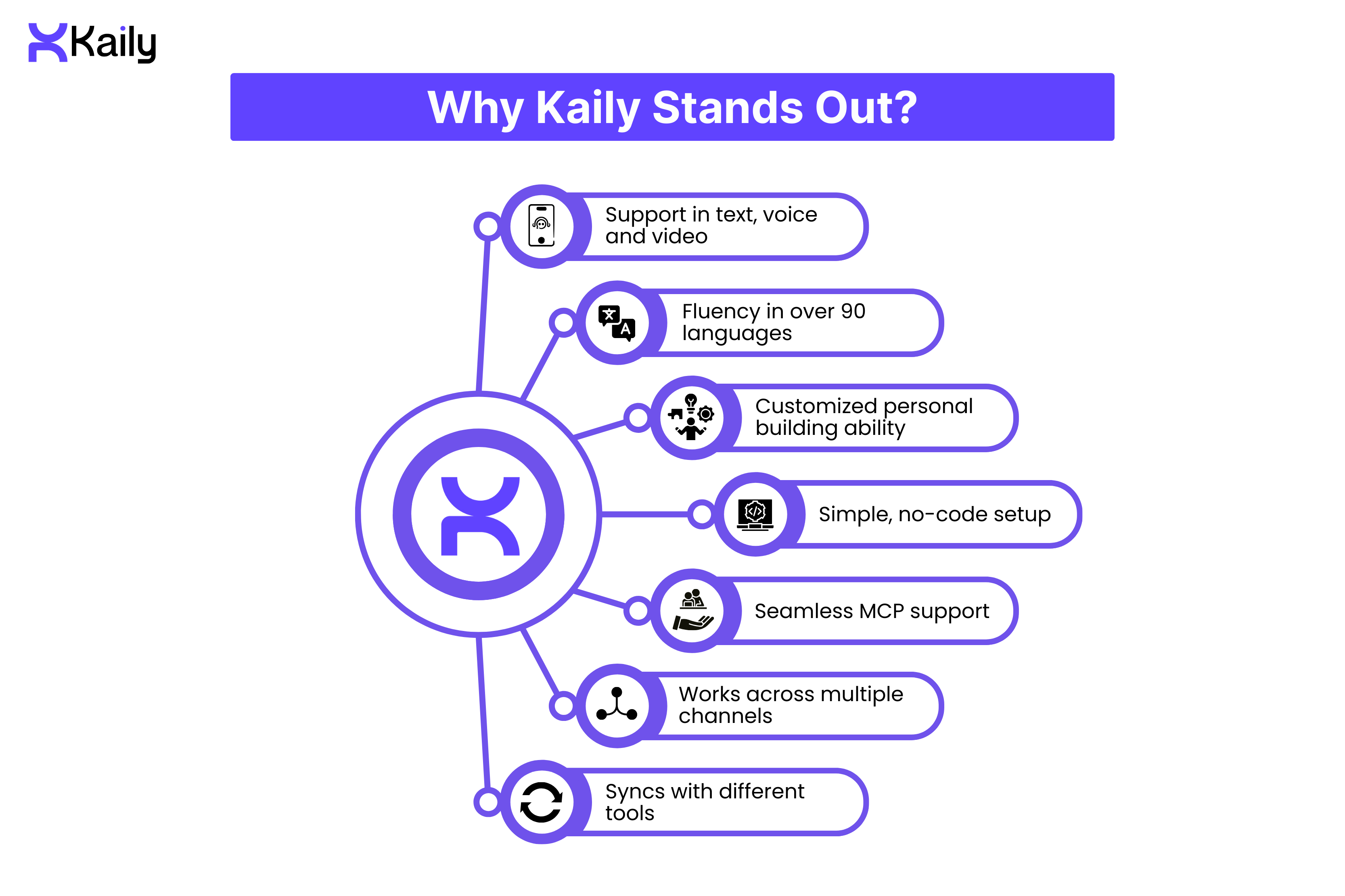
Why Kaily Stands Out?
- Support in text, voice, and video
- Fluency in over 90 languages
- Customized personal building ability
- Simple, no-code setup
- Seamless MCP support
- Works across multiple channels
- Syncs with different tools like HubSpot and Zendesk Chatbot
Wrap Up
As technologies like natural language processing and machine learning advance, chatbots are likely to evolve significantly in the coming years. They’ll play a crucial role in customer engagement. Multilingual chatbots, like Kaily’s, will become essential. Expect an increasing number of businesses to integrate chatbots in the near future.
With a well-defined chatbot implementation strategy, your business can find the perfect way to align business goals with customer expectations.
Book a demo today, and refine your business engagement.












.png)


