

How to Create an AI Agent Using a Word Document

Deploy an AI chatbot that understands your files, provides instant answers, and reduces support load across teams and departments.

Try for free
hero image
icon starbg imagebg mobile

What is a chatbot from Word documents?

A chatbot from Word documents is an AI assistant that reads and comprehends what is in a doc or docx file to provide instant conversational responses. So instead of scanning long documents for what you need, you can ask the question, and the chatbot pulls the right information right from the document itself. It supports all kinds of documents such as policies, manuals, contracts, training guides, and help information is always at hand. A chatbot designed to turn static Word docs into dynamic, intelligent, interactive experiences that save businesses, educators, and support teams time, improve accuracy, and increase user satisfaction with real-time, natural language interactions.
Uses of AI Chatbots for Word Documents

An AI chatbot helps users quickly find answers from Word documents without reading everything.

Discover our AI platform
arrow
star
Human Resources

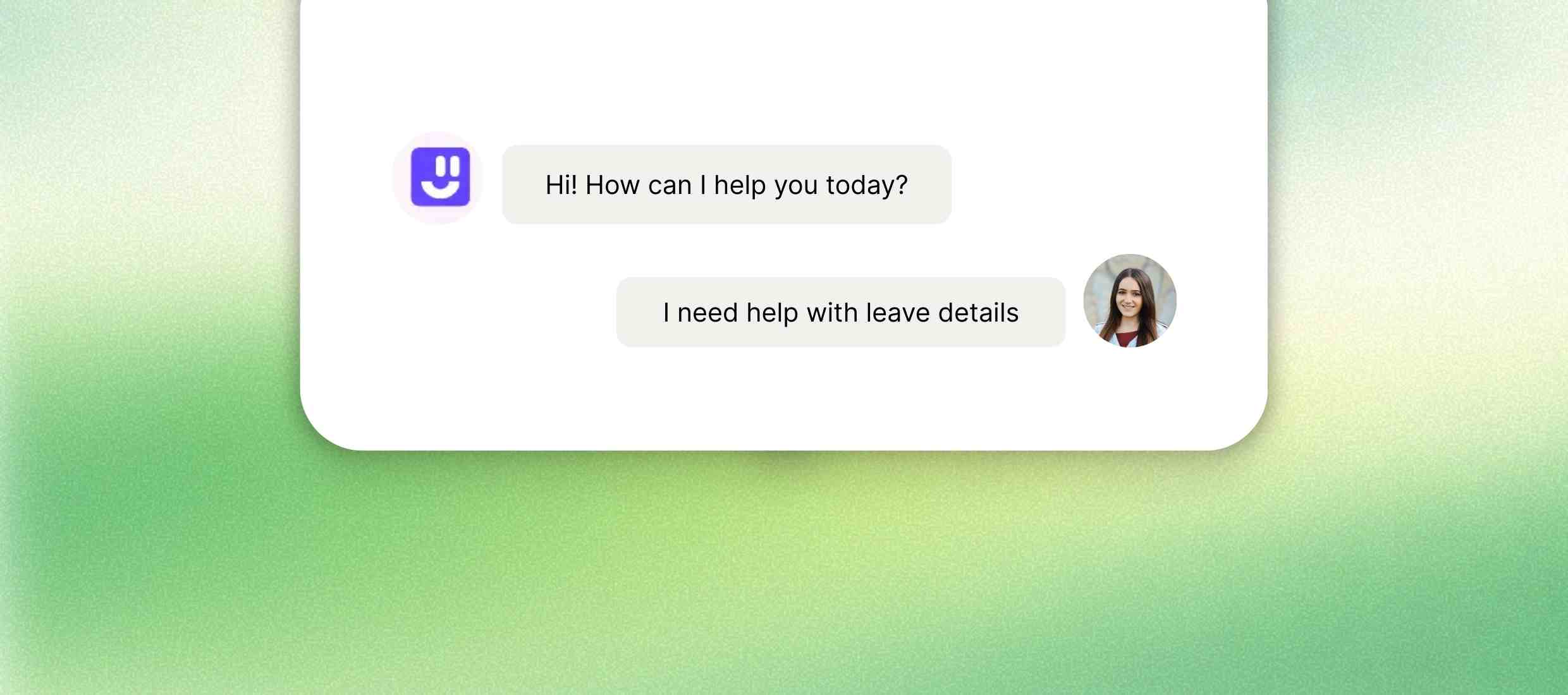
Help employees quickly find answers from HR documents and other files. Answer employee questions on policies, leave rules, onboarding, and compliance using HR handbooks and policy documents.

Read More Less
star
Legal Firms

Make long legal documents easy to search, understand and reference easily. Let clients or internal teams interact with contracts, NDAs, and legal briefs without reading the full text - saving time and reducing misinterpretation.

Read More Less
star
Education & Training

Support learning by answering questions directly from the course and other documents. Offer students or staff an AI assistant trained on syllabi, course outlines, and academic policies in Word documents.

Read More Less
star
Customer Support

Allow users to get help from manuals and guides without giving tickets. Enable customers to find solutions from product manuals, warranty docs, or FAQs without submitting tickets.

Read More Less
star
Real Estate & Insurance

Explain complex terms and policies in simple and easy-to-understand language. Help clients understand policy documents, terms, lease agreements, or claim procedures quickly and accurately.

Read More Less

Consulting & Agencies

Step 1 :
Let clients ask questions about proposals and plans without extra meetings. Empower clients to query proposals, strategic plans, or implementation guides shared in Word docs—without needing repeated walkthroughs.
How to create a chatbot from Word Documents?
Step 2 :
Sign up for free
Go to Kaily and then click the “Sign Up” button. You may choose to sign up with your name, email, and password, or use your Google or Apple ID to register instantly.
Step 3 :
Customize your chatbot
After you have your account, you can make the chatbot consistent with the visual identity of your company. Name it, colour it, tone it, and give it personality that represents your business.
Step 4 :
Add data sources
Click “Add Data Sources” to upload files, connect to databases, or link to websites. You may also take advantage of the automatic update feature to keep responses current and accurate.
Once deployed, your AI Chatbot for Word documents delivers
icon
Instant answers from Word files

Ask questions and get replies from documents immediately.

icon
Less time spent searching documents

Find needed information without scrolling or reading long files.

icon
Reduced repeated support questions

Answer common questions automatically from documents.

icon
Easy access to all documents

Use one chatbot to check many Word files.

icon
Clear answers from complex text

Turn difficult document content into simple replies.

icon
Always available document support

Get document answers anytime without human help.

Key features

Kaily converts static Word documents into live, interactive AI agents that make your knowledge instantly accessible and effortlessly useful.
Feature Description
Smart document search Search and get answers from multiple Word files together.
Multi-document support Works with many Word documents at the same time.
Secure role-based access Show document answers only to allowed users.
Conversational question handling Answer questions asked in simple and natural language.
Automatic document sync Updates answers when Word documents are changed.
Plain-language responses Converts complex document text into easy-to-read replies.
Centralised document access Access all Word document knowledge from one chatbot.
Always-available chatbot Works anytime without manual document checking.

AI that delivers real business wins

Drive visibly better results from week one

85%

Support tasks automated

40%

Increase in conversions

1M+

Concurrent queries managed

Who is it for?

icons
HR teams

Find answers from policy and employee documents quickly.

icons
Customer support teams

Search manuals and guides to answer customer questions.

icons
Legal & compliance teams

Check contracts and rules without reading full documents.

icons
Educators & trainers

Answer questions from training and course documents easily.

icons
Healthcare teams

Look up procedures and guidelines from Word files.

icons
Consultants & agencies

Reply to client questions using proposal documents.

Explore Similar Use-cases

Frequently Asked Questions

You can reach out to us for queries via  [email protected]
or to share feedback, contact us

Yes, simply upload your doc or docx, so the chatbot can be taught to understand what is inside it and how to answer it.

You can use any manual, guide, report, policy, faq, or any text with a format to test.

Yes, you can upload and train the chatbot with more than one document to cover the knowledge to cover

While the chatbot won't mirror the formatting, it stores the structure of the document for more accurate contextual responses.

All uploads are encrypted, and submissions are treated confidentially with the ability to delete data after use.

Absolutely. You may re-upload the new document at any time, so you can retrain the chatbot on the new content.

Get started now
star

Kaily can do great things for your business