

How to Create a Chatbot for HR

Kaily chatbot for HR, makes tasks simple, fast, and streamlined for the HR team. Pre-screen candidates, answer applicant FAQs, provide relevant information to employees, and more.

Try for free
hero image
icon starbg imagebg mobile

What is a chatbot for HR?

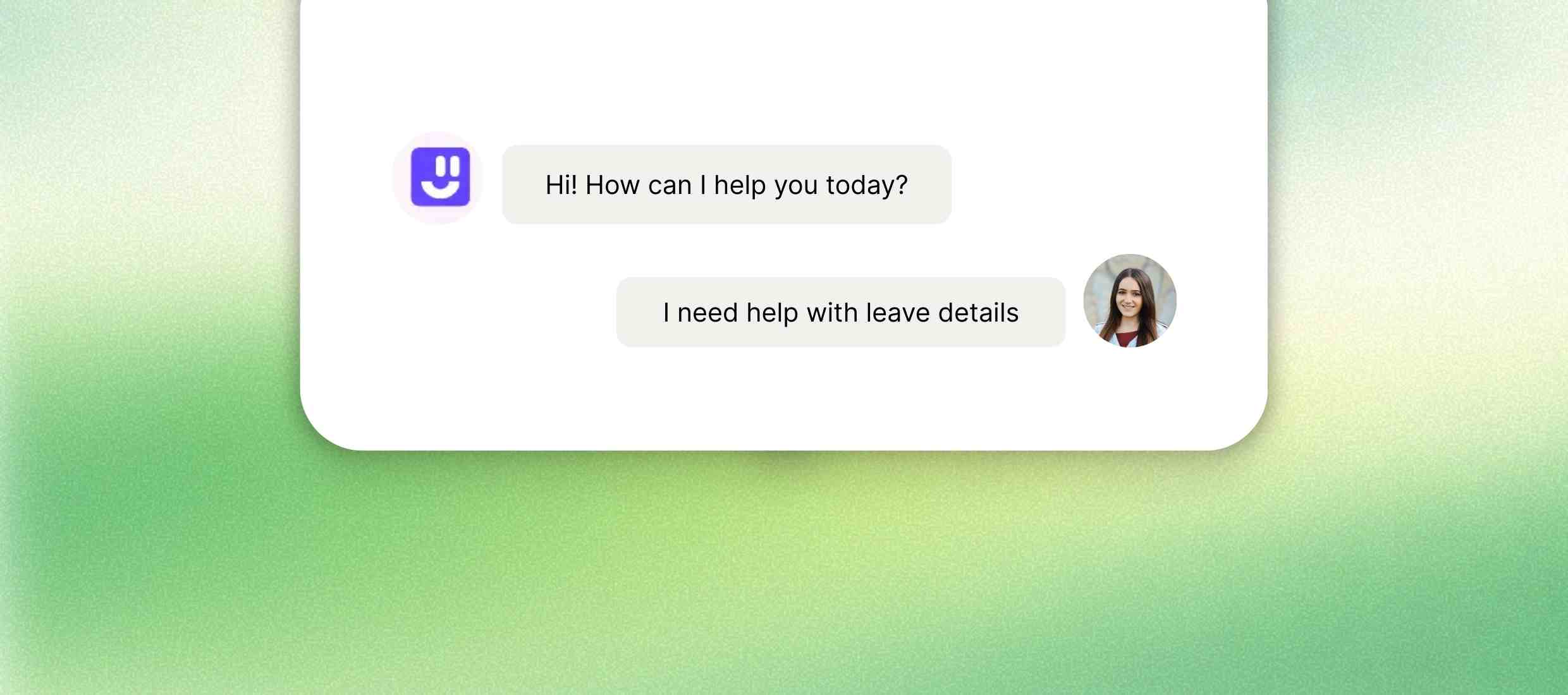
An HR chatbot is a virtual assistant that assists employees and HR teams by responding to frequently asked questions and automating repetitive tasks. Consider it a polite friend who’s also available around the clock to answer quick questions about things like your leave policies, onboarding steps, company benefits, or payroll-related questions. ‍ Rather than sending out messages or waiting in line at HR for help, employees can simply ask the chatbot and receive immediate answers. It can also facilitate scheduling interviews, sharing key updates, gathering feedback, and reminding teams about deadlines on the horizon. ‍ This equates to less time answering repetitive questions for HR teams and more time to focus on people and strategy whether supporting someone through their first day on the job or nudging an employee to complete a training module, an HR chatbot enhances the entire experience, faster and more efficiently, without eliminating the human factor when it matters the most.
Uses of AI Chatbots for HR

Help employees get HR answers, leave details and support anytime and anywhere.

Discover our AI platform
arrow
star
IT & Tech

Help employees get HR answers anytime, across teams and time zones. Tech companies frequently operate global and asynchronous teams. An HR chatbot can answer employee queries about policies, leaves, and benefits 24/7 across all time zones. It enables anyone to get the help they need, without waiting for the office to open or having to respond to emails.

Read More Less
star
Healthcare

Give staff quick HR help for shifts, leave rules and training. Doctors, nurses, and other medical personnel are working around the clock. With an HR chatbot, they have immediate access to information about things like shift policies, leave rules, or training schedules - even while working a night shift. It minimizes the back-and-forth with HR and helps get frontline workers the support they need more quickly.

Read More Less
star
Manufacturing

Let workers check leave and HR details easily on mobile. Factory workers may struggle to access email or HR systems easily. A mobile-first chatbot enables them to view their leave record, ask HR-related questions, or report a concern directly from their phone, rather than having to contact their department or HR's main line.

Read More Less
star
Retail

Answer staff questions on shifts, pay and policies anytime. Retail staff are regularly working across various stores and outlets. A chatbot provides consistent communication and support, as well as a way for employees to ask anything about schedules, pay , or company policies at any time. It enables HR to manage a large staff more efficiently, with fewer bottlenecks or dropped messages.

Read More Less
star
Educational institutions

Support hiring, onboarding and daily HR questions for school staff. Schools are constantly hiring new teachers, assistants, and administrative staff. An onboard chatbot helps them get started more quickly by walking them through forms, policies, and training steps. It also addresses ongoing questions regarding leave or policies, allowing HR teams to focus on people, not paperwork.

Read More Less

How to create a chatbot for HR?

Step 1 :
Sign up for free
Open Kaily on your web browser. Then click on the “Sign up” button at the top of the page. You can enter your name, email address, and password to create your profile. You don’t have to pay any charges to sign up on our platform.
Step 2 :
Customize the chatbot
After setting your profile, you can set the colour, tone, style, and nature of your chatbot. This ensures that your chatbot aligns with your brand's personality. We also recommend that you make your chatbot friendly and welcoming.
Step 3 :
Add data sources & train
Next, you need to add your data sources to train the chatbot on your business domain. Here, you can add a number of your data sources, such as files, databases, knowledge bases, and websites. We strongly recommend that you update your databases to provide relevant answers.
Step 4 :
Test & deploy
You should always monitor the performance of your chatbot and set it to your needs. The best part is that you can even train the chatbot to give answers in a specific way. Once you are satisfied with the chatbot’s output, you can quickly integrate it into your business tools or website.
Once deployed, your AI Chatbot for HR delivers
icon
24/7 employee support

Answer HR questions anytime, even after work hours.

icon
Less HR workload

Handle repeat questions so HR teams save time.

icon
Faster onboarding

Guide new hires with steps, files and first-day info.

icon
Easy leave management

Check leave balance and apply for leave in chat.

icon
Clear HR updates

Share policy changes, holidays and reminders easily.

icon
Remote team support

Help employees across locations and time zones smoothly.

Key features

An HR chatbot handles routine tasks and FAQs so your team can focus on what matters - building a great workplace.
Feature Description Instant HR answers Reply to common HR questions anytime, day or night. Policy and document access Share HR policies, forms and files through chat. Leave and holiday support Check leave balance, holidays and apply for time off. Attendance help Answer questions about attendance and work hours. Employee onboarding support Share joining steps, documents and first-day details. HR reminders and updates Send alerts for holidays, policies and deadlines. Feedback and survey collection Ask simple questions and collect employee feedback. Internal help desk support Handle basic HR requests without emails or tickets.
Feature Description
Instant HR answers Reply to common HR questions anytime, day or night.
Policy and document access Share HR policies, forms and files through chat.
Leave and holiday support Check leave balance, holidays and apply for time off.
Attendance help Answer questions about attendance and work hours.
Employee onboarding support Share joining steps, documents and first-day details.
HR reminders and updates Send alerts for holidays, policies and deadlines.
Feedback and survey collection Ask simple questions and collect employee feedback.
Internal help desk support Handle basic HR requests without emails or tickets.

AI that delivers real business wins

Drive visibly better results from week one

85%

Tasks automated

1M+

Concurrent chats managed

10k

Faster resolution

Who is it for?

icons
HR teams

Answer employee questions, manage leave and share company rules easily.

icons
Small businesses

Handle HR work without hiring more staff or extra tools.

icons
Growing companies

Manage more employees without slowing down daily HR work.

icons
Remote teams

Support employees working from different places and time zones.

icons
Recruiters

Check candidates, book interviews and answer job questions.

icons
Managers

Schedule meetings, track requests and reduce HR follow-ups.

Explore Similar Use-cases

Frequently Asked Questions

You can reach out to us for queries via  [email protected]
or to share feedback, contact us

A chatbot for HR is a virtual assistant that helps employees with common HR-related tasks and questions. It can answer FAQs, guide new hires, assist with leave requests, and much more all through a simple chat interface.

No, it’s not meant to replace your HR team. Instead, it helps by handling repetitive and routine queries, allowing your HR staff to focus on more important tasks that require a personal touch.

It can handle questions about leave policies, payroll dates, onboarding steps, company holidays, benefits, and more. You can also customize it to fit your company’s specific needs.

Yes, as long as it's built with proper security and privacy measures. Ensure the chatbot adheres to data protection regulations and maintains the security of sensitive employee information.

Absolutely. Most HR AI agents are designed to work across desktops, tablets, and smartphones so employees can get help anytime, from anywhere.
Yes, many AI agents can integrate with popular HR systems like payroll tools, leave management, or applicant tracking systems. This makes it easy to automate tasks and provide up-to-date information.

Get started now
star

Kaily can do great things for your business