

How to Create an AI Agent for Instagram

Kaily chatbot automates your DMs, replies to comments, and delivers personalized conversations that boost engagement, generate leads, and drive sales.

Try for free
hero image
icon starbg imagebg mobile

What is a chatbot for Instagram?

An Instagram chatbot is an automated means of interaction with users of Instagram on their DMs, comments, and responses to stories. It can respond to questions, present content, gather leads, suggest products, and manage customer support, all without a human stepping in. It is for businesses, creators, and marketers to save time, react quickly, and convert more sales. The AI agents work 24/7, so there won’t be any messages left without being answered. Therefore, they can be a great resource to run and grow an Instagram account more efficiently.
Uses of AI Chatbots for Instagram

AI chatbots help Instagram businesses reply fast, guide users and increase sales automatically.

Discover our AI platform
arrow
star
E-commerce & D2C Brands

Help shoppers ask questions, get suggestions and complete purchases inside Instagram chats. Automate product recommendations, handle order queries, recover abandoned carts, and boost sales directly through Instagram DMs.

Read More Less
star
Coaches & Creators

Automatically share links, get leads and have calls through Instagram messages. Send course links, collect email signups, deliver free resources, and book discovery calls—all triggered by comments or story replies.

Read More Less
star
Beauty & Wellness Businesses

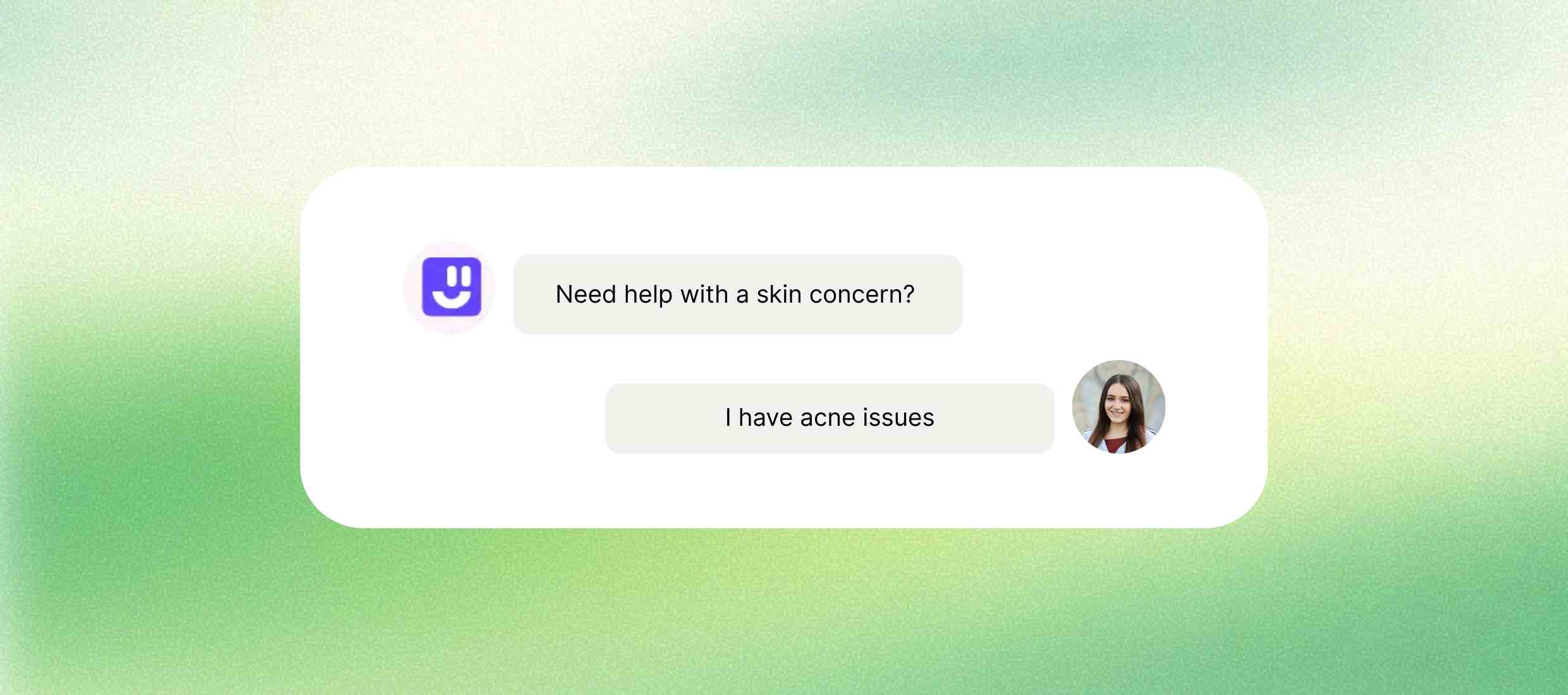
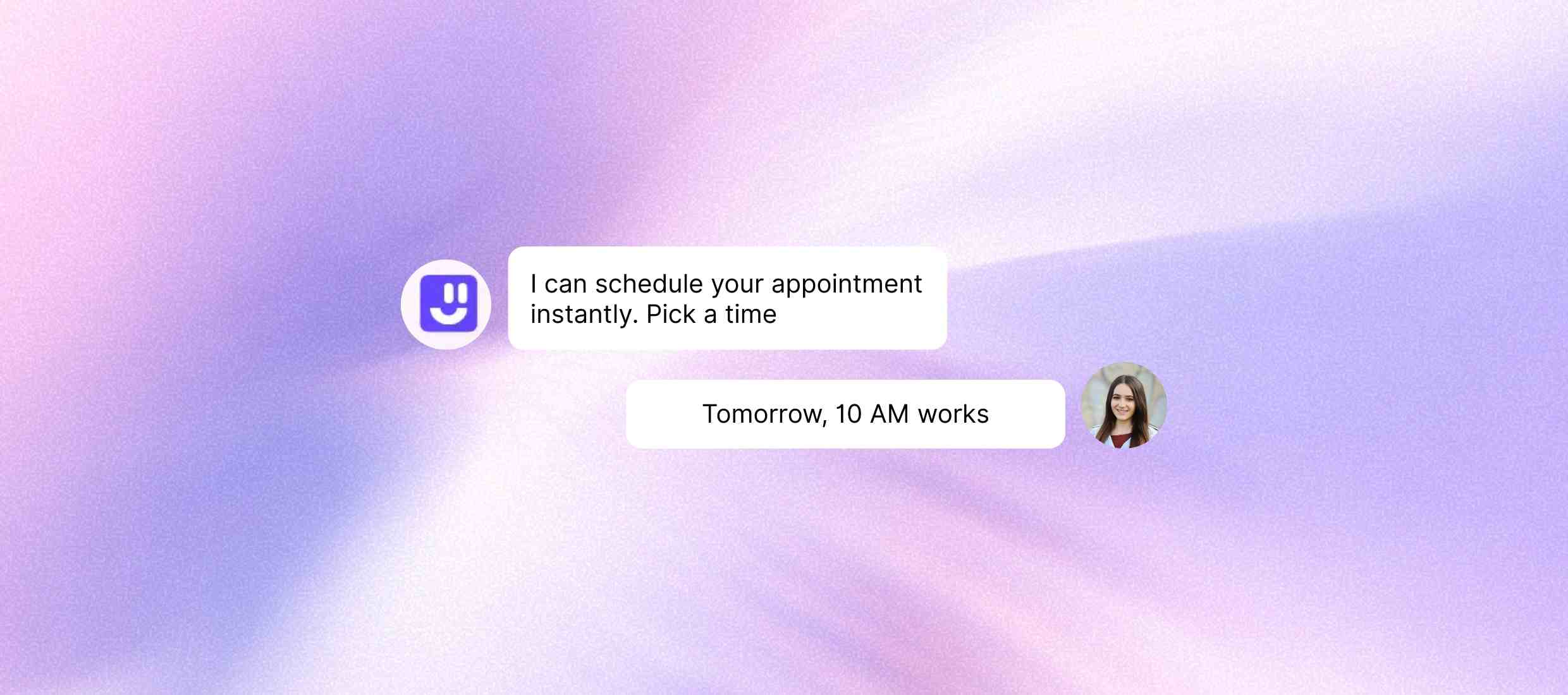
Allow clients to ask questions, get suggestions and book services. Let clients book appointments, ask service-related questions, or receive personalized recommendations - without waiting for a human response.

Read More Less
star
Restaurants & Cafés

Let customers view menus, reserve tables and ask other details. Share menus, take reservations, and answer FAQs (timings, offers, delivery options) directly in the chat.

Read More Less
star
Education & Online Learning

Answer course questions, guide students and collect enquiries through Instagram DMs. Share course info, guide students to the right program, and collect lead data - all while offering round-the-clock support in DMs.

Read More Less

How to create a chatbot for Instagram?

Step 1 :
Sign up for free
Go to Kaily and click on the “Sign up” button from the top tab. Then, enter your name, email address, and password on the next screen. You can skip all these steps and quickly set up your account using your Google or Apple ID.
Step 2 :
Customize the chatbot
After creating your account, you can set the overall appearance of the chatbot. You can set the name, color, style, and tone of the chatbot. This ensures that the chatbot is in line with your brand personality.
Step 3 :
Add data sources
In the next step, you can add your data sources and train the chatbot. We always recommend you add up-to-date and relevant databases. You can add multiple data sources, such as KBs, files, websites, and more.
Step 4 :
Test & deploy
You can also train the chatbot to reply in a format or style of your preference. What's great about this is that you have the ability to monitor how the chatbot will perform and even enhance its functionality before you actually launch it.
Once deployed, your AI Chatbot for Instagram delivers
icon
24/7 instant replies

Reply to DMs, comments and story messages at any time, day or night.

icon
Faster lead replies

Answer questions quickly so interested users do not wait or leave.

icon
More sales chats

Guide users to products, prices and links inside Instagram chat.

icon
Less manual work

Handle repeated questions automatically and save daily effort.

icon
Better follower engagement

Start conversations from comments, stories and reactions easily.

icon
Clear performance tracking

See messages, replies, clicks and results in one simple view.

Key features

Make your profile an automated sales assistant, responding instantly to every comment, DM, and story interaction.
Feature Description
Instant DM replies Automatically reply to Instagram messages at any time.
Story reply automation Respond to story replies and reactions without manual effort.
Comment-to-DM automation Send automatic messages when users comment on posts.
Lead data collection Collect names, emails and phone numbers through chat.
Tool integrations Connect with CRM, email tools and calendars easily.
Pre-set chat flows Use fixed conversation ways for common questions.
Analytics tracking Track messages sent, replies, clicks and conversions.
Always-on chatbot Keep the chat active even when you are offline.

AI that delivers real business wins

Drive visibly better results from week one

5hrs+

Saved per user per week

10x

Faster ticket resolution

85%

Routine actions automated

Who is it for?

icons
E-commerce brands

Reply to customer questions, share product details and track orders easily.

icons
Coaches and creators

Answer DMs, share links and talk to followers without replying again and again.

icons
Small businesses

Reply to enquiries, share prices and save time on repeated questions.

icons
Real estate agents

Share property details, prices and contact info with interested buyers.

icons
Event planners

Send event details, timings, tickets and reminders automatically.

icons
Service brands

Reply to comments and messages, collect details and follow up easily.

Explore Similar Use-cases

Frequently Asked Questions

You can reach out to us for queries via  [email protected]
or to share feedback, contact us

The Instagram chatbot can automatically respond to DMs, send messages via comments or stories, provide FAQs, capture leads, push products, and book appointments, all inside Instagram.

Yes. Kaily chatbot is 100% in line with Meta’s Terms of Service and API, so you never have to worry about your account being banned. It uses Instagram's own API, so logging in is safe on a PC.

No. Kaily chatbot is designed for non-tech users via a no-code interface. Simple drag-and-drop tools allow you to build sophisticated chat flows.

Yes. You can also set up DMs to automatically go out when someone comments on your giveaway post, sending discounts, PDFs, or free downloads.

No. Instagram automation is available to business and creator accounts linked with a Facebook Page only.

Yes. You receive in-depth opens, replies, clicks, and conversion analytics to help you track and optimize your chatbot flows.

Get started now
star

Kaily can do great things for your business