

How To Create an AI Chatbot for Law Firms

Deliver a seamless client experience from the very first message with a chatbot that’s trained for legal conversations.

Try for free
hero image
icon starbg imagebg mobile

What is a Chatbot for Law Firms?

A law firm chatbot is an AI (artificial intelligence) powered virtual assistant that can manage client interactions on your website, messaging apps, or legal portals. It’s available 24/7, it can address questions by potential visitors, it can gather case-related information, book appointments, and direct potential cases to the appropriate lawyer. Automating repetitive communication and intake enables law firms to be more efficient, deliver a faster response, and increase their ability to capture more qualified leads while delivering the same high-quality, consistent experience for clients at scale throughout the legal process.
Uses of AI Chatbot for Law Firms

How AI chatbots tackle legal enquiries and provide solutions to client questions.

Discover our AI platform
arrow
star
Answering FAQs about legal services

Provide instant answers to common questions about fees, case types, timelines, and processes without tying up staff.

Read More Less
star
Client intake and pre-screening

Collect essential case information through guided conversations before a lawyer gets involved, saving time and ensuring lead quality.

Read More Less
star
Consultation scheduling

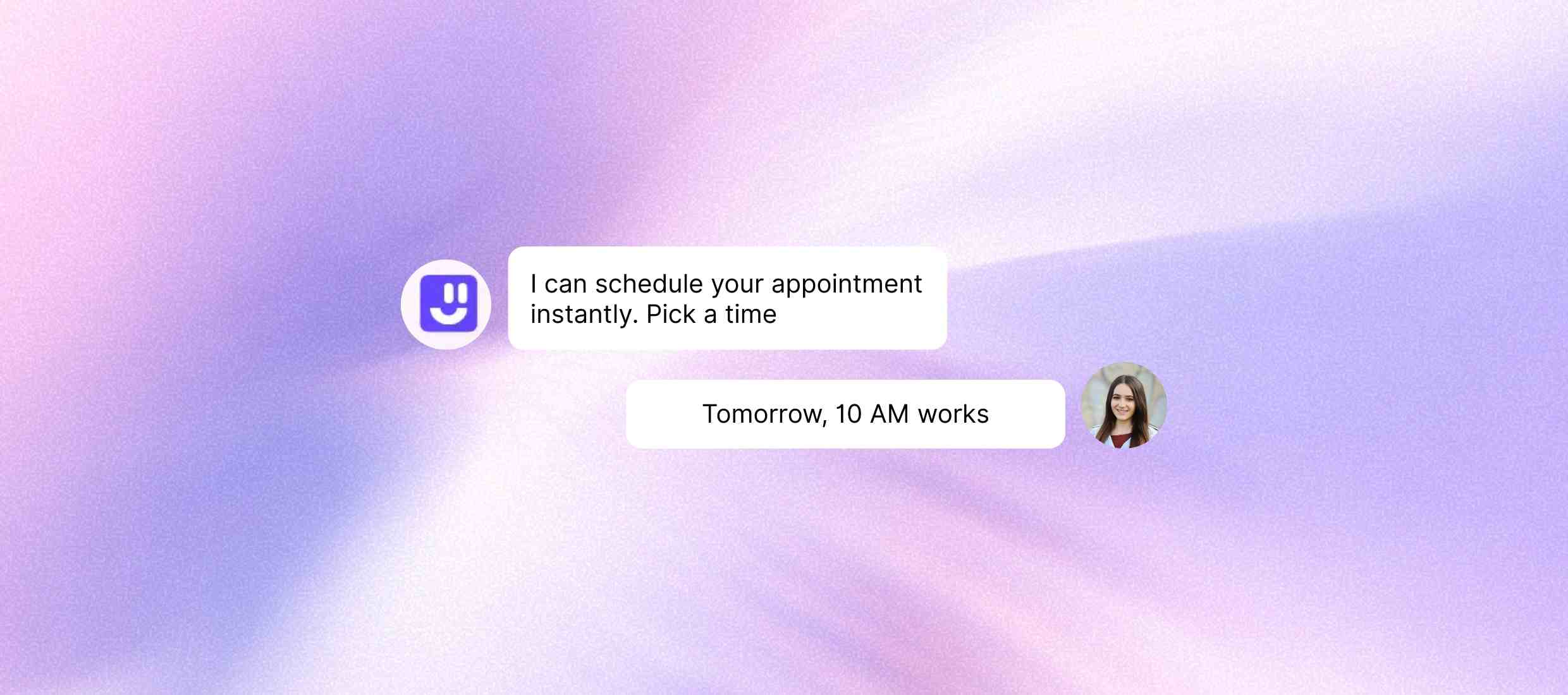
Allow potential clients to book appointments directly through the chatbot, reducing friction and boosting conversion rates.

Read More Less
star
Feedback and review collection

Prompt satisfied clients to leave reviews or complete feedback forms, helping improve service and boost your online reputation.

Read More Less
star
Internal staff support

Assist junior staff or interns by answering firm-specific procedures, document templates, or HR policies using internal chatbot flows.

Read More Less

How to Build a Chatbot for Law Firms with Kaily

Step 1 :
Sign up for free
Open Kaily and find and click the “Sign up” button. You will be directed to the page with form fields. You can also simplify these steps and instantly form your profile using a Google or Apple ID.
Step 2 :
Customize the chatbot
Creating an account allows you to shape the overall look and feel of the chatbot. Its name, colour, style, and tone can be edited to make sure that the chatbot aligns with your brand.
Step 3 :
Add in Data Sources
Now you can add various websites, KBs, databases, and other data sources to train the chatbot. Maintain up-to-date, organized, and relevant databases aligned to your business.
Step 4 :
Test and Integration
Deploying the chatbot requires rigorous testing. You can set it up for training to respond in specific styles.
Once deployed, your AI Chatbot for law firms delivers
icon
Quick query resolution

Resolve client queries faster and provide more accurate clarifications.

icon
Efficiency with research

Get assistance in researching relevant case laws and support clients meaningfully.

icon
Compliance with regulations

Ensure that your business complies with regulations and avoid fines or implications.

icon
Updates & reminders

Send appointment reminders or progress updates to clients before and after hearings.

icon
Client services 24/7

Clarify doubts in clients and provide legal assistance, no matter the time of day.

icon
Lead nurturing

Get assistance in making client intake decisions and onboarding activities.

Key features

Make your law firm available 24/7 with an AI chatbot that engages, qualifies, and books potential clients.
Feature Description
Contextual Memory Remembers conversation history and provides contextually relevant solutions.
Data Handling Deals with customer data in a secure manner through encryption.
Ticket Management Support Escalates complex queries to human agents and manages ticketing.
Support Across Jurisdictions Provides legal solutions and clarifications that are specific to relevant jurisdictions.
24/7 Client Engagement Keeps your firm responsive after-hours by instantly answering inquiries and capturing essential client details.
CRM and Case Management Integration

Connects with your existing tools to keep client data organized.
Regulation-Compliant Communication

Ensures client interactions remain private and compliant with data regulations.
Multilingual Support Engages clients in their preferred language with built-in multilingual capabilities.

AI that delivers real business wins

Drive visibly better results from week one

100%

Routine replies automated

85%

Routine actions automated

~1s

Average response time

Who is it for?

icons
Solo Practitioners

Automate responses to client queries and tackle routine tasks efficiently.

icons
Mid to Large Law Firms

Manage appointments, client intake, lead nurturing, and mundane tasks.

icons
Legal Intake Teams

Decide which clients to onboard and research case laws more efficiently.

icons
Legal Aid Organizations

Provide interested parties with information and updates related to organisational activities.

icons
Law Tech Businesses

Guide users in drafting documents and make self-service uncomplicated through tools.

icons
Public Sector Organizations

Provide valuable information about legal guidelines and civil regulations to interested parties.

Explore Similar Use-cases

Frequently Asked Questions

You can reach out to us for queries via  [email protected]
or to share feedback, contact us

Yes! You can add data sources and train the Kaily chatbot to support all practice areas, family law, personal injury, criminal defence, immigration, corporate law, and more, with customizable workflows and scripts.

Yes, Kaily chatbot operates round-the-clock, helping your firm engage with clients even outside of business hours or during holidays.

Yes. The chatbot integrates with your calendar and allows clients to book consultations directly through the chat interface.

Yes, Kaily chatbot is designed with data privacy and compliance in mind, offering secure handling of client information and meeting legal industry standards.

Kaily chatbot can be trained specifically for legal workflows and terminology. So, it can ask the right questions, understand the legal context, and route leads to the right professionals.

Setup is quick and requires no coding. You can get up and running in just a few hours with customized conversation flows and integrations.

Get started now
star

Kaily can do great things for your business