

How to Unlock the Power of PDFs with Chatbot Integration

Turn any PDF into an intelligent assistant. Get clarity, summaries, and search without lifting a finger or flipping a page.

Try for free
hero image
icon starbg imagebg mobile

What is a chatbot for a PDF document?

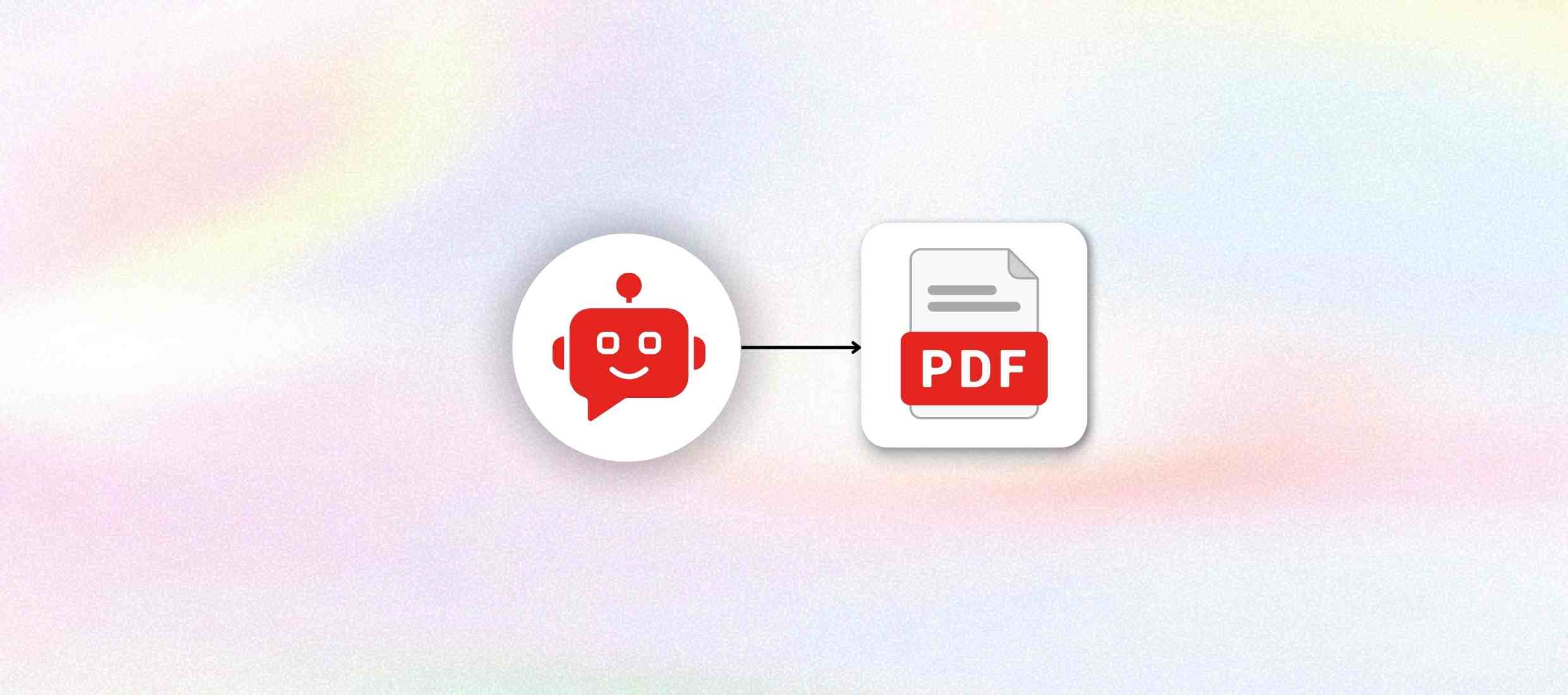
A PDF document chatbot is an AI that can engage in conversation with your PDF files. Instead of having to type through long documents or search online, users can ask questions, and the chatbot gives precise, relevant answers from within the content. It reads the structure of the PDF, such as headings, tables, and sections. Then summarizes, refers to, or explains the complex information. Perfect for all sectors, this chatbot changes static PDFs into live, searchable knowledge, saving time, increasing productivity, and bringing information to life for anyone from students to legal, HR, or research teams.
Uses of PDF Chatbots Across Industries

AI PDF chatbots help you to find answers quickly from documents without manual reading.

Discover our AI platform
arrow
star
Education & Academia

Make learning faster by finding answers inside study PDFs instantly. Enable students and researchers to interact with textbooks, research papers, and study guides by asking questions instead of reading end-to-end.

Read More Less
star
Legal & Compliance

Save time by checking legal documents without reading every page. Quickly search through contracts, case files, and legal policies. Extract clauses, obligations, or legal precedents without manual review.

Read More Less
star
Human Resources

Reduce HR workload by letting staff self-check company documents. Help employees get instant answers from policy handbooks, onboarding guides, or compliance documents - without sending emails to HR.

Read More Less
star
Corporate Strategy & Consulting

Speed up planning by getting quick insights from large business files. Extract insights from business reports, market research, and internal documentation to support faster analysis and client deliverables.

Read More Less
star
Engineering & Technical Teams

Solve technical doubts faster using searchable PDF knowledge. Navigate technical manuals, product specs, and process documentation with ease. Ask questions to understand functionality, measurements, or procedures.

Read More Less

How to create a chatbot with a PDF Document?

Step 1 :
Sign up for free
Go to Kaily and click on the “Sign Up” button. Provide your name, email, and a password, or sign up with your Google or Apple ID instantly.
Step 2 :
Customize your chatbot
Once you have your account ready, set up the chatbot with your own company branding. Name it, colour it, tone it, and give it personality that embodies your business.
Step 3 :
Add data sources
Click “Add Data Sources” to upload files, connect to databases, or link to websites. You can also utilize the automatic updates to maintain responses up-to-date and accurate.
Step 4 :
Test and deploy
Train and test your chatbot using your own questions. When you are happy with the result, bring it into your website or internal tools today.
Once deployed, your AI chatbot for PDF documents delivers
icon
Instant answers from long PDFs

Ask questions and get answers without reading full documents.

icon
Faster document search and access

Find the needed information quickly from any PDF.

icon
Reduced manual document reading

Avoid going through pages again and again.

icon
Accurate page-based references

See exact page numbers for every answer given.

icon
Easy use for all teams

Anyone can use PDFs without training or technical skills.

icon
Secure handling of PDF files

Keep documents safe and private at all times.

Key features

Upload your PDFs and unlock the power of conversational AI. Whether it's legal contracts, research papers, or company reports, get summaries, explanations, and insights with a simple question.
Feature Description
PDF upload support Upload one or more PDF files into the chatbot.
Natural language questions Ask questions in simple words without commands.
Page-referenced answers Shows the exact page number for every answer.
Multi-PDF search Searches across multiple uploaded PDFs together.
Document content training Learn information directly from uploaded PDF files.

Instant response generation Gives answers quickly after a question is asked.
Summary and explanation support Provides short summaries and clear explanations from PDFs.
Secure document handling Keeps uploaded PDF files private and protected.

AI that delivers real business wins

Drive visibly better results from week one

85%

Support tasks automated

40%

Increase in conversions

1M+

Concurrent queries managed

Who is it for?

icons
Students & researchers

Find answers from study PDFs and research papers quickly.

icons
Lawyers & legal teams

Search contracts and legal PDFs without reading every page.

icons
HR professionals

Get quick answers from HR policies and company documents.

icons
Doctors & medical staff

Check medical guidelines and reports from PDF files easily.

icons
Finance & audit teams

Find numbers and details from financial PDFs faster.

icons
Customer support teams

Answer customer questions using PDF manuals and documents.

Explore Similar Use-cases

Frequently Asked Questions

You can reach out to us for queries via  [email protected]
or to share feedback, contact us

You add one or more PDF files, and the chatbot immediately knows how to answer your questions by analysing their content.

You can upload any PDF that you can read like contracts, research papers, reports, manuals, policy documents, and so on.

Yes, the chatbot can read more than one PDF and answer questions extracted from any of them.

Yes, each answer has a page number or a section number adjacent to it, so you can look it up right away.

Absolutely. Your documents are also encrypted, and you can opt to delete them at the end of the session..

The chatbot for PDF documents is great for professionals working in law, education, healthcare, HR, finance, and customer support. Basically, it is for anyone who works with lengthy, complex, and sensitive PDFs.

Get started now
star

Kaily can do great things for your business