

How to Create Gemini AI chatbot for WhatsApp

Learn here how you can build a Gemini-powered WhatsApp chatbot with Kaily to automate conversations, boost engagement, and deliver instant customer support effortlessly.

Try for free
hero image
icon starbg imagebg mobile

What is a Gemini AI Chatbot for WhatsApp?

A Gemini AI chatbot for WhatsApp is a smart conversational assistant that will assist you in connecting your business with customers directly on WhatsApp. This way, your business will be available on the platform where all the customers are active on a daily basis. Powered with Kaily’s no-code simplicity, the chatbot is even more powerful & smart & can be deployed in just a few minutes. When Kaily’s no-code simplicity is combined with Gemini AI’s contextual understanding, it can simply transform how your business communicates from lead generation to query resolution.
Uses of Gemini AI Chatbot for WhatsApp

Kaily’s Gemini AI WhatsApp chatbot can be tailored to common workflows across multiple industries, speeding up responses and automating repetitive conversations.

Discover our AI platform
arrow
star
Ecommerce

Manage order tracking, FAQs, returns, and send personalised product recommendations via chat.

Read More Less
star
Services & Support

Resolve issues and deliver impeccable support without adding to your workload.

Read More Less
star
Education & Training

Share course details, support enrolments, and handle FAQs through a conversational flow.​

Read More Less
star
Travel & Hospitality

Manage bookings and confirmations, and share real-time updates with customers.

Read More Less
star
Finance & Insurance

Simplify claims and policy-related updates, plus send reminders through secure, automated conversations.

Read More Less

How to Build a Gemini AI Chatbot for WhatsApp with Kaily

Step 1 :
Sign Up & Create Your Kaily Account
Kaily’s Gemini integration automatically trains your chatbot with contextual accuracy. No technical setup required. You just need to upload the product guide, brochure, & other necessary documents, connect, and allow Gemini to do the rest.
Step 2 :
Upload your Knowledge Base & Configure Gemini AI
Upload documents, brochures, FAQs, or manuals, and Kaily’s Gemini-powered brain learns instantly.
Step 3 :
Integrate with WhatsApp Business API
Connect with WhatsApp Business using a verified WhatsApp Business API account, your business number, and API credentials (provided by WhatsApp Business Solution Providers). Once provided, it will be live within minutes.
Step 4 :
Test, Deploy, and Monitor on WhatsApp
Before going live, you must test your Gemini AI chatbot on WhatsApp. Run trial conversations, adjust all responses, and fine-tune tone. Once you are satisfied, hit Deploy. Post this, your Gemini-powered WhatsApp chatbot will be live!
Once deployed, your Gemini AI chatbot for WhatsApp delivers
icon
Faster response times

24/7 replies reduce customer wait time drastically.

icon
Contextual accuracy

Auto-trains on FAQs and documents instantly.

icon
Multi-language support

Chat naturally in 70+ languages effortlessly.

icon
Faster go-live

Launch in minutes with WhatsApp Business API credentials.

icon
Higher automation

Handle support-to-sales workflows without manual follow-ups.

icon
Measurable improvement

Track performance in analytics and optimize continuously.

Key features

Here is what makes the WhatsApp Gemini AI bot features on Kaily unique
Feature Description
Personalized greeting messages Welcome users instantly with your brand tone.
Advanced keyword recognition Respond to triggers with complete precision.
Dynamic FAQ management Keep answers up-to-date without manual edits
Document-based auto training Upload FAQs/manuals and let Gemini learn instantly.

Multilingual support (70+ languages) Interact naturally in users’ preferred language.
WhatsApp Business API quick setup Go live in minutes using verified WhatsApp API credentials.
Analytics & performance tracking Monitor conversations and improve responses with insights.

AI that delivers real business wins

Drive visibly better results from week one

~1s

Average response time

2 hrs

Time saved per week

90+

Languages supported

Who is it for?

icons
Ecommerce brands

Guide customers throughout your site with 24/7 support.

icons
Healthcare clinics

Take appointments and help patients register with your clinic.

icons
Sales agencies

Automate outreach and handle objections with faster responses.

icons
Shopify/Woo merchants

Assist shoppers across the funnel with always-on chat support.

icons
D2C brands

Improve conversion and reduce support effort during peak sales.

icons
Consultants & agencies

Qualify leads, answer FAQs, and book calls on WhatsApp.

Explore Similar Use-cases

Frequently Asked Questions

You can reach out to us for queries via  [email protected]
or to share feedback, contact us

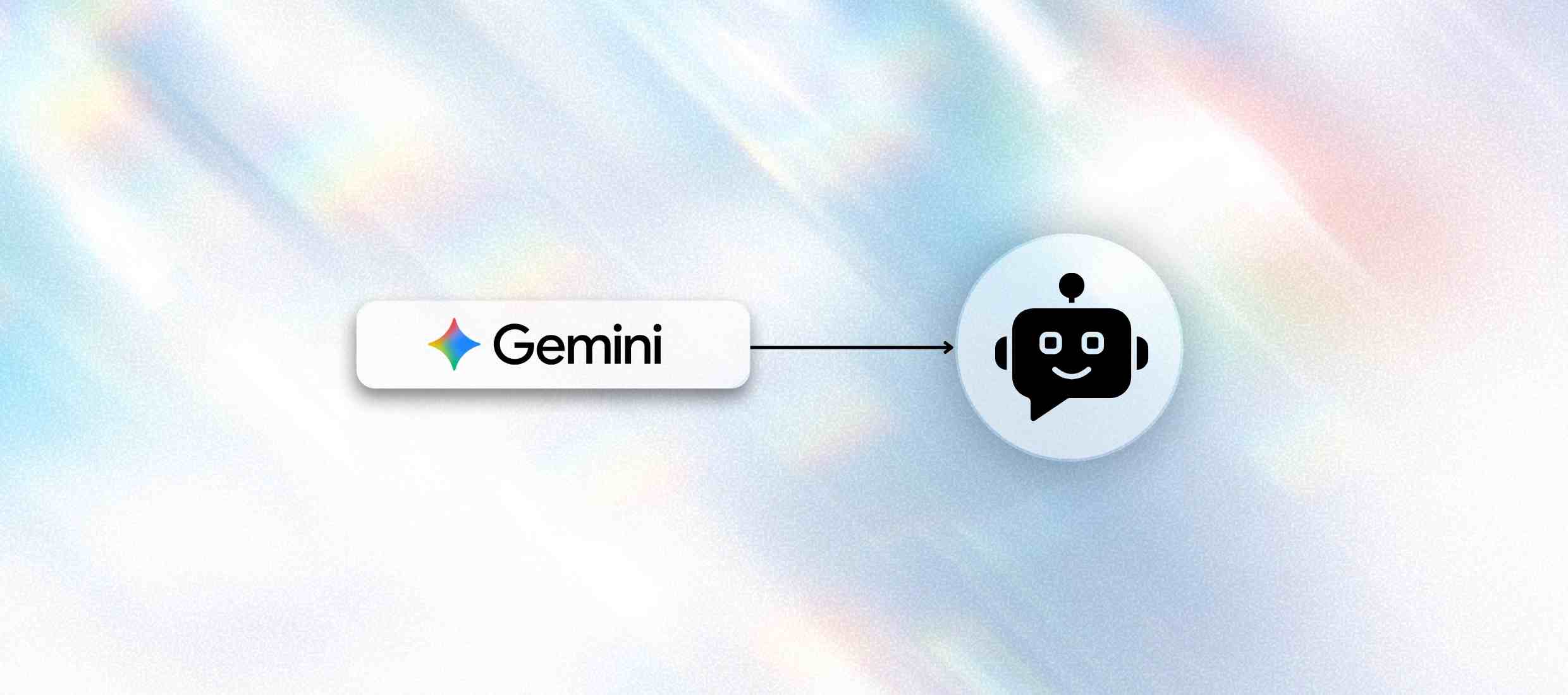
It is an intelligent conversational assistant, powered by Google Gemini, which is hosted on WhatsApp through Kaily’s platform.

Yes. In case you already have a Gemini chatbot, then Kaily can let you integrate it easily with WhatsApp using our no-code setup and API connectors.

Absolutely. Kaily allows complete customisation of tone, prompts, and responses so your chatbot perfectly matches your brand’s voice.

Yes. Gemini is tailored to support multilingual interactions. It can communicate with users in their preferred language, assisting you in reaching more of your target audience and improving their experience.

Kaily provides an easy-to-use analytics dashboard. You can see how your chatbot is performing, track user interactions, and check out which responses work best. This assists you in making prudent decisions and improving results.

The chatbot can manage a number of interactions, including answering common questions, providing info/data, handling enquiries, and offering automated responses based on user inputs.

Kaily ensures end-to-end encryption and GDPR-compliant data handling, so your customer data remains private and protected.

Yes, the chatbot can be utilised for marketing activities, such as sending promotional messages, updates, and special offers, while ensuring that the communications are targeted and relevant.

Kaily gives you dedicated support whenever the need arises. You can access guides and troubleshooting tips/approaches and reach out to our team for help.

For deployment, all you require is a WhatsApp Business API account, a verified business number, and your Kaily dashboard access.

Get started now
star

Kaily can do great things for your business