

How To Create an AI Chatbot for FAQs

Say goodbye to cluttered help centers and hello to a clean, conversational support experience that’s fast, friendly, and fully integrated with your knowledge base.

Try for free
hero image
icon starbg imagebg mobile

What is a Chatbot for FAQs?

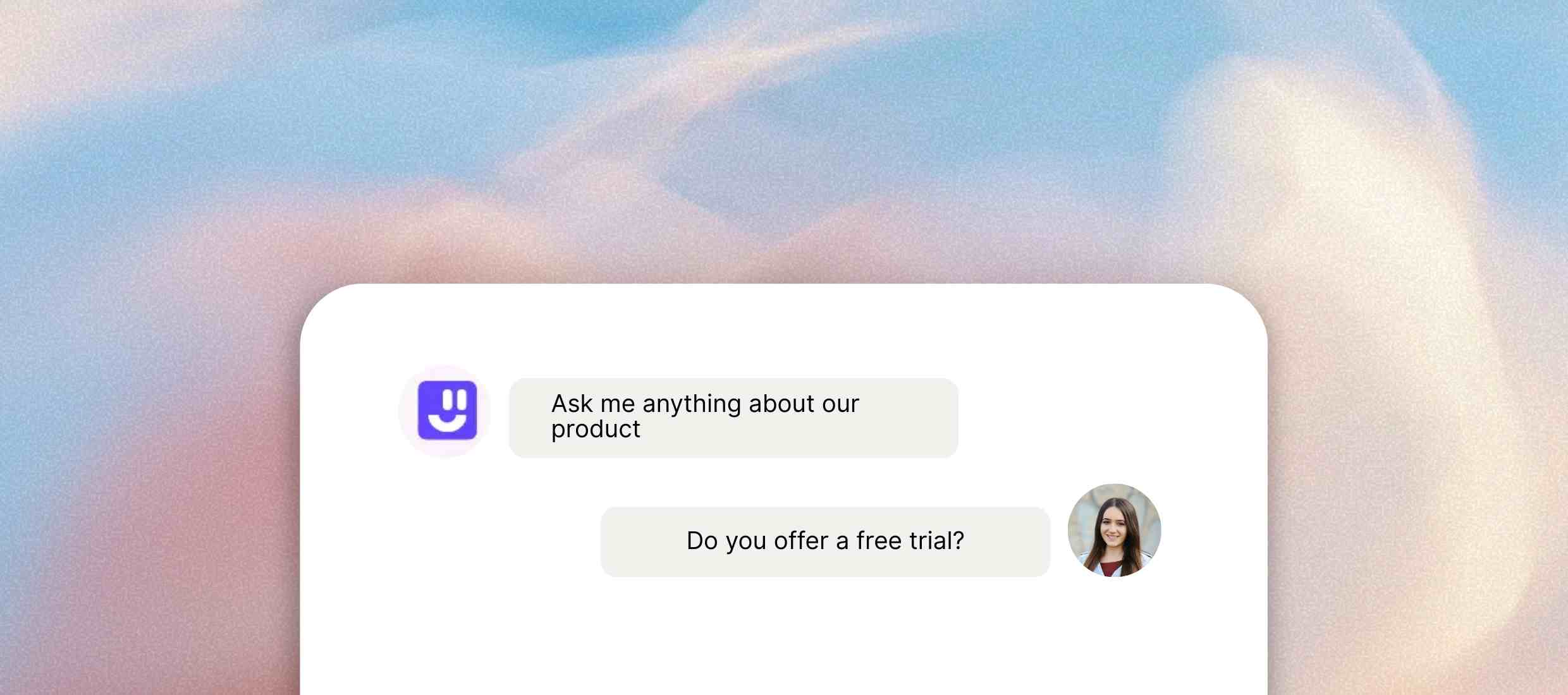
An FAQs chatbot is a virtual assistant that uses AI to answer common questions of users. This way, users no longer have to navigate complicated and lengthy FAQ sections. They can directly ask questions and receive 100% accurate responses from the chatbot instantly.
Uses of AI Chatbot for FAQs

How AI chatbots handle routine queries and FAQs to increase operational efficiency.

Discover our AI platform
arrow
star
E-commerce

Instantly answer queries about orders. Resolve queries about shipping, returns, product details, and reduce cart abandonment. This also helps in boosting conversions.

Read More Less
star
Healthcare

Provide 24/7 responses to patients and families. Share information about appointment scheduling, insurance, doctor availability, and patient instructions with HIPAA-compliant security.

Read More Less
star
Finance & Banking

Automate answers to common financial questions. Resolve queries about loan eligibility, interest rates, account setup, and digital banking services.

Read More Less
star
SaaS & Tech

Troubleshoot common issues and guide users through setup processes. Assist and explain pricing or features, all without waiting for human support.

Read More Less
star
Travel & Hospitality

Support travelers with a range of hospitality activities. Share booking info, cancellation policies, check-in procedures, and destination-related FAQs around the clock.

Read More Less

How to Create a Chatbot for FAQs with Kaily

Step 1 :
Sign up for free
Go to Kaily's website and click on the top tab “Sign up” button. Fill in the details or use your Google or Apple ID to set up a profile with one click.
Step 2 :
Customize the AI Agent
Name the agent and choose its color, tone, or style as well. This would make sure your chatbot is consistent with your brand personality.
Step 3 :
Add data sources
Input your sources of data and then train your bot. Ensure that the chatbot is producing responses that are relevant to your users.
Step 4 :
Train & deploy
Teach the chatbot to provide responses in a particular manner and improve these in the future. Deploy the chatbot on your website or your business tools immediately.
Once deployed, your AI Chatbot for FAQs delivers
icon
Instant answers to FAQs

Provide instant solutions to repeat queries without delays or downtimes.

icon
Reduced wait times

Reduce wait time significantly and nurture prospects adequately.

icon
Enhanced customer satisfaction

Improve customer satisfaction through automated solution delivery.

icon
Multi-question handling

Tackle multiple service or product-related questions at the same time without errors or misinformation.

icon
Efficient ticket management

Transfer complex issues to human agents by managing tickets efficiently.

icon
Operational insights

Gain operational insights and make decisions based on customer pain points.

Key Features

Here’s how modern AI chatbots assist in simple query resolutions.

Feature Description
Data Privacy Ensures interactions are stored through encryption and customer data is safe.
Multilingual Support Enables users to communicate with ease in 90+ languages.
24/7 Availability Provides resolutions and answers 24/7.
Understanding of User Intent Goes beyond keyword matching and understands natural language.
Easy Integration Connects seamlessly with your existing FAQs, help docs, or CMS.
Seamless Human Handoff Smoothly transfers the conversation to a human agent without frustrating the user.
Customization Enables customization to your brand for a consistent and engaging support experience.

AI that delivers real business wins

Drive visibly better results from week one

90+

Languages supported

40%

Increase in conversions

1M+

Concurrent queries managed

Who is it for?

icons
E-commerce Stores

Furnish information about trending products, bestsellers, discounts, and purchases.

icons
SaaS Companies

Answer queries about products in simple terms to enhance customer satisfaction.

icons
Healthcare Providers

Provide guidance about treatment plans, services, and scheduling processes.

icons
Educational Institutions

Resolve queries about admission and examination dates, program details and more.

icons
Government Services

Furnish relevant information about government departments, policies, guidelines, etc.

icons
Hospitality Businesses

Share updates and reminders as well as guide users through booking and cancellation processes.

Explore Similar Use-cases

Frequently Asked Questions

You can reach out to us for queries via  [email protected]
or to share feedback, contact us

Kaily chatbot for FAQs is an AI-based chatbot that answers your customers’ most common questions for you automatically.

The chatbot integrates with your current FAQ pages, knowledge base, help docs, or even custom sources of data to ensure your responses are up to date and accurate.

Yes! You can adjust its tone, colors, name, and even its personality to match your brand’s personality.

Yes. Kaily chatbot is optimized for both desktop and mobile so that you have the flexibility to work wherever, whenever.

If the chatbot cannot answer a question, it can escalate the interaction to a human agent or capture the query for training in the future.

No coding needed! Using our user-friendly interface, you can create and deploy the chatbot in a few clicks.

Get started now
star

Kaily can do great things for your business