








Today’s users don’t just want answers; they expect accuracy, context, and intelligence behind every response.
A decade ago, a basic FAQ page or scripted chatbot could get away with answering “what” and “when.” Now, customers expect tools that understand intent, adapt to tone, and solve complex queries instantly—whether it’s a delivery timeline, a pricing clarification, or a technical troubleshooting step. For businesses, relying solely on human agents to meet this level of demand often leads to delayed responses, inconsistent quality, and rising support costs.
AI question answering tools are filling the gaps left by human agents while transforming customer engagement. Unlike traditional support systems & static FAQs, these solutions utilise natural language processing to understand intent, retrieve relevant information & deliver accurate replies—all in real time. Whether it’s a chatbot for answering questions on a SaaS website or an AI question-answerer built into enterprise workflows, businesses can finally offer reliable, human-like support—without the high operational costs or inconsistent response quality.
Let’s see how AI question answering tools really work—and how they help businesses deliver faster, smarter support.
What Are AI Question Answering Tools?
At its core, AI question answering is a system’s ability to interpret customer queries, understand their intent & deliver a meaningful, direct response. Unlike traditional search engines, which simply list links, tools built on AI answer questions by pulling from knowledge bases & enterprise systems to generate instant resolutions.
In the business context, customers no longer have to sift through FAQ pages or wait for support agents. Instead, AI answer question tools provide instant replies—drastically reducing resolution time & freeing human agents to focus on complex issues.
Another important distinction is adaptability. A chatbot for answering questions isn’t limited to pre-programmed responses; with machine learning & NLP, these tools learn continuously from interactions and become smarter over time.
Top 7 AI Question Answering Tools & Chatbots
The AI question answering tools market keeps growing—not every tool is built for the same purpose. Some focus on quick responses, others on deep contextual understanding. The right choice depends on your business goals.
1. Kaily
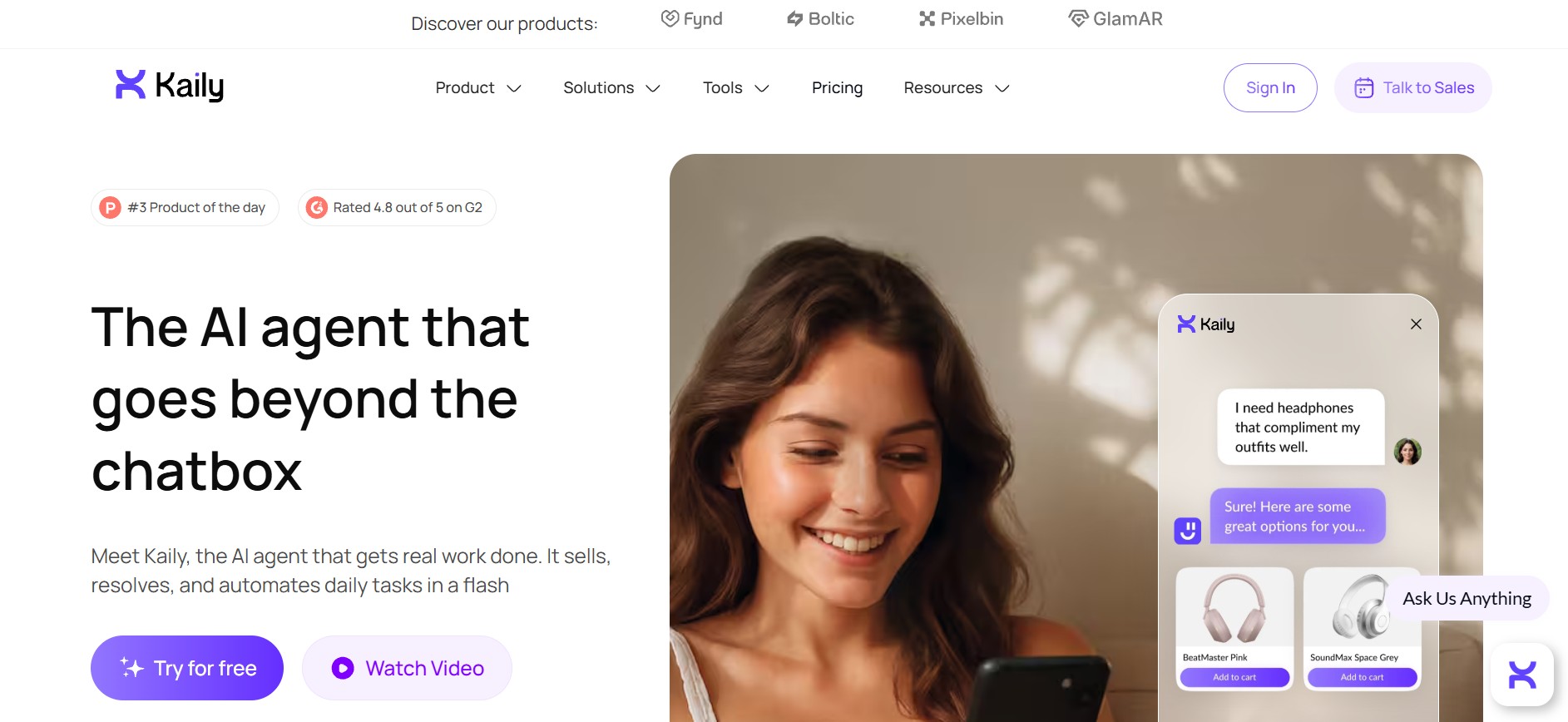
A strong choice for enterprises managing conversations across web, WhatsApp, social platforms, & email. Privacy-first, fully GDPR & SOC 2 compliant, with conversations accessible only to you and your AI agent.
Key Features
- Multi-channel deployment: Compatible with a variety of platforms, such as mobile apps, websites, social media, voice systems, and others.
- No-code setup: Comes with a user-friendly interface that is quick to launch without coding knowledge.
- Multilingual support: Supports more than 100 languages, making it a globally relevant solution.
- Customization: Allows customization for the avatar, personality, tone, and color scheme.
- Advanced analytics: Offers a dashboard comprising information about user interactions, engagement rates, and conversion metrics to help optimize performance.
Benefits
- 24/7 availability
- Automates repetitive inquiries, thus increasing efficiency
- Instant, accurate, and personalized responses increase customer satisfaction
- Streamlines workflow and centralizes information
Things to Consider
- Outputs may vary based on data sources and configuration
- Best results depend on clear inputs and proper setup
- Should complement human review for critical decisions, not replace it.
2. ChatGPT
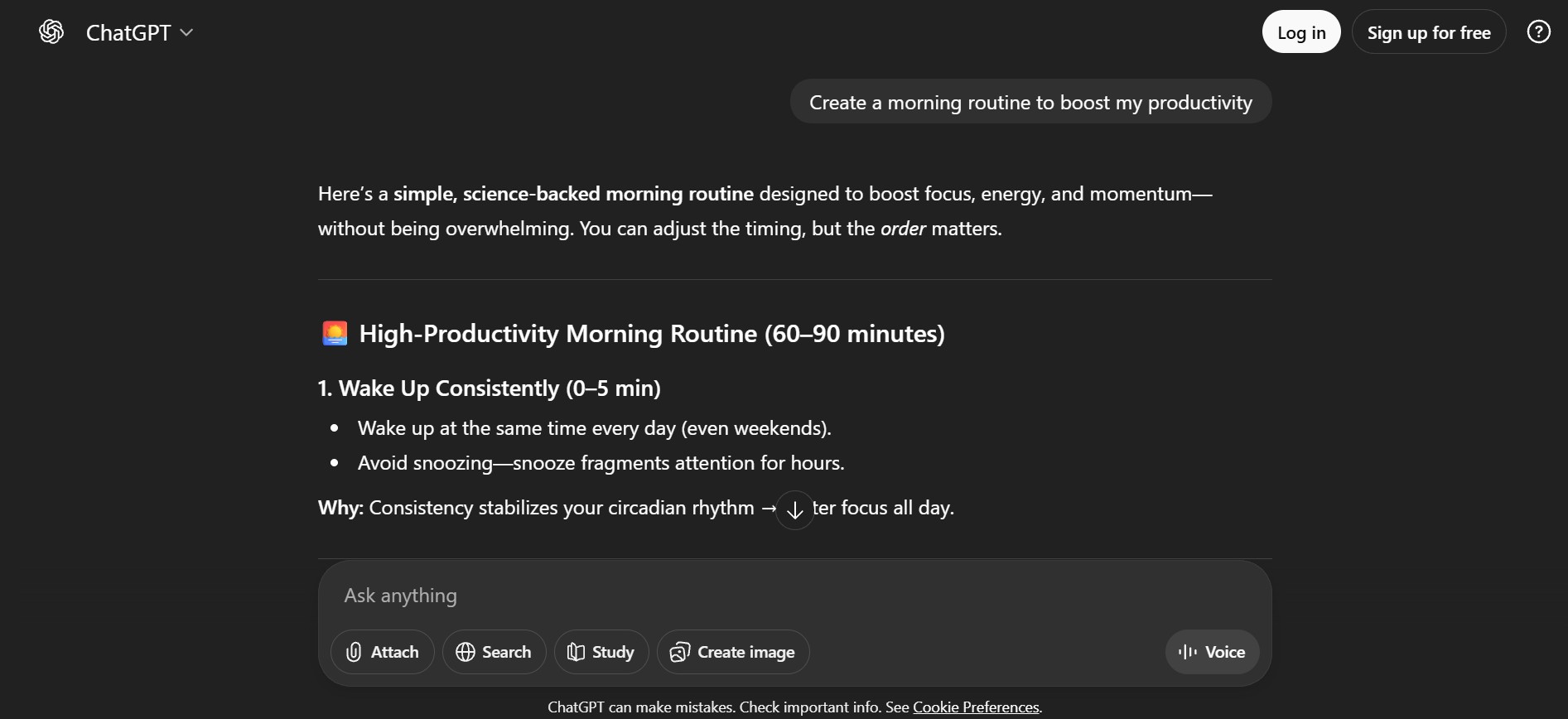
Widely used for general-purpose queries. Enterprise readiness depends on API integration & custom deployments requiring technical expertise.
Key Features
- Human-like understanding: Capable of natural language understanding to generate human-like responses across a wide range of topics.
- Reasoning and problem-solving: Helps break down problems, explain concepts, and assist with logical, academic, or technical queries.
- Coding and technical assistance: Can generate code, debug errors, explain programming concepts, and assist with documentation
- Context-aware conversations: Remember context within a conversation, allowing follow-up questions without restating details
- Multimodal support: Supports image inputs, document analysis, and voice interactions depending on the plan and interface.
Benefits
- Time efficient for writing, research, and ideation
- Easy to use with no technical setup requirements
- Useful across multiple domains
- Available 24/7 for instant assistance
- Scales from simple queries to complex tasks
Things to Consider
- Can generate incorrect or outdated information
- Responses depend heavily on prompt quality
- Lacks real-world understanding or judgment
- Not a replacement for expert validation in critical tasks
3. iAsk.AI
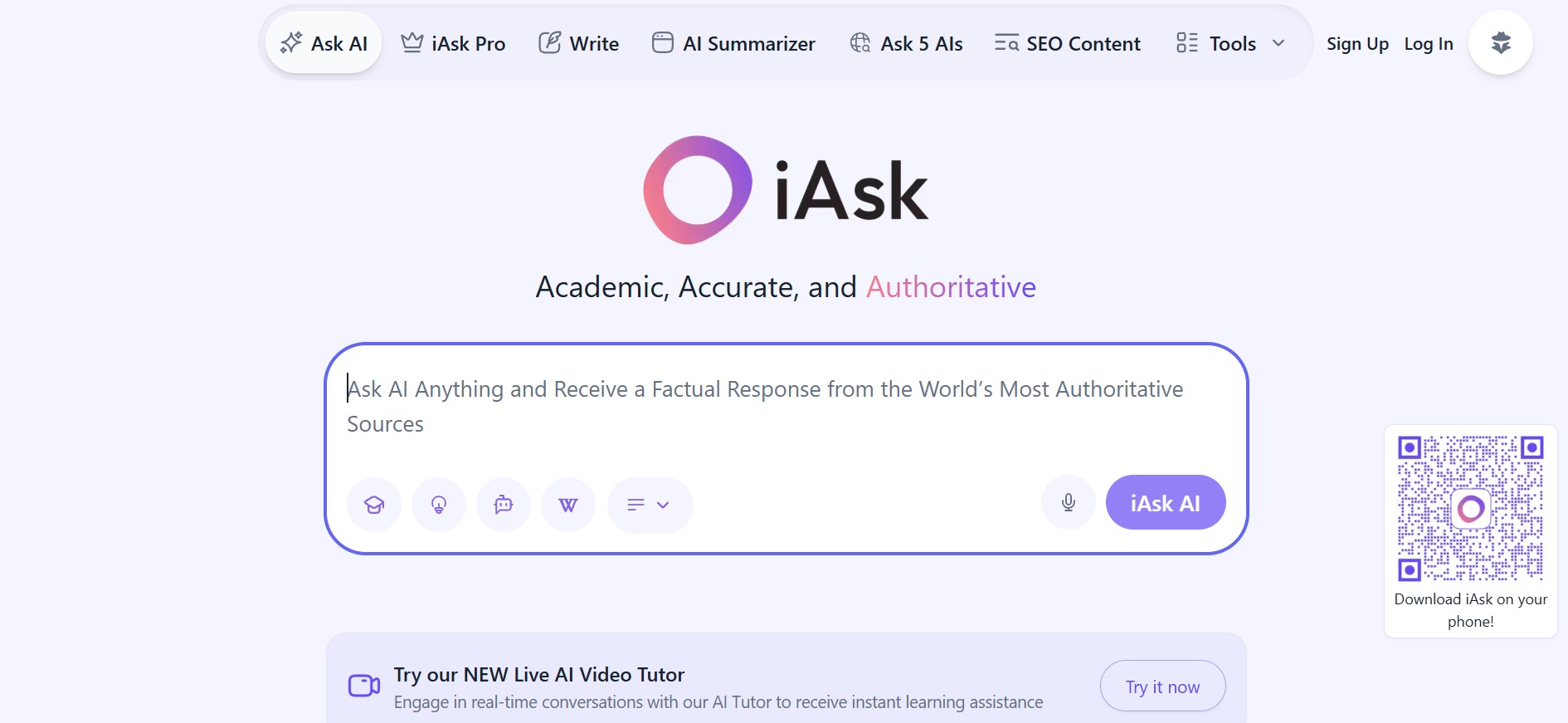
Focuses on real-time answers from the internet with an emphasis on research & document-based inputs. Great for academic queries, less so for customer support.
Key Features
- AI-powered answers: Offers correct and in-depth answers for specific queries.
- Real-time conversation: Provides a realistic AI tutor to communicate and learn from.
- Companion AI: Effective mental health AI to let you talk about anxiety, stress, and emotions.
- AI assistant: Provides instant help for everyday tasks, like organizing to-do lists, draft emails, schedule management, and more.
- Saves search history: Stores past queries and results for easy reference and continuity.
Benefits
- Delivers responses instantly with accuracy
- Simple and user-friendly interface
- Improves productivity
- Capable of document analysis
- Allows image creation and writing assistance
- Cost-effective
Things to Consider
- Unable to process niche-specific or complex queries
- May yield inaccurate answers occasionally
- Accessing advanced features is not available in the free version
- Can not handle tasks like coding or long-form content generation
4. Gemini
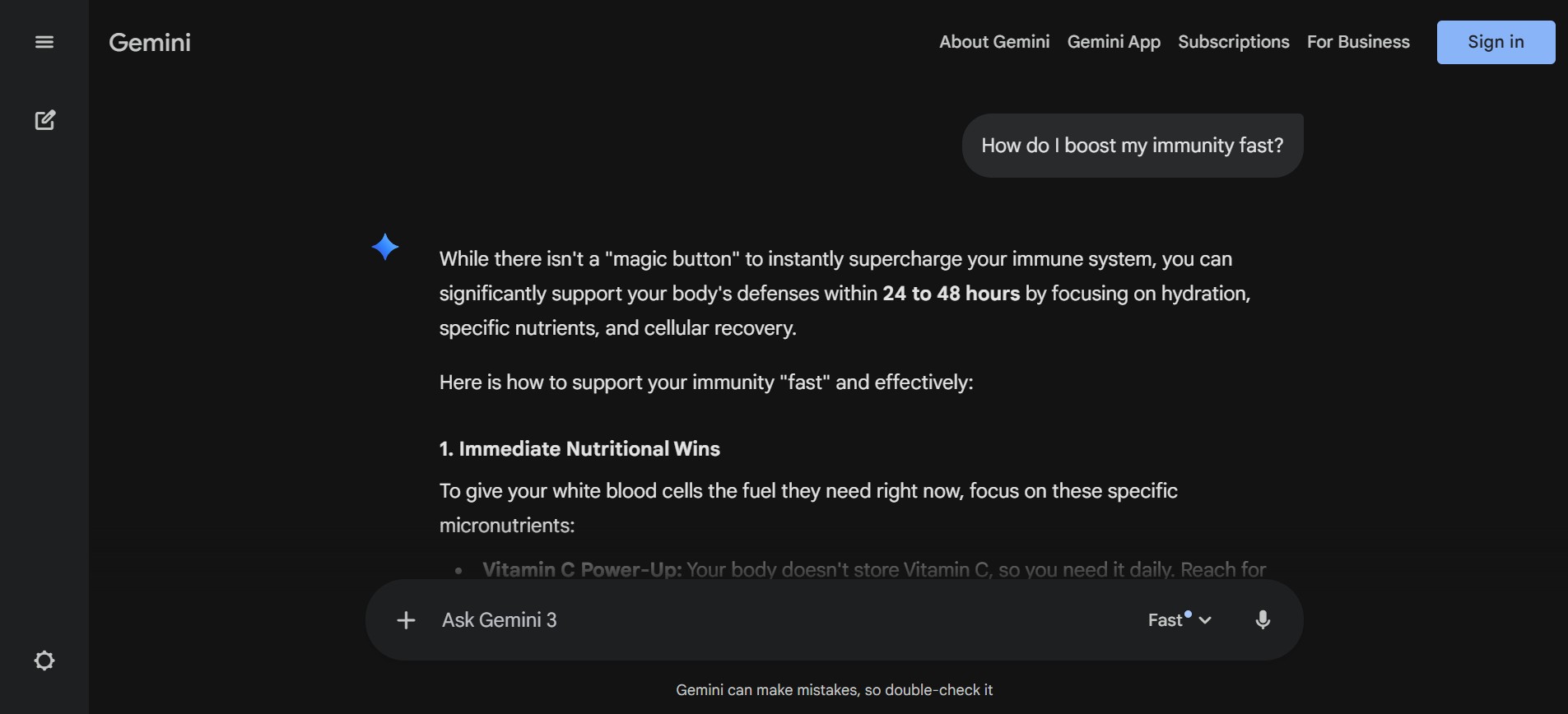
Blends conversational style with powerful search integration. A natural fit for organisations already embedded in the Google ecosystem.
Key Features
- Multimodality: Understands and works across text, code, images, audio, and video in a single workflow.
- Advanced reasoning: Solves complex logic, math, and science problems by breaking them into clear steps.
- Image and video generation: Creates and edits images and generates videos with audio from text prompts.
- Google App integration: Works seamlessly with Gmail, Docs, Calendar, YouTube, and others for task execution.
- Voice interaction: Supports natural voice conversations for hands-free assistance and real-time brainstorming.
Benefits
- Handles complex problems and provides deep insights
- Capable of writing, coding, and generating ideas, images, or outlines
- Provides real-time information and answers
- Helps content creators, educators, developers, and others
Things to Consider
- Allows fewer prompts in free usage
- May end up making factual errors
- Deep research and other such features are available only in paid plans
5. Hugging Face
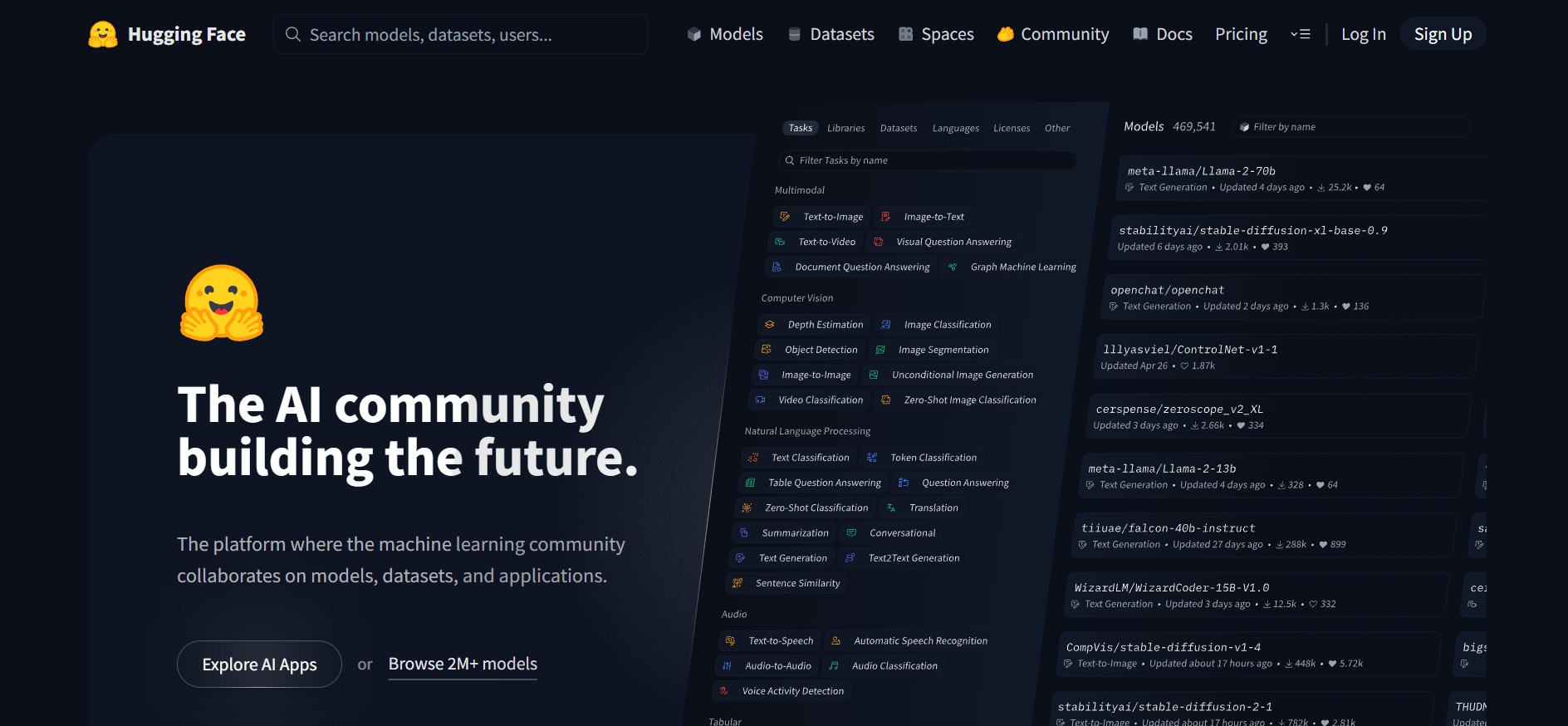
Offers pre-trained NLP models & APIs, ideal for developers building custom chatbots for answering questions.
Key Features
- Extensive model access: Over 11,000 Hugging Face text, vision, speech, and multimodal models can be deployed directly within Azure with minimal setup.
- Always up-to-date: New and trending models become available on Azure as soon as they are released.
- CPU and GPU flexibility: Supports both CPU and GPU workloads with traffic control and performance optimization built in.
- High-Performance inference DLCs: Offers Deep Learning Containers (DLCs) for Text Generation Inference (TGI) and Text Embeddings Inference (TEI) to enable fast and optimized inference.
- Massive deployment supports: TGI DLC supports the deployment of over 1.4 lakh text generation models, while TEI DLC supports over 10,000 embedding, re-ranking, and sequence classification models.
- Tokenization and data preprocessing: Breaks raw text into clean, model-ready tokens so NLP tasks run accurately and efficiently.
- Fine-tuning for specific tasks: Lets you customize pre-trained models with your own data to improve performance for domain-specific use cases.
Benefits
- Offers pre-trained models that can save money, time, and resources
- Easy to use due to accessible APIs
- Has a large and trustworthy community that contributes to new tutorials, models, and updates
Things to Consider
- Multiple Hugging Face models require high computational power
- Advanced functions are a complexity for beginners
- Certain models do not allow real-time applications
6. Tidio’s Lyro
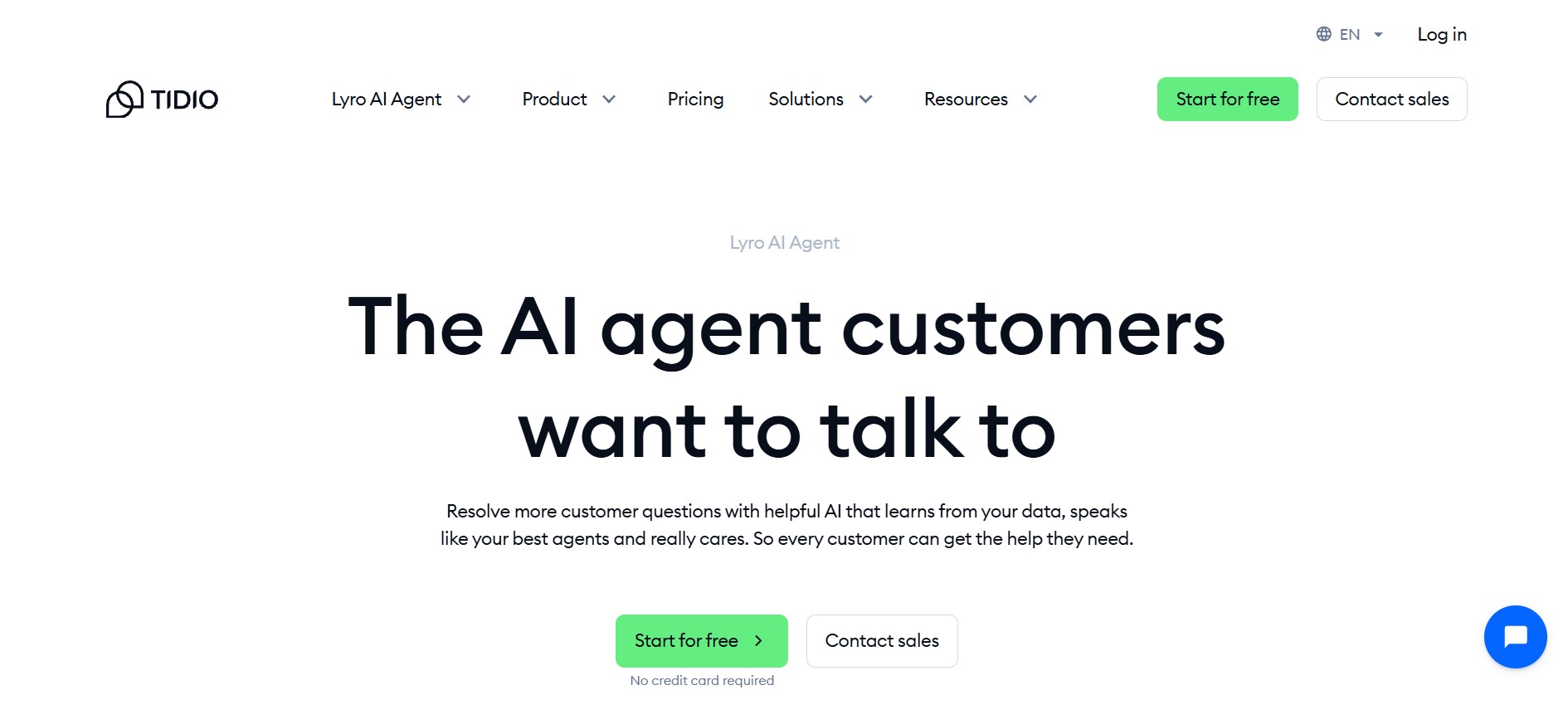
Designed for small & mid-sized businesses automating FAQs. Limited analysis depth & language support make it suitable for early-stage adoption, not scaling.
Key Features
- External training: Learns from a variety of external sources, such as manually incorporated information, CSV files, website URLs, and historical conversations.
- Lyro Actions: It is the advanced feature of Lyro that allows it to assist businesses by connecting with external systems through APIs. Hence, it can track orders, schedule meetings, generate leads, and more.
- Multichannel presence: Deployable across different communication channels, including email and social media
- Customizable: Easy to configure the tone of voice, usage of data sources, and escalation rules for different customer segments
- Supports different languages: Lyro can converse in more than 45 languages, exhibiting its global relevance
- Easy implementation: Lyro can be easily set up without coding and within minutes
Benefits
- Quick to response and resolve the queries
- Cost-effective while being scalable
- 24/7 availability
- Processes repetitive queries efficiently, reducing workload
- Qualifies leads, engages visitors, and provides product recommendations
Things to Consider
- Limited free trial plan
- Requires the main language to be English for businesses in e-commerce
- Learning from website scanning is limited to 60 pages
- Need manual and technical setup to configure Lyro Actions.
7. Zendesk Answer Bot
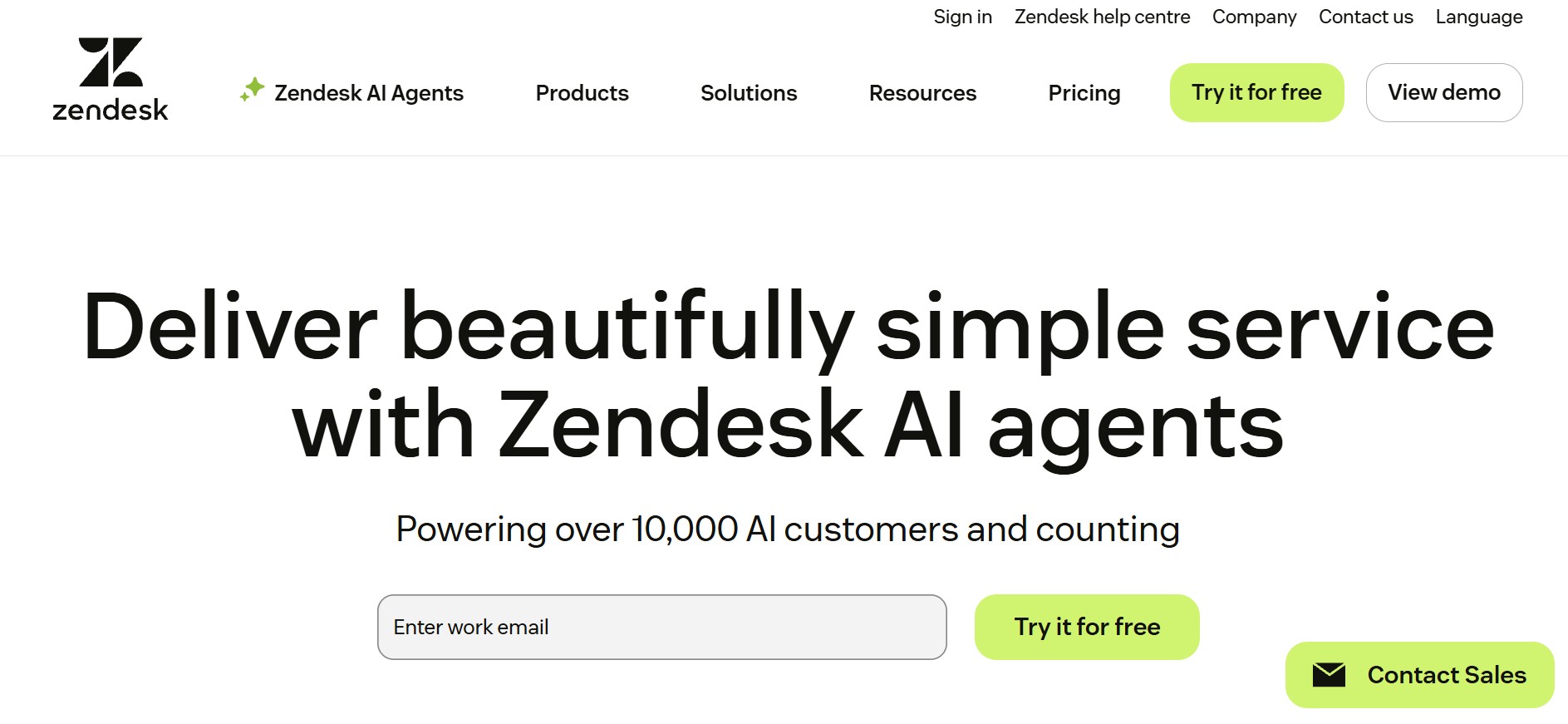
Seamlessly integrates with Zendesk for smooth live-agent handoff & CRM access. Best for businesses already using Zendesk.
Key Features
- AI-powered: Uses Machine Learning to contextually answer the questions in real-time with accuracy.
- Integratable: Exhibits cross-platform compatibility with multiple social media channels
- Automatic: Process the queries to provide automated answers from predefine articles or Zendesk Guide
- Customizable: Easy to personalize for automation, interaction, and response flows
- Easy to set up: Zendesk answer bot requires just a few clicks and can be launched in minutes.
Benefits
- Supports simple inquiries with quick responses
- Reduces wait time and workload
- 24/7 availability
- Streamlines the task
- Enhances customer experience
Things to Consider
- Customization options forthe bot are limited for businesses not using Zendesk.
- Build a strong knowledge base to ensure efficient use of the Zendesk answer bot.
- Fails to understand multi-intent or complex queries
- Lacks human empathy and can not complete complex tasks
The right choice depends on your size, compliance needs, and customer engagement patterns.
How Do AI Question Answering Tools Work?
While they seem simple on the surface, AI question answering tools rely on sophisticated workflows combining NLP, machine learning & data integration.
- Query understanding - NLP parses text, identifies intent & makes sense of unstructured language.
- Knowledge retrieval - Pulls information from product catalogs, FAQs, CRM data & live databases.
- Response generation - Creates human-like responses using dynamic generation or templates.
- Contextual memory - Tracks previous interactions for seamless follow-ups.
- Human escalations - Complex queries are routed to human agents.
- Learning & improvement - Every interaction becomes training data, improving accuracy over time.
Advantages of AI Question Answering Systems
- Faster response times
- Frees human agents from repetitive queries
- 24/7 availability
- Handles thousands of simultaneous conversations
- Personalised replies via CRM integrations
- Multilingual support
- Data insights that reveal customer needs & pain points
Features to Look for in AI Question Answering Tools
- Strong NLP capabilities
- Integration with knowledge bases
- Omnichannel deployment
- Context awareness
- High load-handling
- Multilingual support
- Compliance features (encryption, secure storage, audit trails)
- Reporting & analytics
- Smooth human handoff
10 Use Cases Where AI Question Answering Delivers
- Ecommerce - Order tracking, returns, refunds.
- Banking - Account balance, card transactions, loan eligibility.
- Healthcare - Appointments, lab results, insurance claims.
- Tech platforms - Onboarding, feature guidance, login help, ticketing.
- Education - Enrollment queries, course info, exam schedules.
- Human resources - Payroll, policy queries, IT troubleshooting.
- Government - Citizen queries, documentation, application status.
How to Select the Ideal AI Platform for Question Answering
Choosing an AI platform for question answering should focus on:
- Integration with existing systems
- Balance between automation & human escalation
- Scalability during traffic spikes
- Strong analytics to identify customer patterns
- A long-term partnership & ongoing vendor support
The best platform isn’t just feature-rich - it seamlessly becomes an extension of your business.
Common Challenges in AI Question Answering Systems
- Outdated or poor-quality data
- Ambiguous or emotionally charged queries
- Slowdowns during peak loads
- Compliance & security risks
- Inadequate continuous improvement due to high costs
Why Choose Kaily?
Kaily delivers enterprise-grade conversational AI that goes beyond generic chatbots. With seamless integration into ERPs, CRMs & knowledge bases, every response is accurate and business-driven.
Its hybrid design balances automation with human escalation, ensuring routine queries are handled instantly while complex cases receive empathetic human support. Advanced analytics help businesses uncover customer trends, service gaps & the impact of response speed.
Moreover, Kaily's chatbots are trusted by over 100+ big global brands like Samsonite, Guess, Toys R Us, The Luxury Closet and The University of Alabama.
Conclusion
AI question answering systems are now central to customer & employee engagement. They help businesses scale support, deliver faster responses & unlock key insights. The key is choosing a platform that integrates smoothly, balances automation with emotional intelligence, and evolves with customer expectations.
On all these fronts, Kaily helps businesses transform every conversation into measurable outcomes.













.png)


