
Enterprise-Grade AI Email Automation For Your Inbox
Smart AI email management and auto-triage
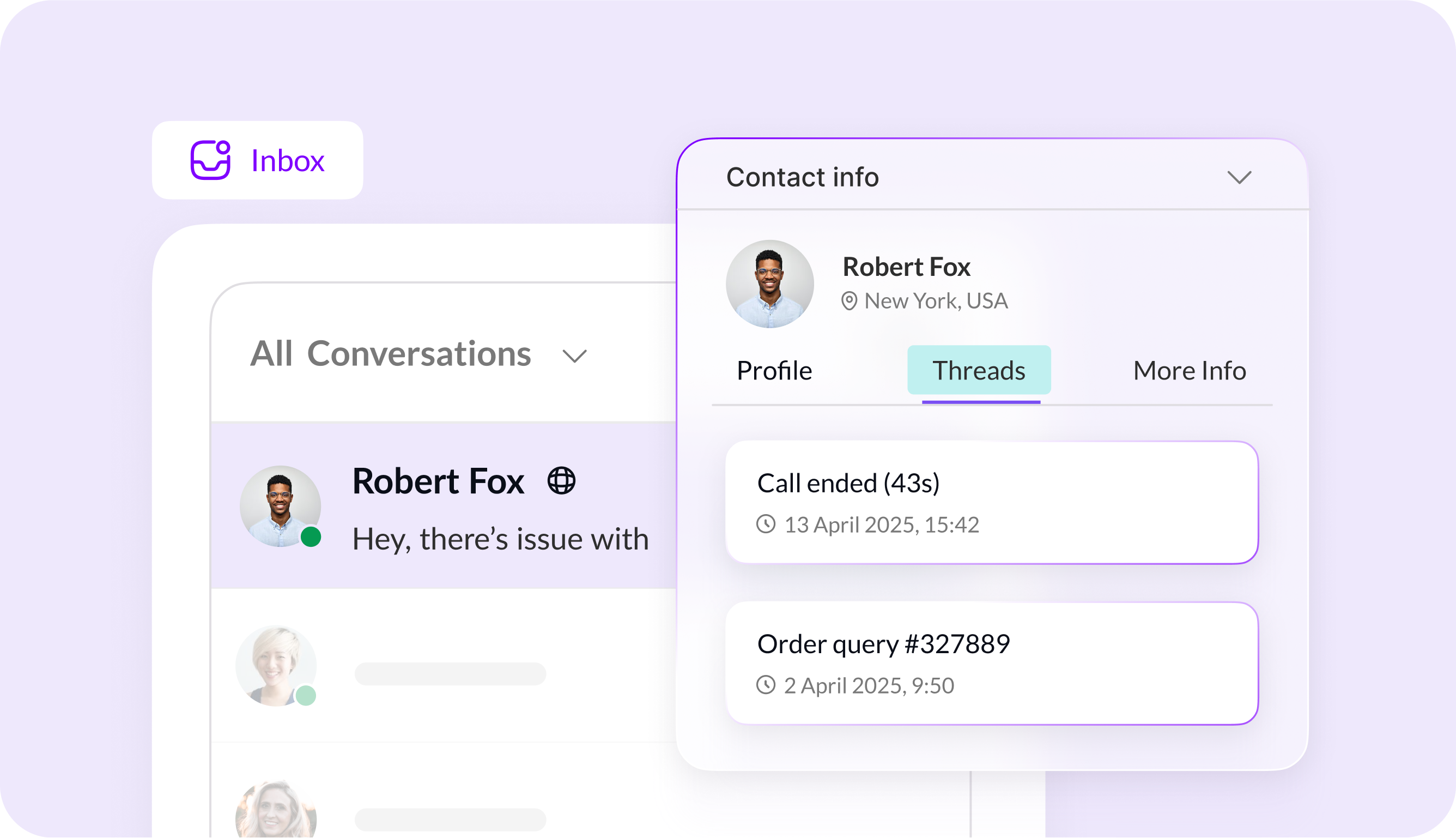


Smart AI email management and auto-triage

Auto-prioritization and tagging


No-Code Email Automation Workflows

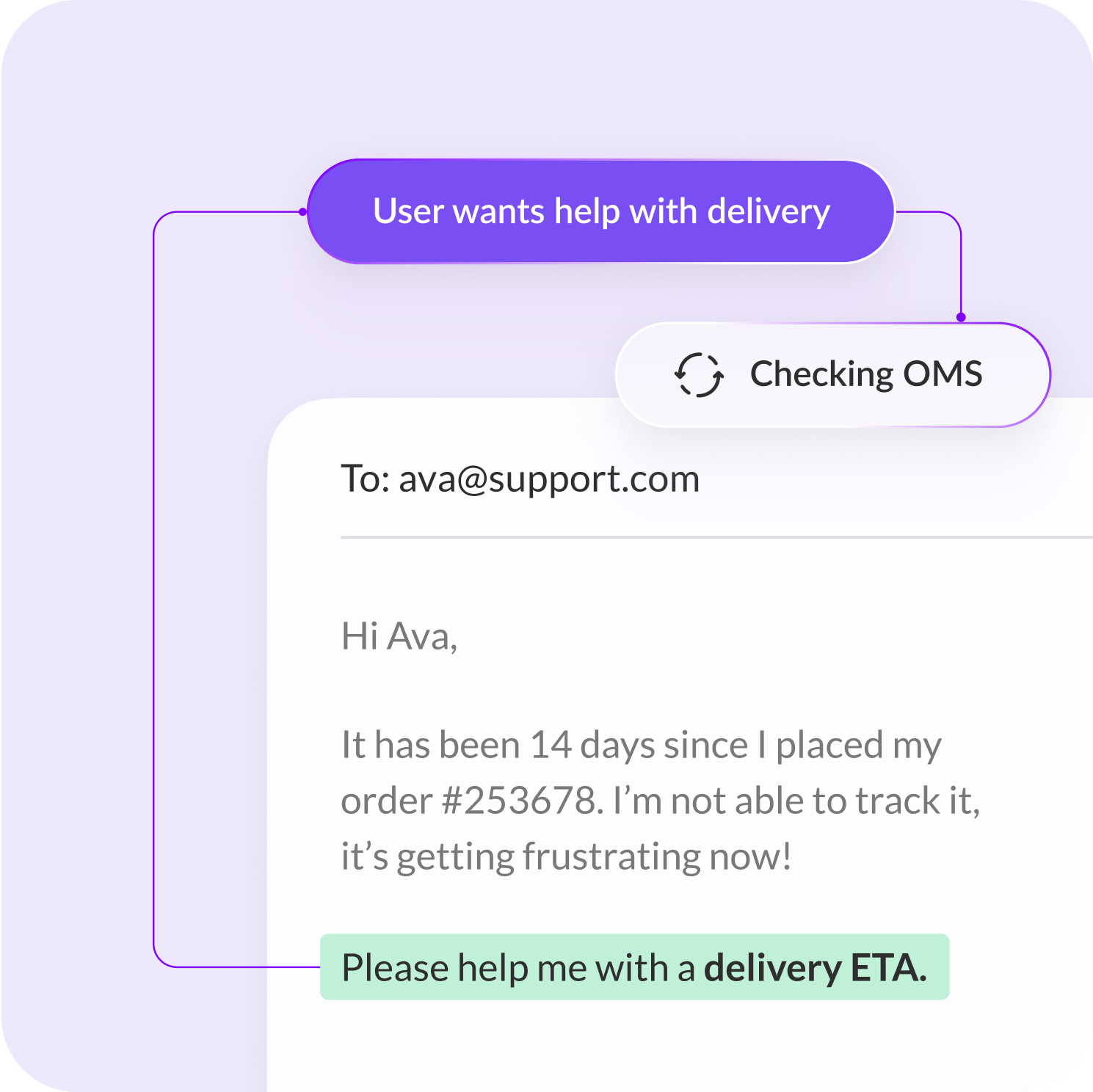
Get more done with Kaily’s AI email automation and track incoming emails, draft accurate replies, and automate follow-ups.
Más de 100 marcas de todo el mundo confían en nosotros


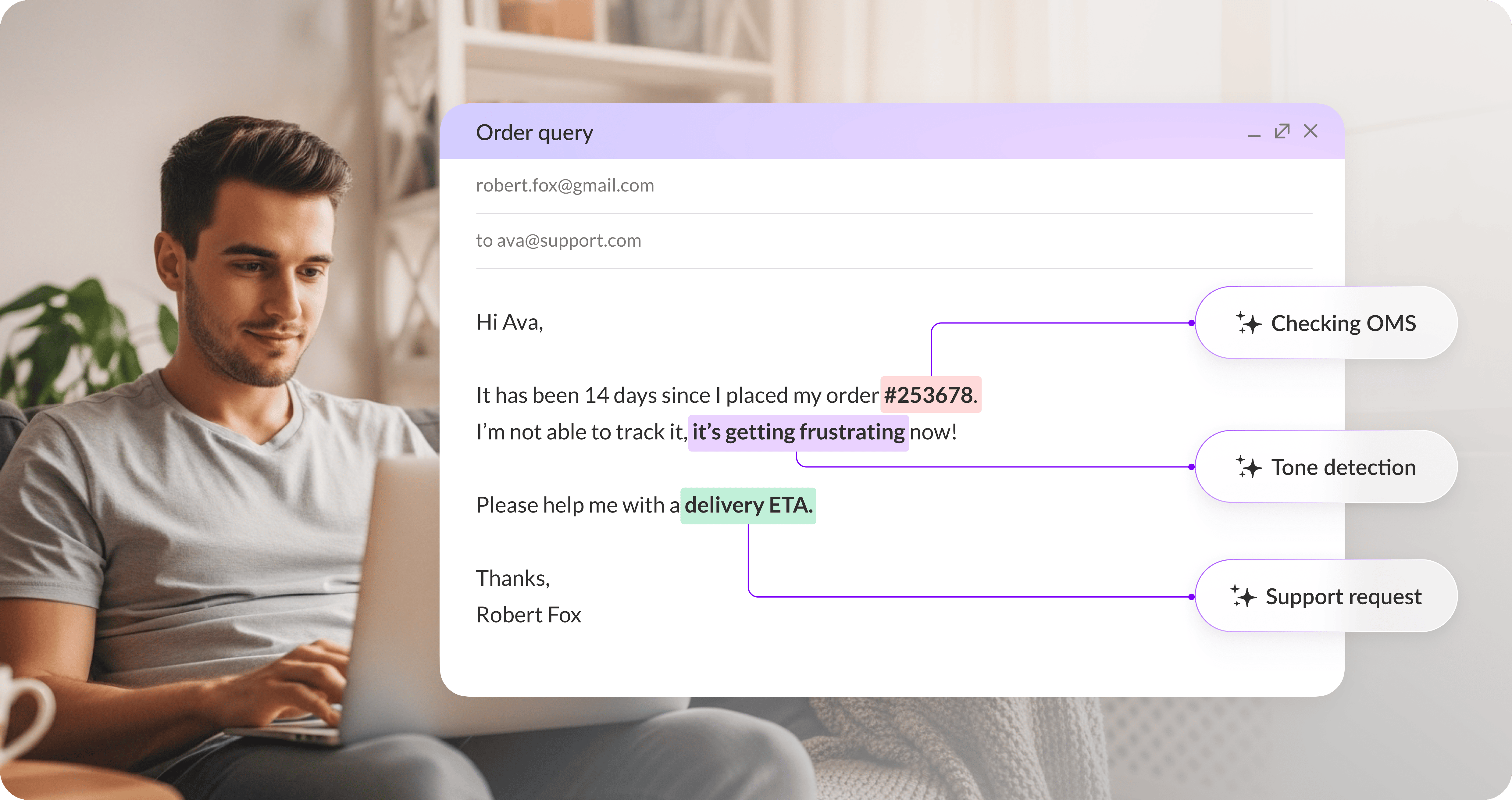
Detect right intent, urgency, and category for an organized inbox.
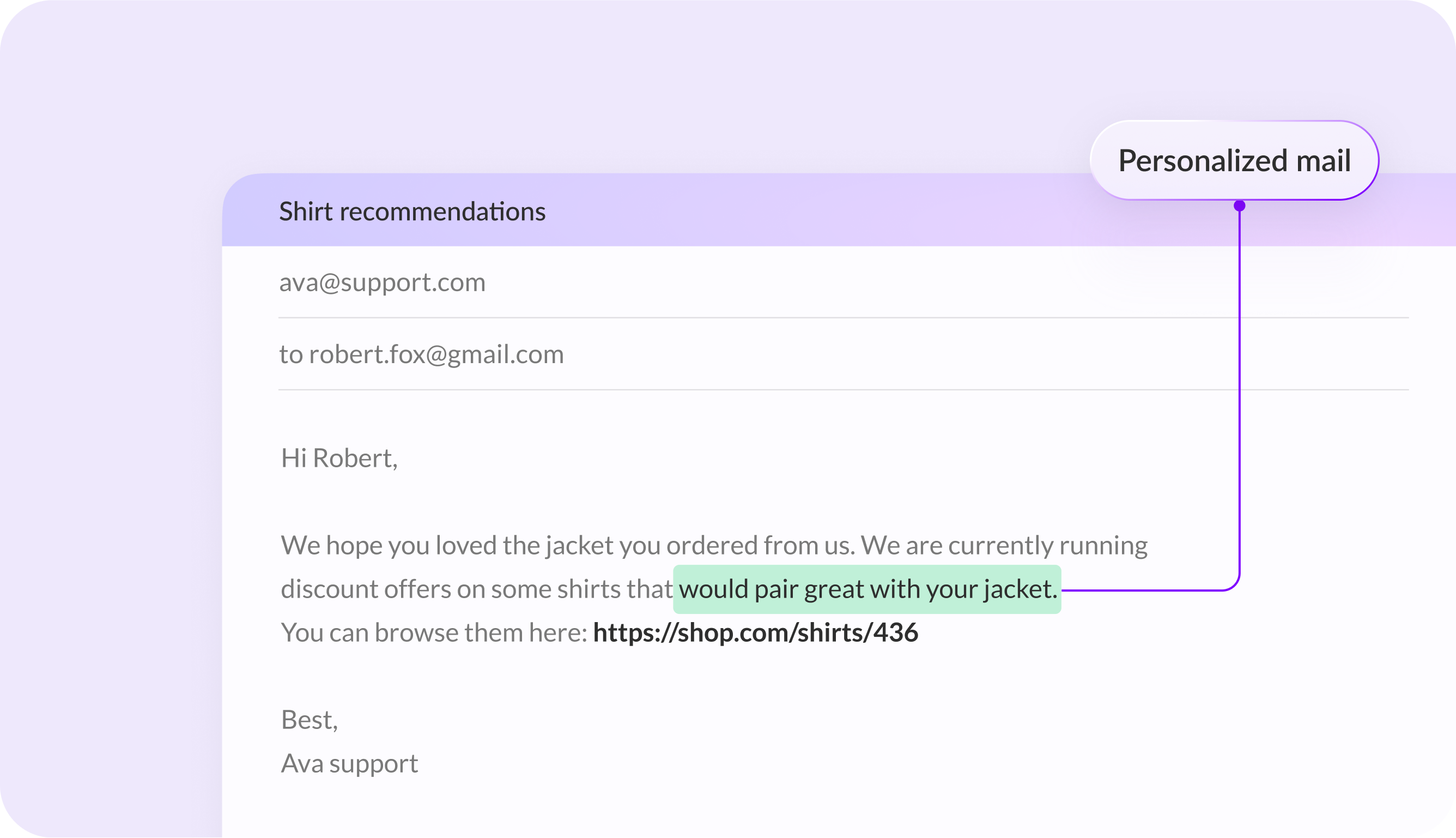
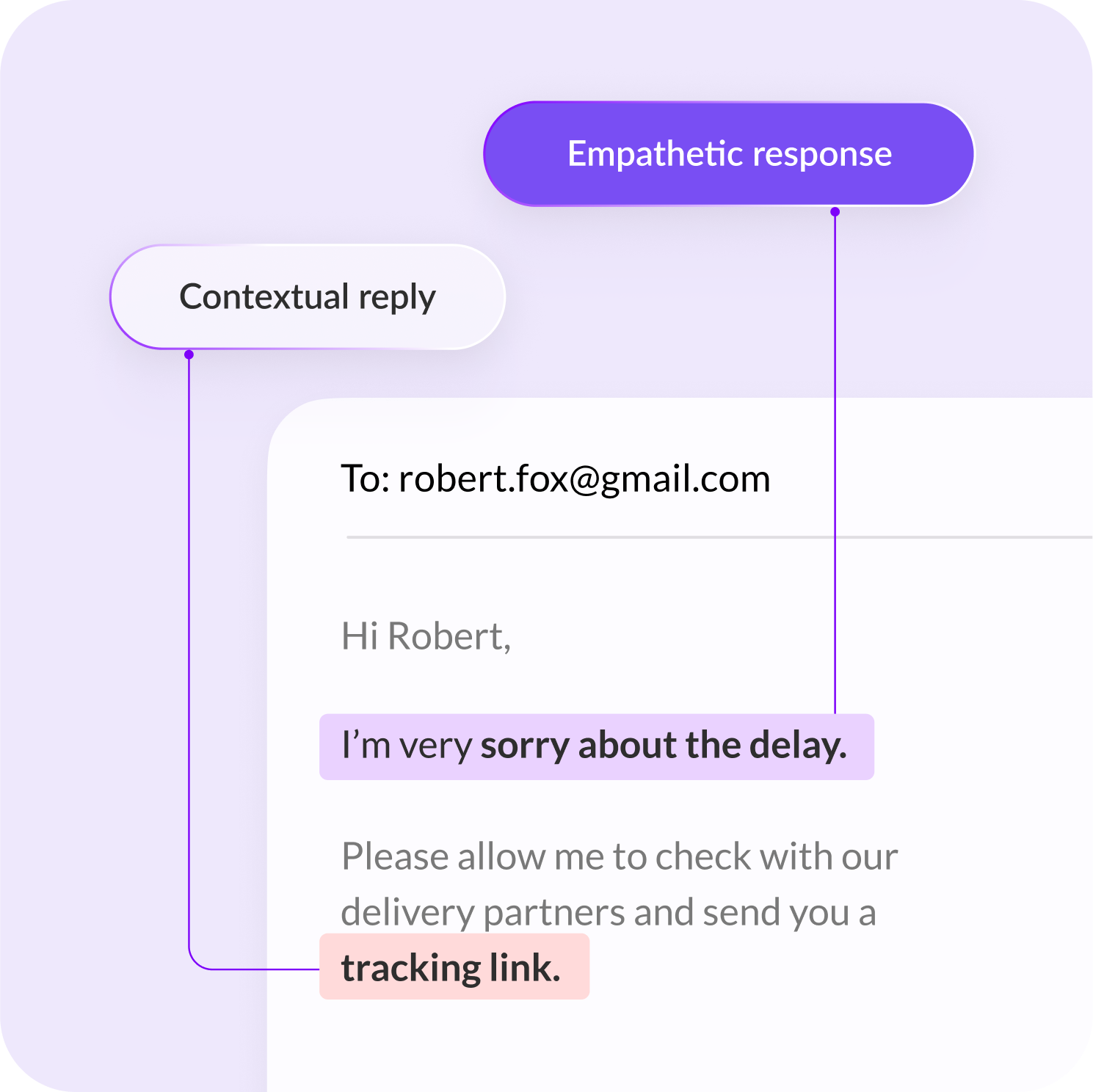
Generate accurate, context-aware responses for faster resolutions.
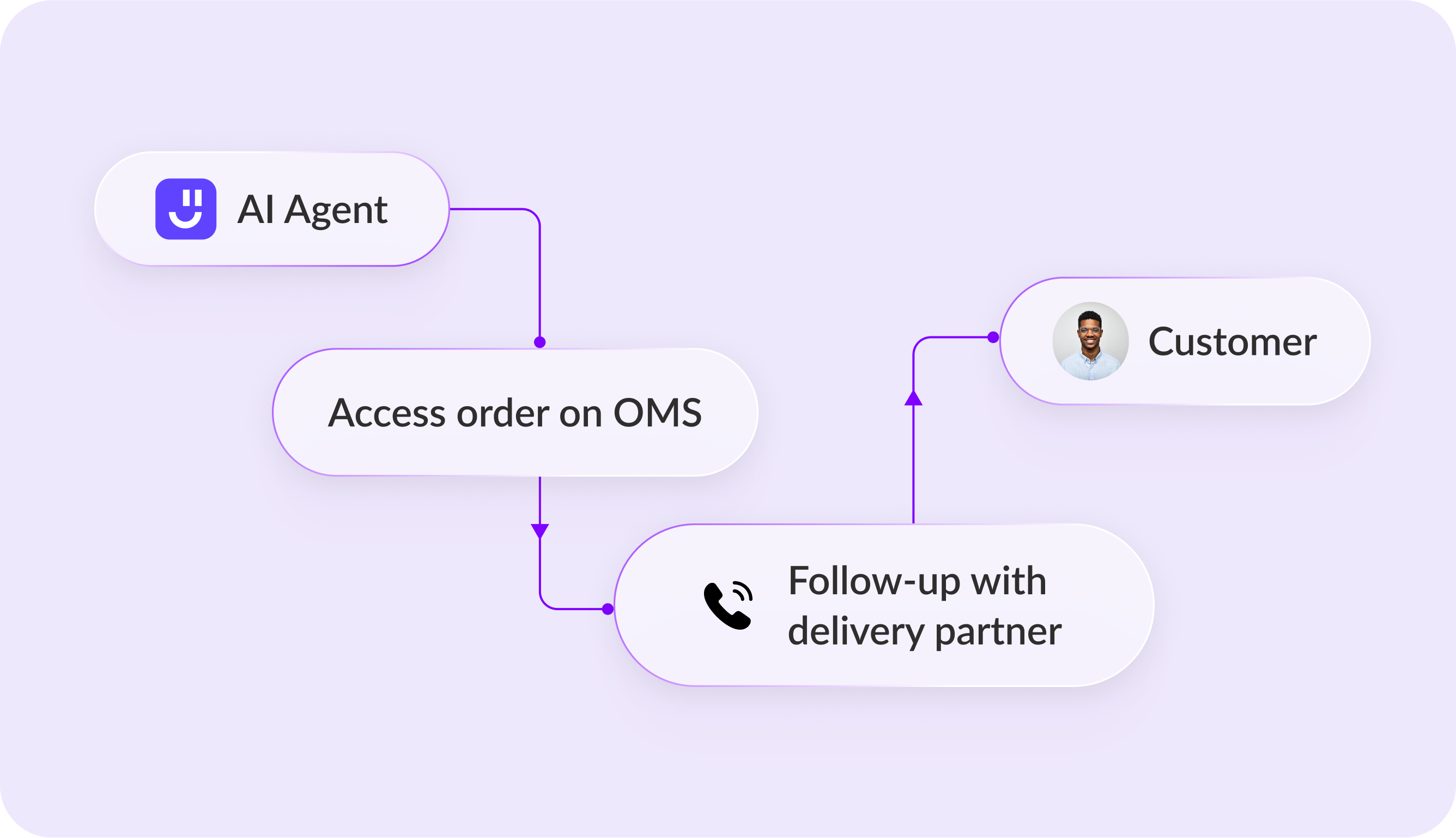
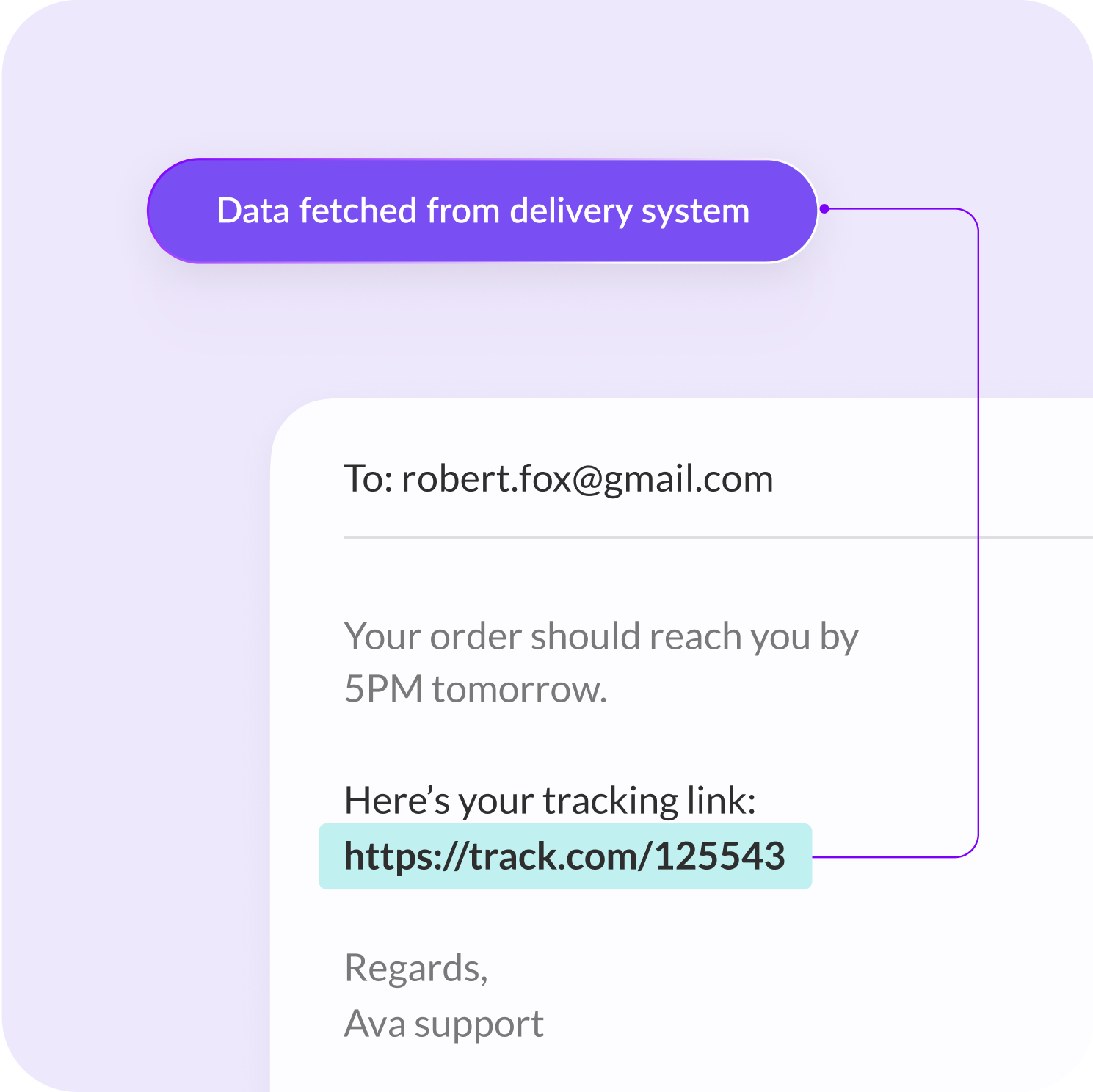
Trigger refunds, scheduling, tickets, and reminders seamlessly.


85%
Routine email tasks automated
3x
Resolutions through emails every day
1.5x
Improved response
Responder a todas las consultas por correo electrónico y alimentar las conversaciones con IA
Cree agentes de IA para asistencia y consultas instantáneas, directamente en su sitio web
Potencia las conversaciones de WhatsApp a escala con mensajería personalizada con IA
Consiga un asistente de voz humano y empático para responder a las llamadas de servicio 24x7
Añade widgets nativos de IA a tus aplicaciones para iOS y Android
Automatice tareas y conversaciones en sus canales de Slack con IA
You can reach out to us for queries via [email protected]
or to share feedback, contact us
What is an AI email assistant?
An AI email assistant handles incoming emails faster by drafting replies, summarizing long threads, and suggesting next steps. It can also support triage by classifying emails by intent and urgency, so your team spends less time on repetitive messages. Ai email assistant works similarly to our AI website chatbot that handles live visitor queries, but specifically for email conversations
How is an AI email assistant different from a regular autoresponder?
Unlike basic email autoresponders, an AI email assistant uniquely understands the email context. Then, it personalizes replies based on customer history and can handle complex queries. Thus, an AI email assistant works almost like an AI website chatbot but exclusively for your inbox, learning from available knowledge sources and improving over time.
How does AI for emails work for support teams?
AI for emails works by reading the email content and context, then generating a response based on your approved knowledge sources such as FAQs, policies, and past replies. It can route emails to the right queue, suggest accurate drafts, and escalate complex cases to humans when needed. Additionally, you can train it using AI Agent Studio using existing knowledge sources such as FAQs, policies, and even past emails.
Does Kaily’s AI email assistant support tagging and prioritization?
Yes. AI email automation software supports auto-tagging, prioritization, and routing based on intent, sentiment, urgency, and keywords. This keeps shared inboxes organized through Kaily's AI Helpdesk and helps human agents focus on high-impact conversations.
Can I use Kaily as an AI email manager for shared inboxes?
Yes, you can use Kaily as your AI email manager for shared inboxes. It smartly organizes incoming mails and drafts replies for faster resolutions. Kaily’s AI email assistant is exclusively designed to reduce backlog and improve response consistency, working seamlessly with Kaily's AI Helpdesk.
Does it support draft approval before sending emails?
Yes, if you enable approval workflows, the AI email assistant can generate drafts for agents to review and edit before sending. This is useful when you want control over tone, compliance, or sensitive customer conversations.
What kind of tasks can AI email automation handle?
AI email automation can handle repetitive flows like answering FAQs, requesting missing details, sending status updates, and triggering follow-ups. It can also initiate actions such as ticket creation, order checks, or routing to the right team, depending on the integrations you connect.
Is Kaily an email automation software or an email client replacement?
Kaily works as email automation software that adds intelligence and automation to your existing inbox or helpdesk. It is not meant to replace your email client. It helps you respond faster, manage volumes better, and automate routine email tasks.
Which tools can I integrate with for email automation workflows?
You can integrate the AI email assistant with CRMs, helpdesks, Slack, ecommerce systems, and internal tools through MCP so it can fetch context, update records, create tickets, and trigger workflows. Remember, integrations will be available depending on what you choose to connect during setup.
How does Kaily handle sensitive data and security for email?
Kaily lets the user control what sources the AI uses through MCP (Model Context Protocol) and what actions it can take. For AI email management, most teams restrict the assistant to approved knowledge and configure safe fallback behavior for sensitive topics, such as routing issues to a human agent.
What happens when the AI email assistant cannot answer correctly?
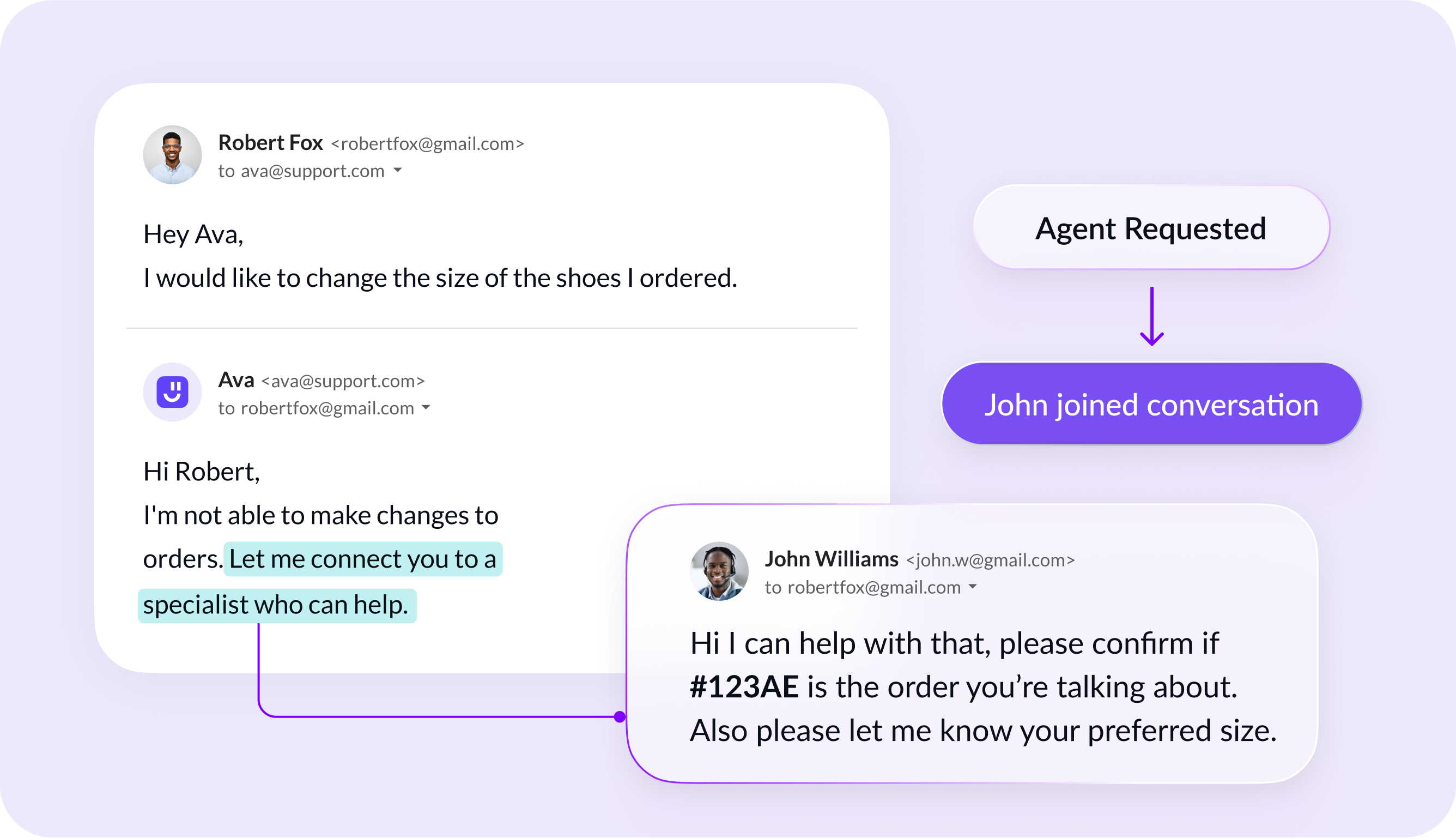
If the AI email assistant is unsure, it will ask for clarification or suggest a safe next step. For more complex cases, it may hand off to a human. Kaily’s AI email assistant is uniquely programmed to avoid confident wrong replies and ensure accuracy via human oversight in AI Helpdesk, especially for edge cases.