





Trusted by 100+ global brands














Read PDFs the smart way - use our AI chat with PDF tool for free
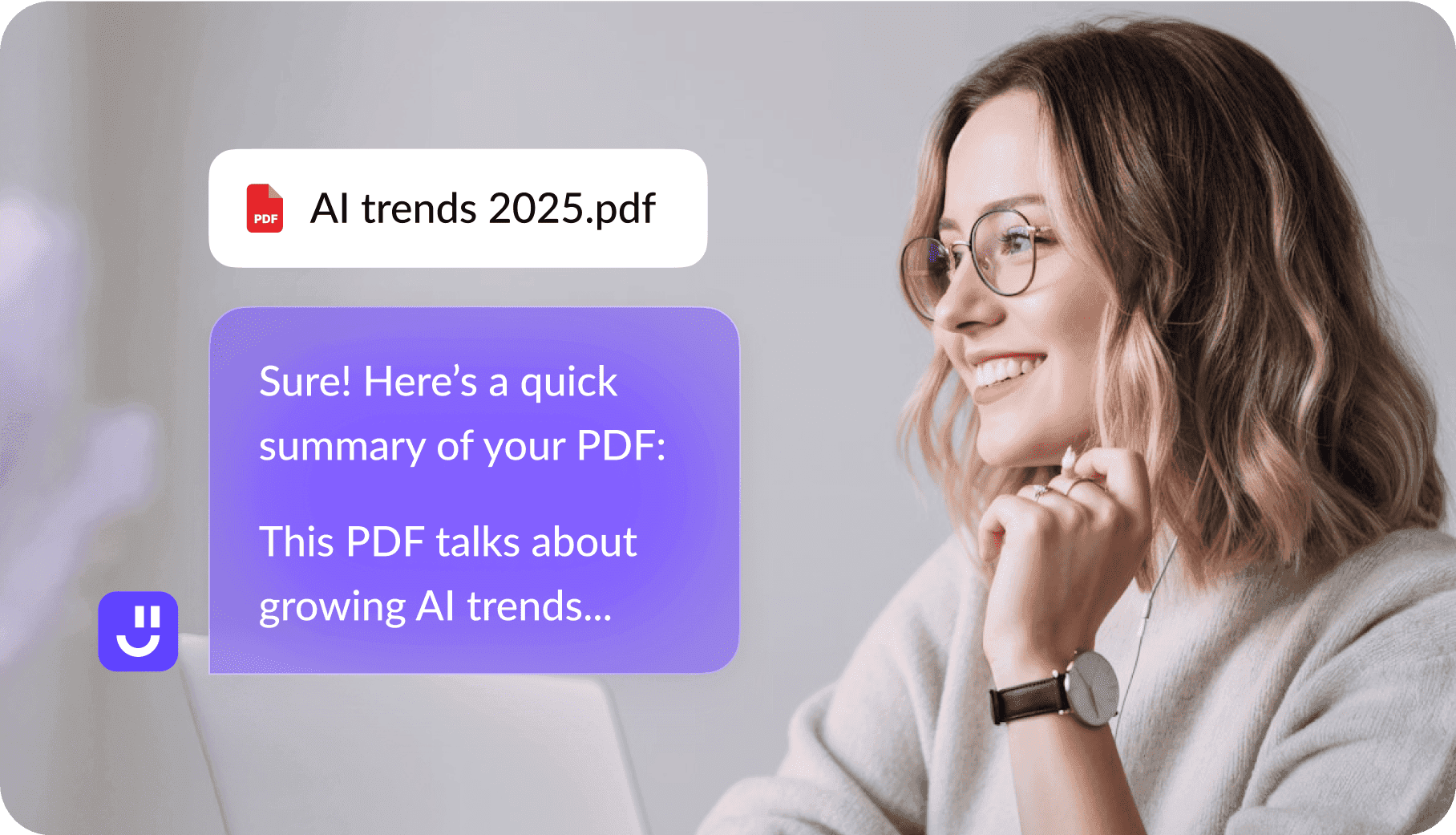
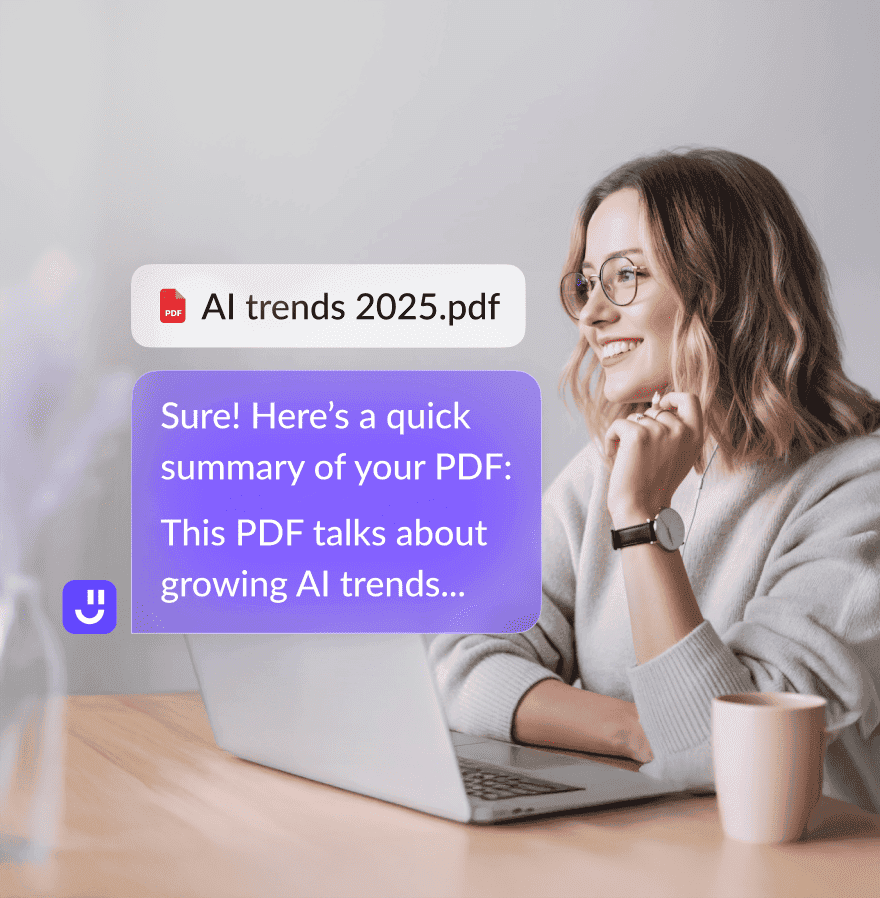
Summarize PDFs
Summarize entire PDFs or individual sections
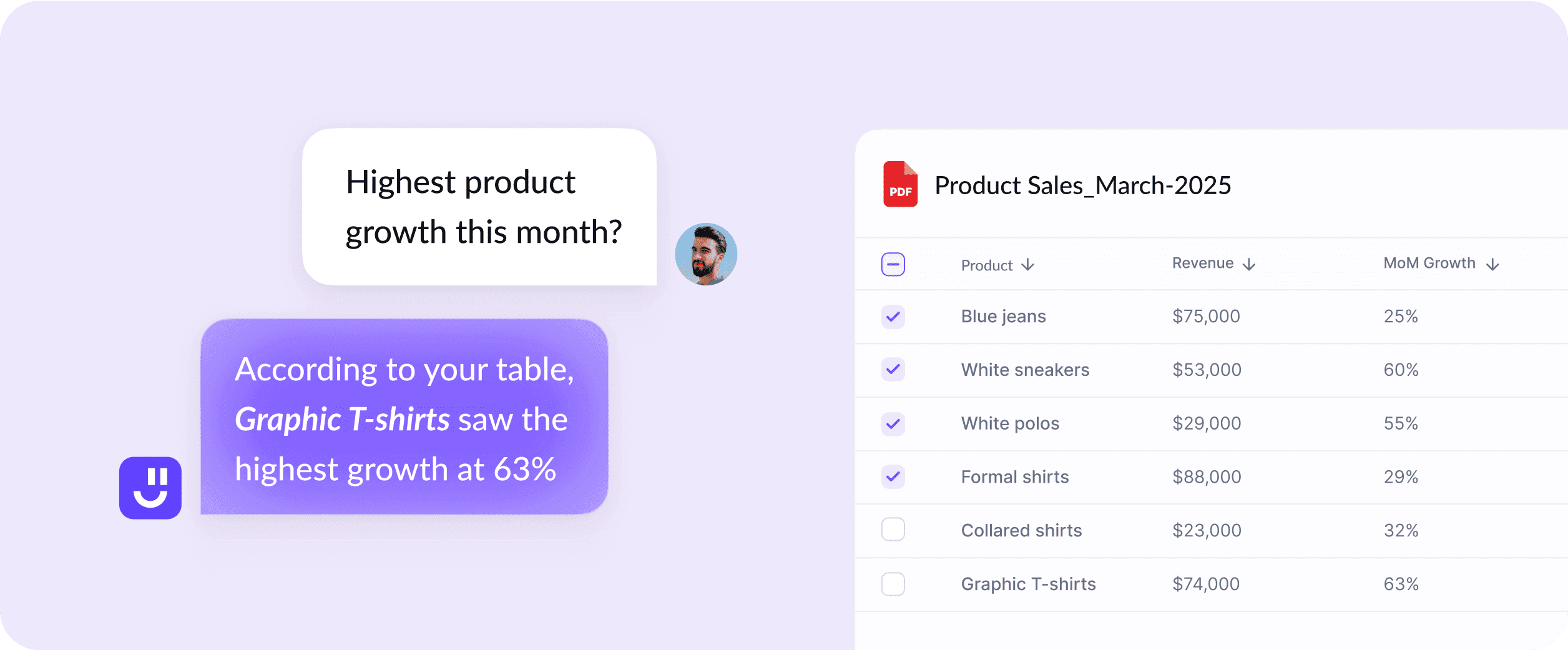
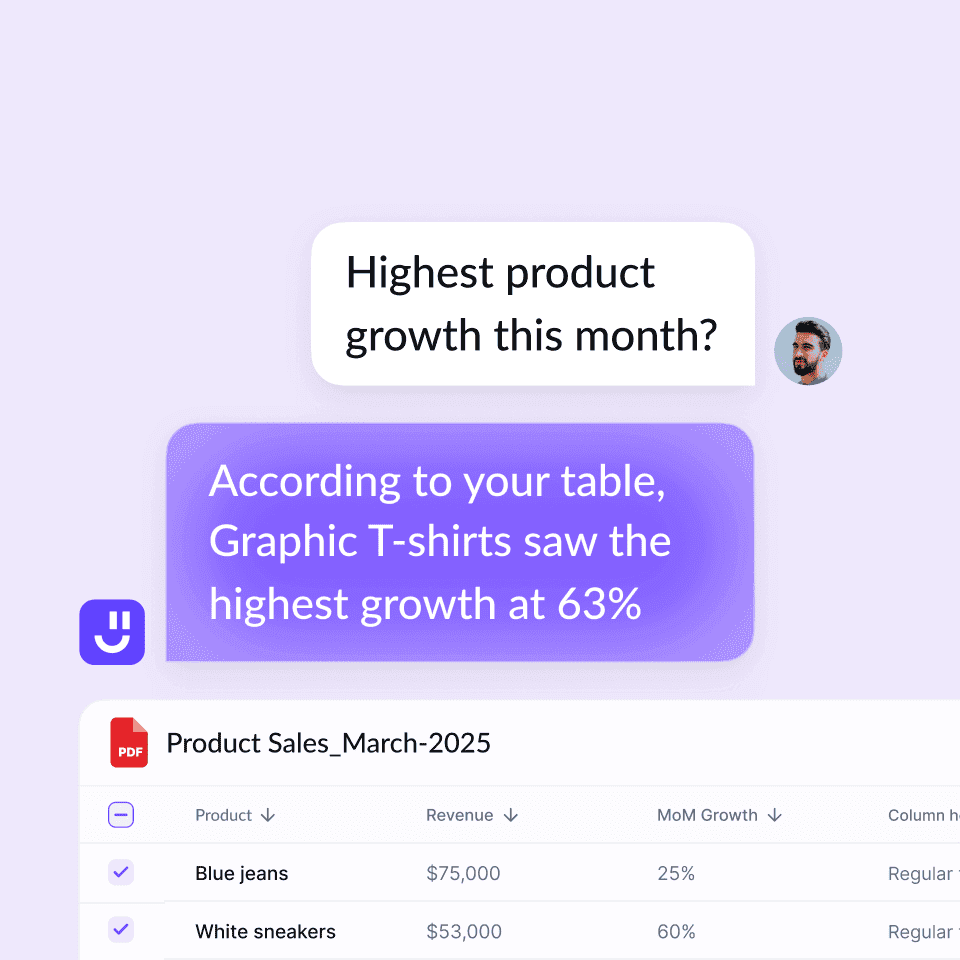
Analyze charts & tables
Chat with PDF to quickly interpret charts & tables and get insights
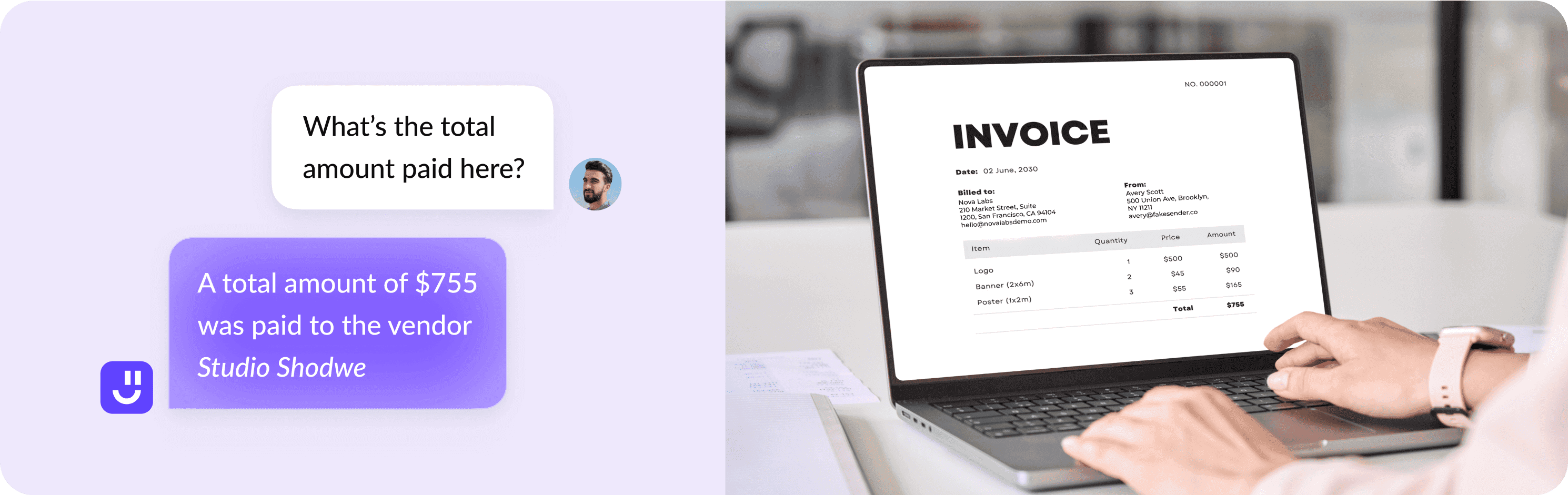
Extract data from images
Analyze images and infographics and get insights quickly

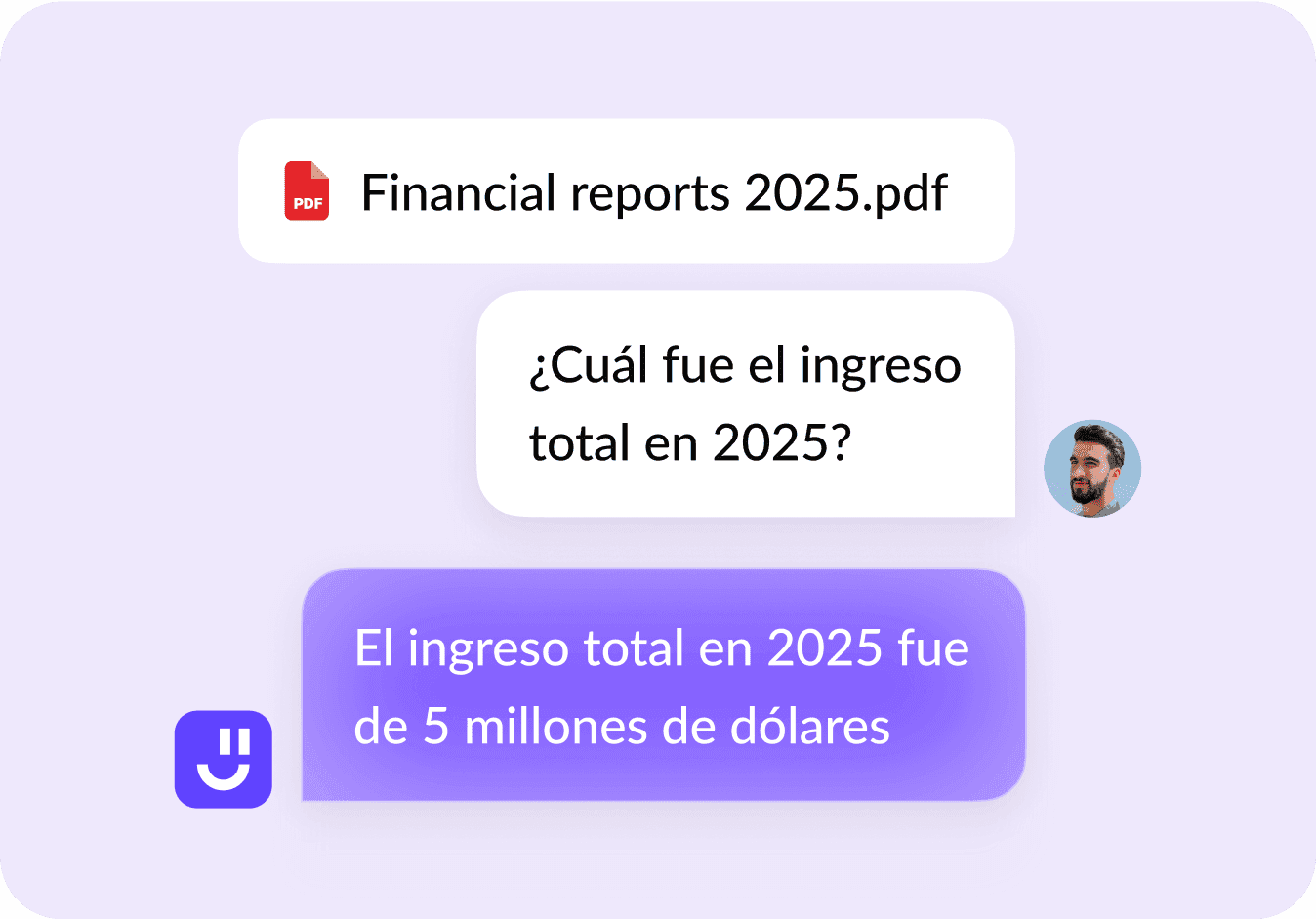
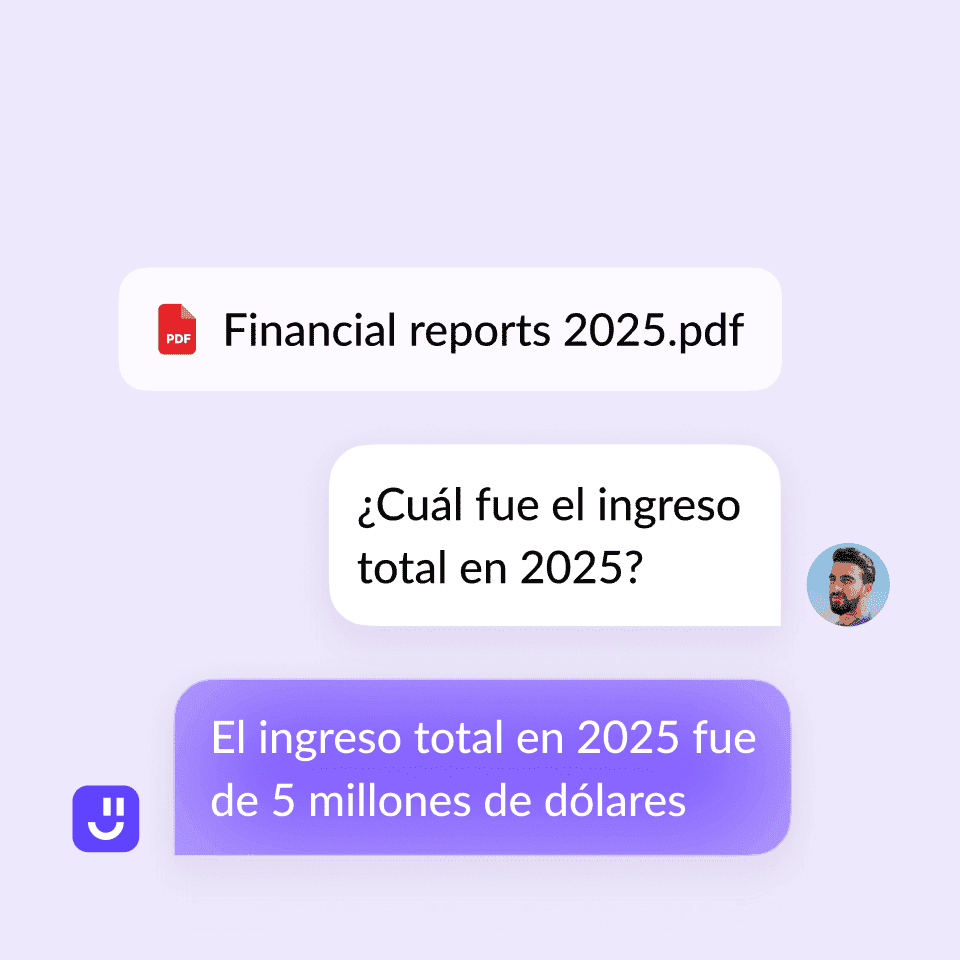
Translate PDFs
Get answers in your language
Who can benefit from AI chat with PDF tool?

Students & researchers
Upload your research papers and books to get insights, explanations, summaries, & citations

Lawyers & legal professionals
Scan your contracts, court statements, and case papers to get accurate answers quickly

Doctors & medical researchers
Quickly analyze medical papers to extract data and get insights about patient health via AI

Financial analysts & accountants
Analyze earning reports, balance sheets, and other docs to extract actionable insights

Business consultants & executives
Analyze market reports, proposals, presentations, pitch decks, and more

Journalists & writers
Extract data from research papers, books, and articles to ask questions and get quotes
Features of Al chat with PDF

Chat with any PDF
Reading through long PDFs is time consuming and frustrating. Instead, ask AI questions about your PDF like you were chatting with a person.

Instant summaries
Still reading research papers multiple times to make notes of important facts? Get quick summaries of long documents.

Navigate PDFs faster
No need to read everything or bookmark sections in your PDF. Just upload the PDF and ask our AI Chat with PDF tool anything about it.

Extract key data
Quickly need numbers, stats, or terms from multiple PDFs? Upload the files, ask the AI to compile the charts, and give you an analysis.

Supports all domain files
Work with any kind of PDF from academic papers, legal contracts, financial reports, to technical documents.

Simple, User-Friendly Interface
All you need to chat with a PDF is to upload the file, wait for the AI to process the PDF data, and start asking questions.

Cite Sources Automatically
Get answers with the exact page and line references from which the information comes so you can easily cross-check everything.

Available 24/7
Use the tool anytime, anywhere. Whether pulling an all-nighter or prepping for a morning meeting, it's always available to help.
Frequently Asked Questions


What is Chat with PDF AI and how does it help?
Is Chat with PDF AI completely free?
Can I chat with multiple PDFs simultaneously?
How does Chat with PDF AI work?
What file types can I upload?
Do I need to sign up to use Chat with PDF AI?
Can I upload multiple PDFs at once?
Is my data secure?
Can Chat with PDF AI help you understand different languages?
Can I use Chat with PDF AI on any device?
Upload your PDFs to get started
Chat PDF: How It Works, Best Tools & Real Benchmarks (2026 Guide)
What Is Chat PDF?
Chat PDF refers to a class of AI-powered tools that convert fixed, unchangeable, or uneditable Portable Document Format (PDF) files into interactive, conversational interfaces. Instead of flipping through pages manually to find important information, you simply type questions like “What are the key findings from section 2?” and the AI responds with answers based on the document’s content.
These tools are trending because they transform dense, time-consuming reading into instant insights, making complex documents easy to digest. Students, researchers, legal professionals, business analysts, and anyone who deals with large volumes of PDF content regularly use chat PDF tools widely.
How Chat PDF Works
To understand why chat PDF tools are effective, it’s important to break down their core components.
Step 1: OCR (Optical Character Recognition)
If your PDF contains scanned pages or images—such as photos of printed reports—the first step is to extract text from those images. OCR technology converts visual text into machine-readable content that the AI can process.
Step 2: Chunking
Once the text is digitized, the system splits it into smaller, logical pieces called chunks. This allows the AI to manage large documents efficiently and focus on relevant sections during query processing.
Step 3: Embeddings
The text is then converted into numerical representations called embeddings, which help the AI understand semantic meaning. These embeddings are stored in a vector database for fast and accurate retrieval.
Best Chat PDF Tool for Your Use Case
Different users benefit from chat PDF tools in different ways.
Students
Students often need help with long readings or extracting key points for notes and assignments. Chat PDF tools allow students to upload multiple files and ask questions across them without switching context.
Key Features
- Automatic summarisation of entire PDFs or specific sections
- Citations to support study notes
- Easy navigation through chapters and sections
Example Use Case You can also ask for flowcharts, additional references, or structured explanations, and the tool will extract and consolidate information accordingly.
- Upload all PDFs, papers, or reading materials.
- Ask: “What are the topics I need to prioritize, and what are their conceptual foundations?”
- Receive a concise summary highlighting priority topics along with clear, preliminary explanations for study.
Researchers
Researchers require high accuracy, traceability, and structured insights. Academic users benefit from chat PDF tools that can interpret complex text and return concrete findings backed by proper references.
Key Features
- Multi-document analysis
- Support for images, figures, and charts
- Language translation and export of insights
Example Use Case You’re researching folklore and need detailed comparison tables based on geography, culture, religion, and other social parameters.
- Upload all collected literature for review.
- Ask for a detailed comparison table based on predefined parameters, or let the tool generate parameters automatically.
- The tool performs comparative analysis across all documents, presents an overarching table, and highlights insights where direct comparisons don’t apply—helping you complete your literature review faster.
Legal Professionals
Legal use cases include varying content from contract reviews to case briefs. Accuracy and detail are paramount in this field.
Key Features
- Precise extraction of clauses and obligations
- Reliable citation to support legal reasoning
- Strong handling of multi-column and dense layouts
Example Use Case You need to review multiple medium-length (20-50 pages) contracts for an urgent deadline.
- Upload the contracts to the tool.
- Ask: “What are the key clauses and potential risks in each contract, and how do they compare with one another?”
- Let the tool comb through all the contracts and present you with separate summaries highlighting clauses. It also runs a risk analysis to spot potential loopholes in each contract. The comparison table provided by the tool can help check for inconsistencies and maintain quality.
Business Users
Business requirements often involve reports, proposals, and financial documents. Our tool can quickly interpret financial statements or executive summaries and help save time in analytical settings.
Key Features
- Data extraction
- Summaries tailored to decision-making
- Cross-document insights for competitive analysis
Example Use Case You need to get insights from detailed financial reports to make better decisions in the next quarter.
- Upload the financial reports to the tool.
- Ask for a critical analysis based on market trends, growth indicators, and risk profiles.
- Let the tool provide you with a prompt summary based on the parameters mentioned in your question. It furnishes you with additional flowcharts and insights about effective strategic goals to promote improved decision-making.
Enterprise
Enterprises commonly need advanced user management and compliance reporting alongside powerful document processing.
Key Features
- Collaboration and team features
- API or integration support
- Security, compliance, and data governance
- Scalable processing for large document collections
Example Use Case You have to analyze the records of specific patient groups and organize relevant literature based on their condition.
- Upload patient records of the target group in bulk.
- Ask: “What are the treatment protocols common across the records?”
- Let the tool provide you with a summary of the treatment protocols along with deviations, if any. Additionally, it will reference the relevant pages in the summary and attach related literature/medical journals in a systematic manner for your use.
Fundamentals to Look For In a Chat PDF Tool: Chat PDF Benchmarks
Selective parameters can help evaluate how well a chat tool performs.
Accuracy Our tool uses advanced OCR and semantic retrieval to ensure that answers are tied directly to text in the document.
Citations Citation support helps users verify accuracy independently. It attaches page references or context so you can see where the answer came from.
Speed Response time generally depends on document size and complexity. Our tool can process standard academic papers or business reports in seconds.
Max Pages Our platform allows multiple PDFs in one chat session, which is crucial if you are comparing documents.
OCR Quality OCR determines how well scanned text, images, and charts are transcribed into usable content. Our advanced solution tends to perform better with complex layouts and visuals.
Step-by-Step: How to Use Our Chat PDF
Here is how to use our chat PDF tools:
1. Upload Drag and drop your PDF file(s) into the tool interface.
2. Ask Questions Type your query. For example:
- “What are the key findings from section 3?”
- “Summarize all mentions of revenue in the document.”
- “Translate the conclusion to English.”
3. Verify Answers Check citations or page references provided with answers. This helps ensure accuracy before using the information.
4. Export You can copy your summarized notes, charts, or extracted data for presentations, reports, or study guides.
Chat PDF for Different Workflows
Different industries and workflows benefit from our chat PDF tool differently.
Legal & Contracts Use our chat PDF tool to:
- Extract key clauses like termination conditions
- Compare contracts side-by-side
- Summarize long legal language into easy-to-understand terms
Academic Research Researchers can:
- Summarize papers across disciplines
- Cross-reference findings
- Extract citations for literature reviews
Business Docs & Reports Business users can:
- Pull numerical or financial data
- Summarize marketing reports
- Translate international reports
Customer Support KB Turn support manuals into searchable chat resources to help answer customer queries more accurately and quickly.
Summaries & Extraction From grant proposals to training manuals, turn fixed content into actionable insights by extracting key data points.
Security, Privacy & Compliance
Managing document content responsibly is vital, especially for sensitive information. Always review privacy policies and compliance, especially if you work with legal, financial, or proprietary documents. Secure AI PDF chat tools should ensure that your document content is processed confidentially and not repurposed without your consent.
Our tool ensures encryption and safeguards uploaded content during processing.
Advanced Guide: Prompts, Tips & Troubleshooting
To get better responses from our chat PDF tool:
Use Specific Prompts Vague questions lead to vague answers. Instead of asking “Summarize this,” try:
- “Summarize key points from sections 2 and 3.”
- “List all financial figures mentioned from pages 10 to 20.”
Ask Follow-Ups If something is unclear, ask follow-up questions to expand on initial answers.
Handle Hallucinations If an AI tool returns incorrect information:
- Rephrase your question
- Ask for source references
- Break the question down into smaller pieces
Pricing Breakdown & Cost Optimization
Chat PDF tools vary widely in pricing:
Free vs Paid Free tiers let you explore basic functionality, often with limits on the number of uploads, pages, or queries. Paid versions typically expand:
- File size limits
- Number of PDFs
- Query allowances
Page, File & Query Limits Before choosing a tool, understand:
- Maximum pages per upload
- Daily query limits
- File size caps
API Usage If integrating into apps, check how API usage is priced. Pay-per-call models can add up with heavy use.
How Fynd Kaily Excels?
We deliver essential benefits and smart features without any cost. Upload multiple files, ask questions, generate summaries, analyze charts, extract key data, and complete more tasks on Fynd Kaily. No need to sign up, subscribe, install, or download anything—simply land on Fynd Kaily, upload your PDF, and interact.
Limitations of Chat PDF: Resolve with Fynd Kaily
Common limitations include:
- Scans & Poor Formatting: Tools can misread poorly scanned pages or complex layouts.
- Images: Extraction may be imprecise without advanced OCR.
- Context Length: Very long documents may exceed processing limits, forcing chunking that loses some context.
What Fynd Kaily Does? Fynd Kaily scans PDFs thoroughly and allows you to interact with different elements, including images. It supports long documents and multilingual content. Navigate through your PDFs, ask targeted questions, and enjoy smooth access and a hassle-free experience.
Top Pick for 2026
When choosing a chat PDF solution in 2026, consider what matters most—accessibility, accuracy, or advanced analysis.
Why Is Fynd Kaily a Strong Choice?
Fynd Kaily offers a chat PDF with advanced features and broad applicability:
- Smart PDF Interaction: Chat with PDF as if you are talking to a knowledgeable assistant.
- Instant Summaries: Summarize entire PDFs or focused sections without re-reading every page.
- Analyze Visual Data: Extract insights from charts and images.
- Multilingual Support: Get answers and even translations in your preferred language.
- Wide Usability: Students, researchers, lawyers, doctors, financial analysts, business executives, journalists, writers, and many more can benefit from the tool.
- Simple Interface and Accessibility: You get access to a user-friendly interface that works across devices with automatic source citations and 24/7 availability.
Comparison: Fynd Kaily vs. Other Chat PDF Tools
| Other Chat PDF Tools | Fynd Kaily |
|---|---|
| Primarily focused on PDF chat and summaries | Broader document interaction with task-oriented assistance |
| Mostly PDFs; some support multiple formats | PDFs, images, and text |
| Basic summaries and Q&A | Section-wise answers and structured summaries |
| Limited or tool-dependent chart interactions | Built-in chart interpretation |
| Citations may or may not be available | Supports citations |
| May or may not be multilingual | Supports multiple languages |
| Limited Integration | Designed to work across tools and platforms |
| Free plans with usage limits; paid plans required for higher usage | Free with no login required |
| Daily/monthly limits on PDFs, pages, or messages | No limits |
| Functions like a document tool | Feels more like an assistant helping complete tasks |